Gaming equipment, settings & ways to play

Featured guides

Build your setup

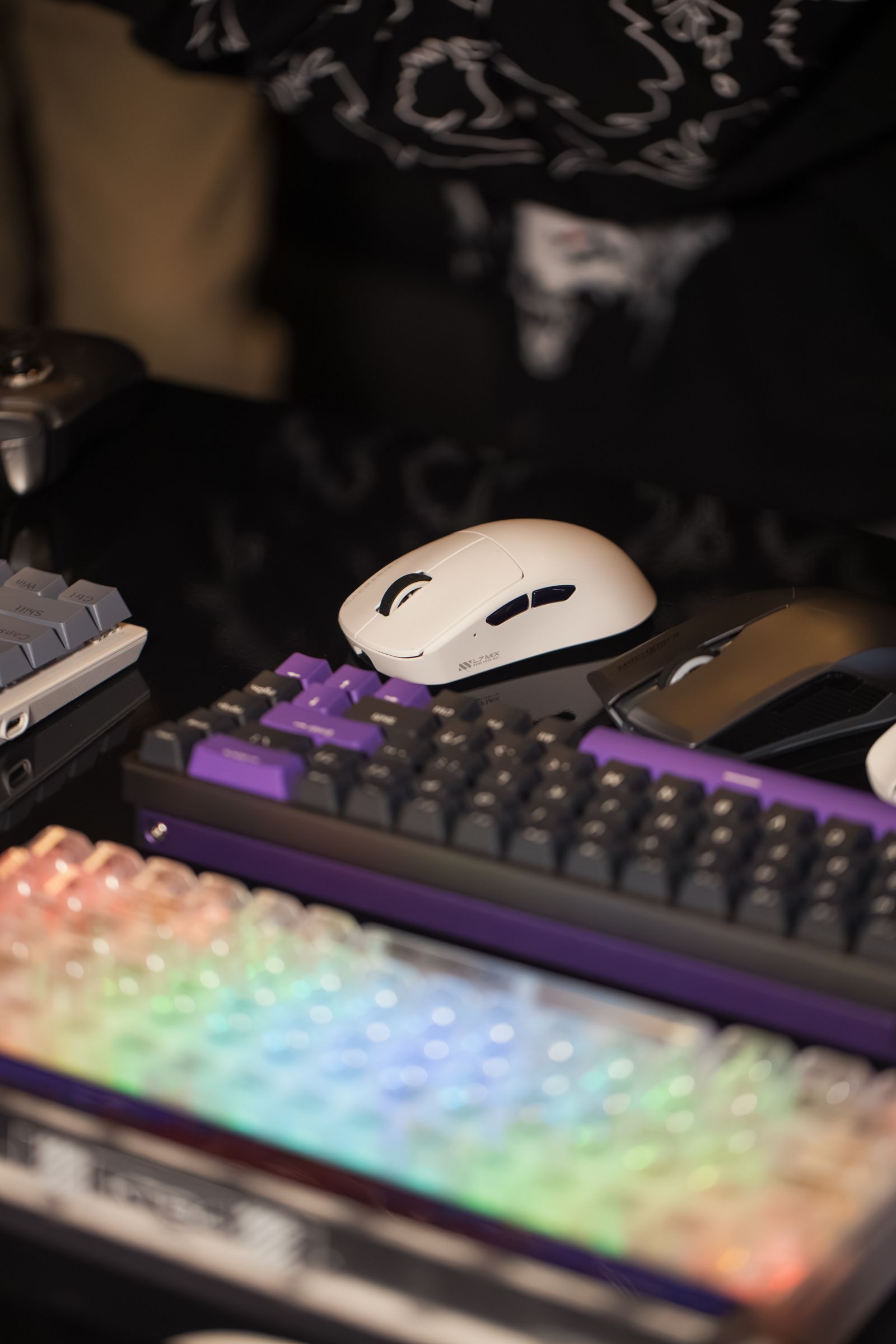
Several keyboards with different key layouts on display

Peripherals

Keyboard sizes and missing keys

Read guide

A smaller keyboard can create more mouse room, but its missing keys usually move into layers or shortcuts. Check those changes against the games and work you actually do.

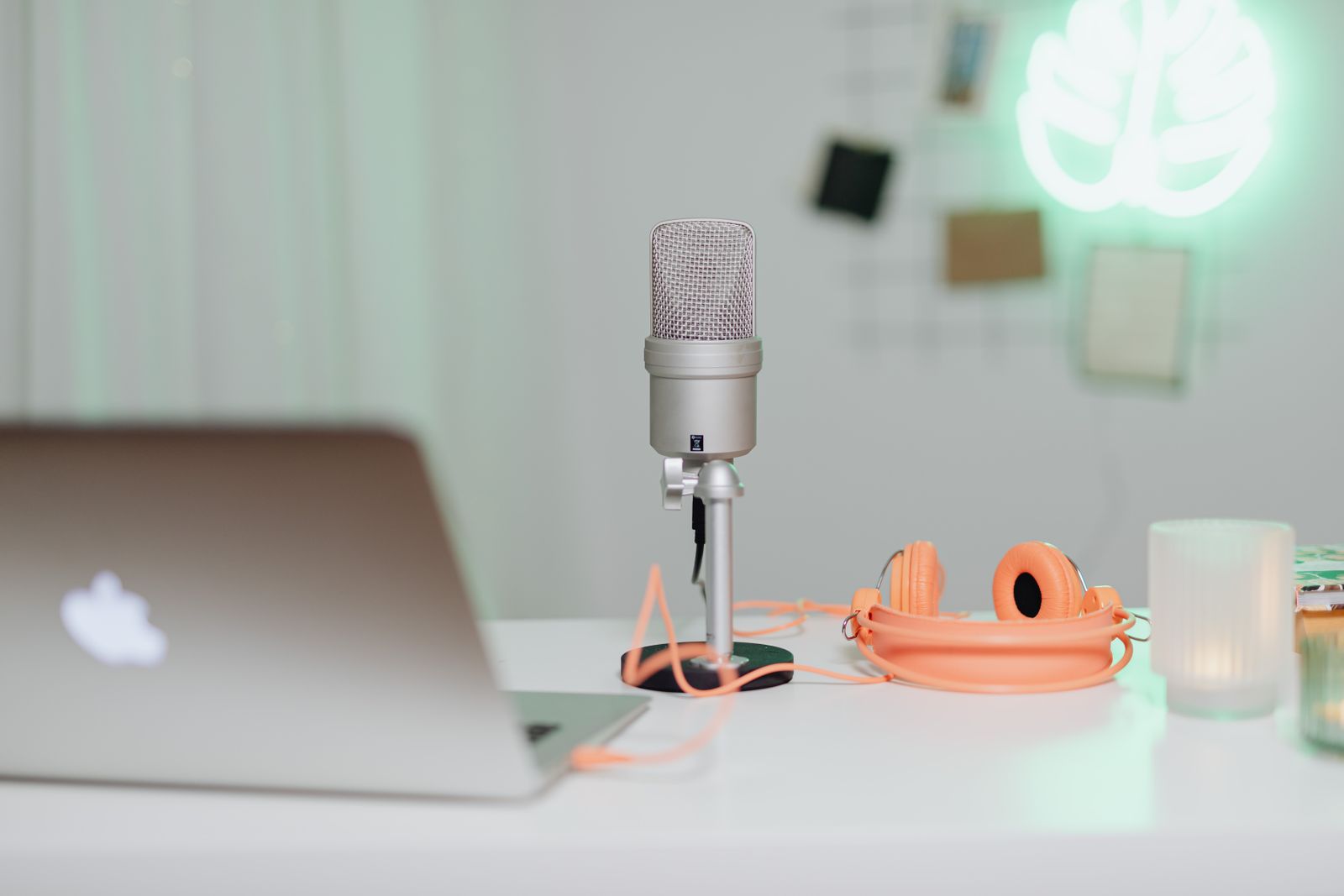
A separate desktop microphone beside a laptop and headphones
Peripherals

A separate microphone for game chat

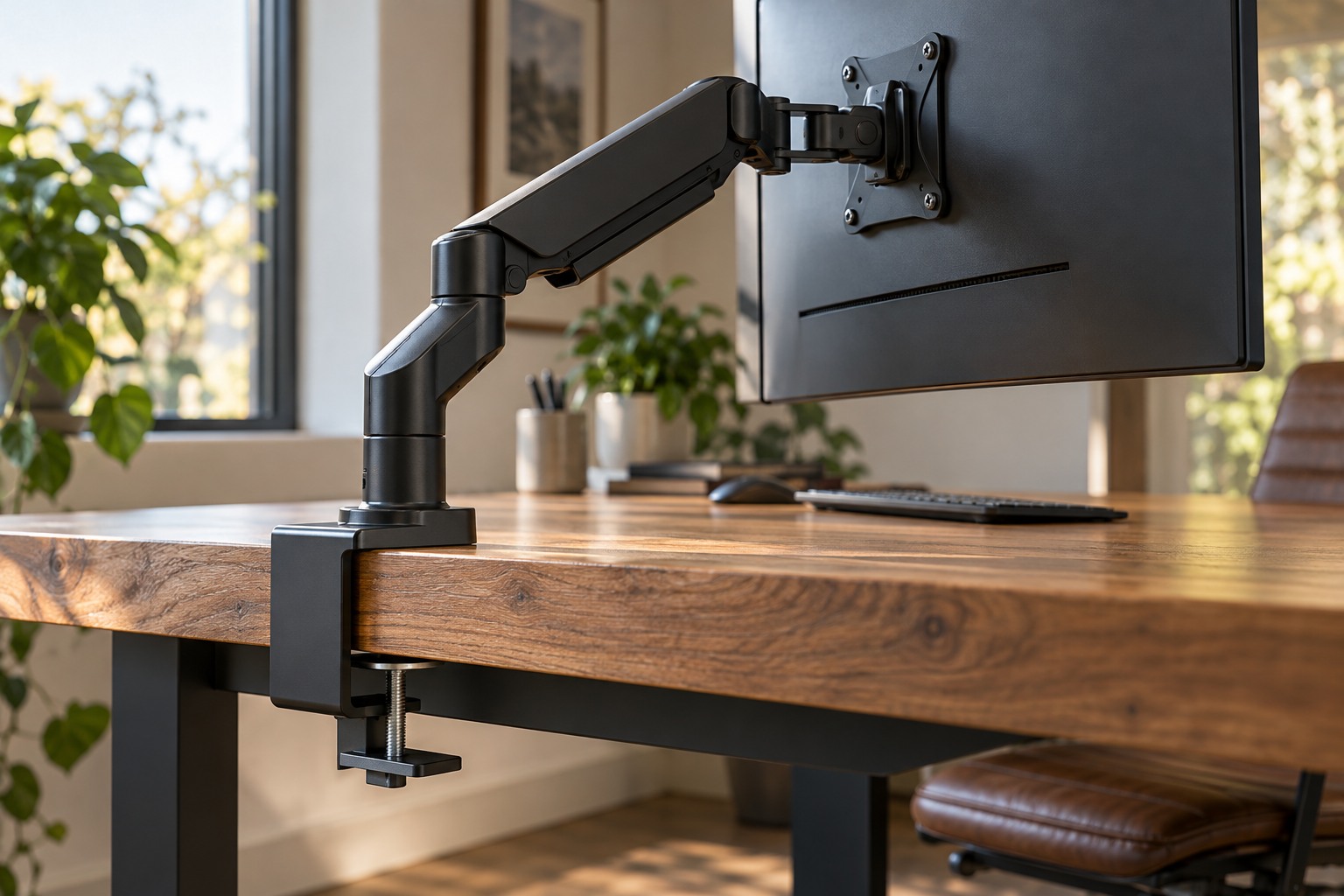
close side view of a monitor arm clamp secured correctly to a solid wooden desk edge
Desk & care

Monitor arms and desk clamp compatibility

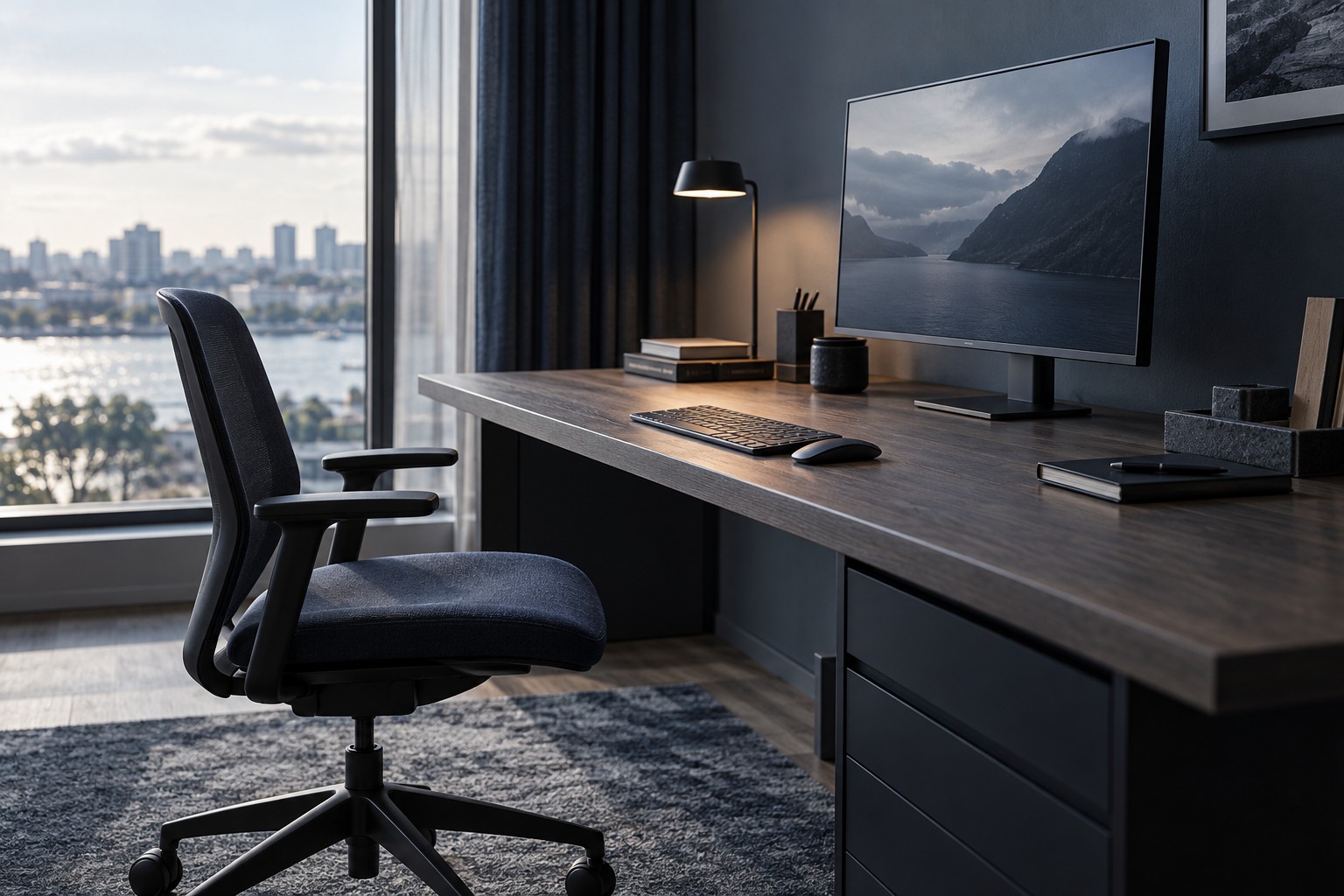
Monitor set toward the back of a deep desk with an empty chair

PC & displays

Monitor size and viewing distance

Read guide

Monitor size needs to work with desk depth and the distance at which you sit. A larger diagonal is useful only if the whole screen remains comfortable to view in the available space.

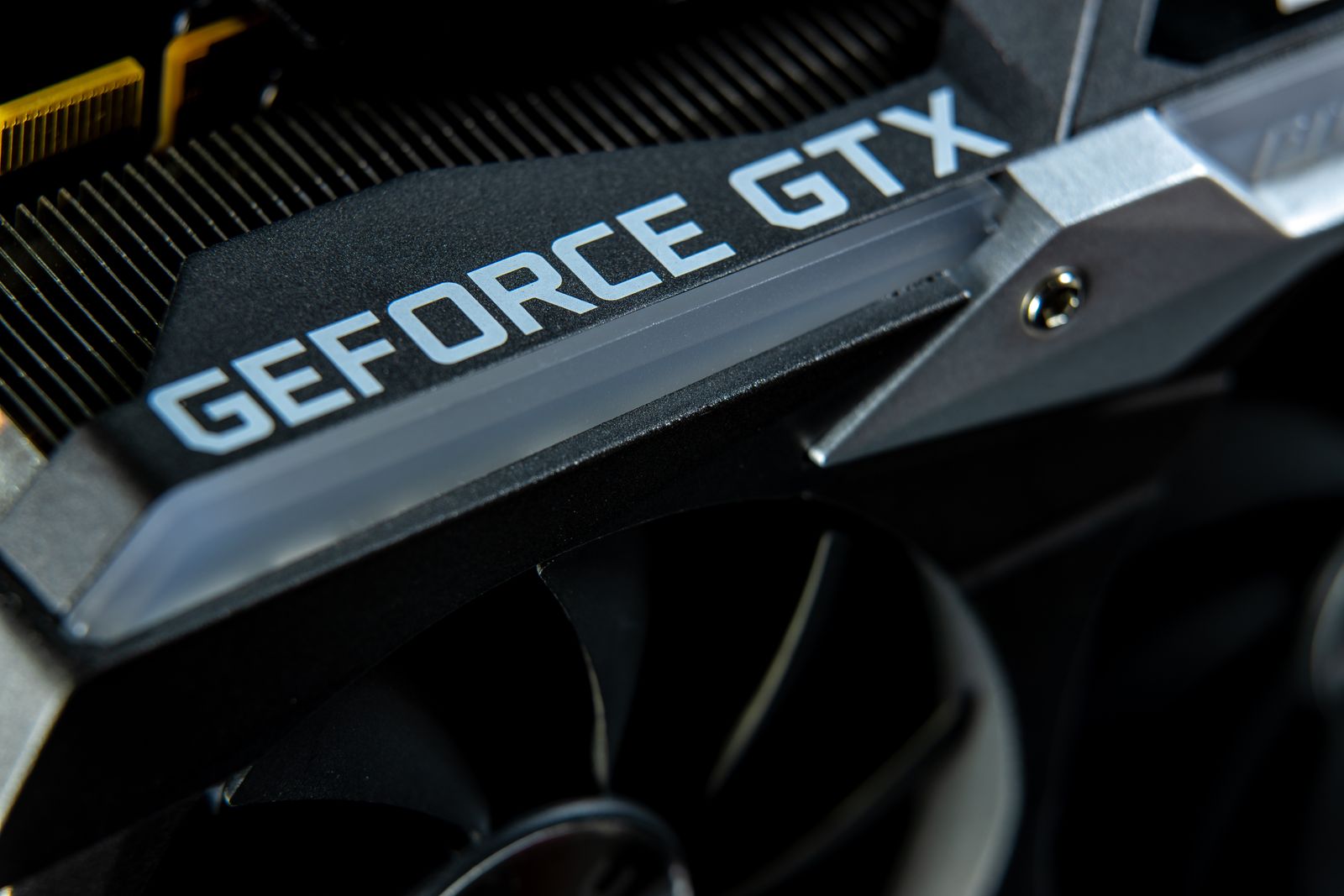
Close view of an installed graphics card and cooling heatsink
PC & displays

Graphics memory and game requirements

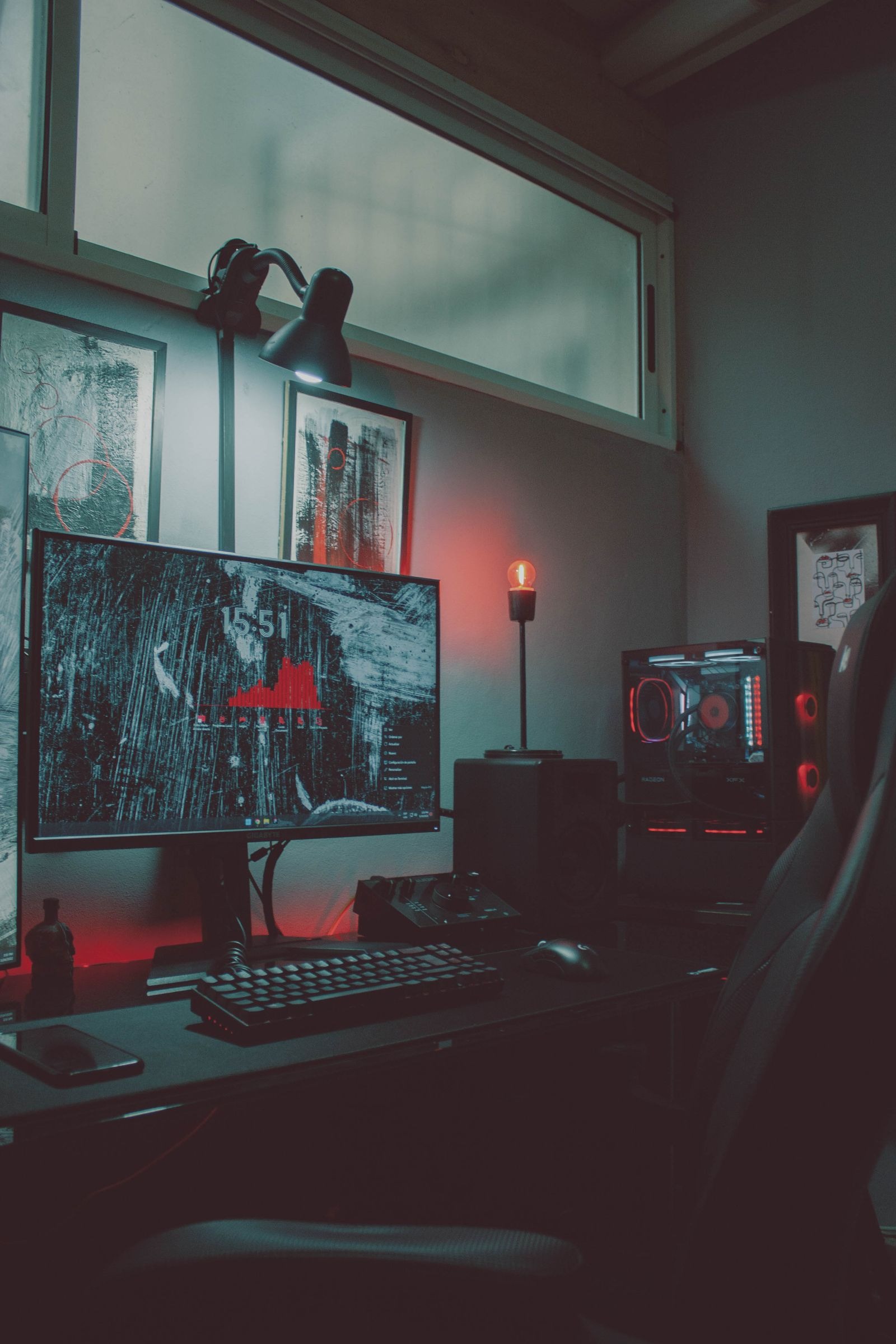
Desk lighting around a gaming setup
Desk & care

Lighting a desk without screen reflections

Away from the desk

Make the space work