Match the display mounting requirements
Check the monitor's weight without its original stand and compare it with the arm's supported range. Some adjustable arms have a minimum as well as a maximum load. Confirm the mounting pattern, required screws and any recessed area around the mounting points. Use the hardware specified by the monitor and arm instructions; a screw that fits the thread can still be the wrong length.
Consider the display's shape and depth, not only its diagonal. A deep or strongly curved panel can place its weight differently from a flat display. Use the arm maker's compatibility guidance for the exact model when available. Do not assume that an arm rated for a certain screen size supports every monitor with that diagonal.
Inspect the desk edge and underside
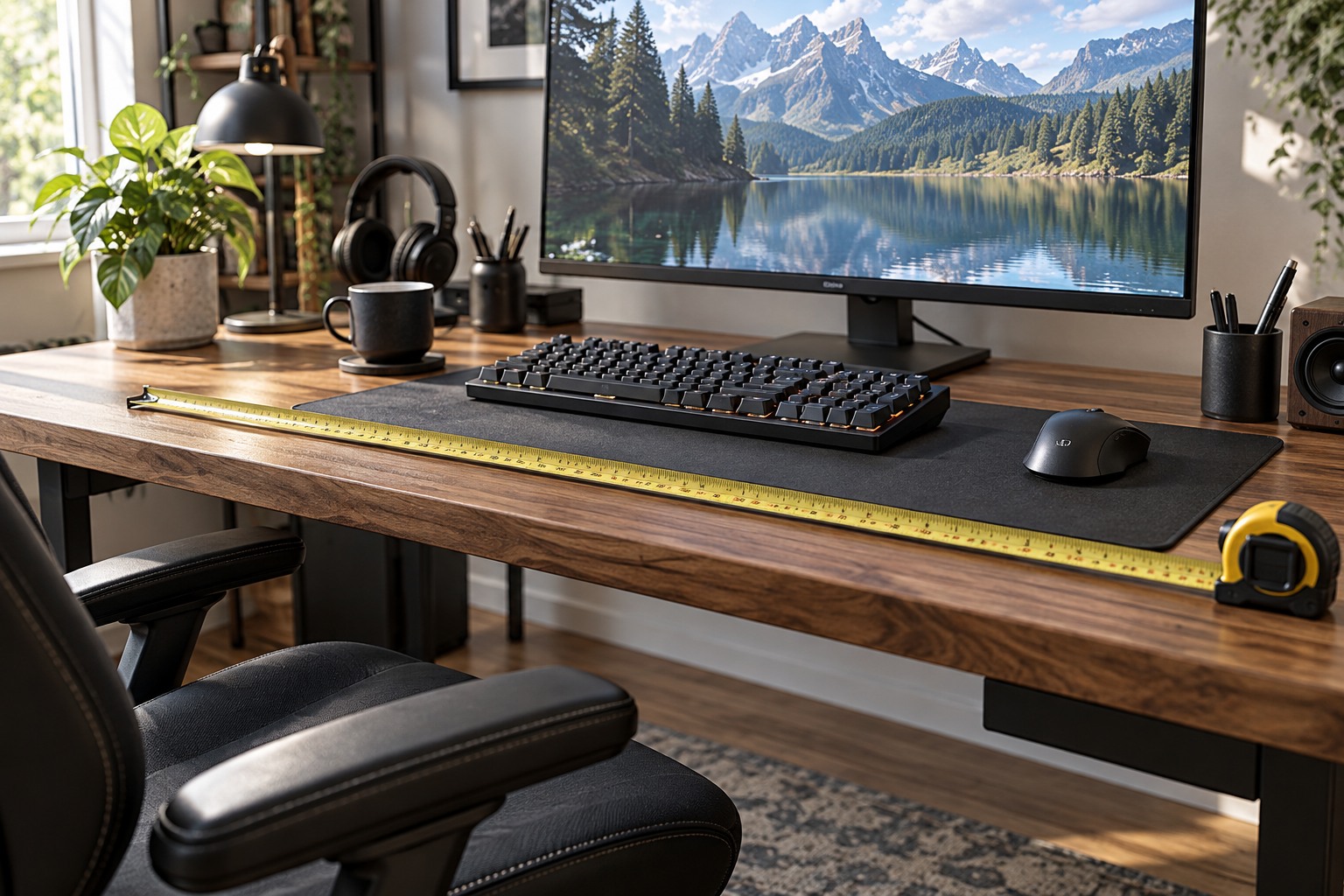
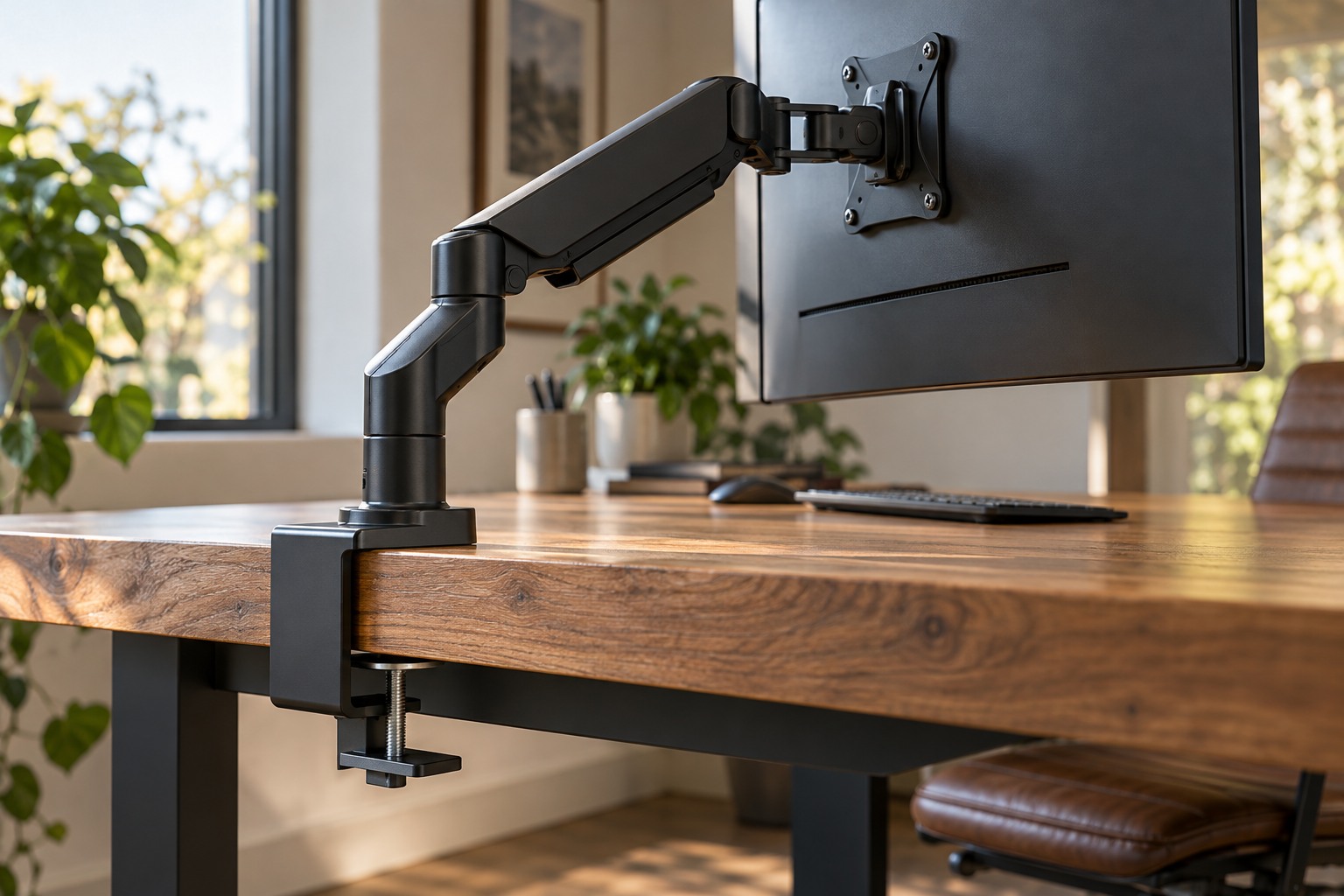
Measure the thickness where the clamp will actually sit, then look underneath for rails, drawers, bevels or cable channels. The clamp needs the contact and clearance described in its instructions. Ergotron's desk-attachment guidance illustrates how different clamp designs need different access around and below the edge. That is why a thickness measurement alone is incomplete.
Check the desk manufacturer's restrictions, particularly for glass, hollow-core or other constructions that may need a specific mounting approach. Do not improvise reinforcement from an unrelated piece of material and assume the load is now acceptable. If the desk or arm instructions do not establish compatibility, ask the manufacturer or choose a supported alternative.
A grommet mount uses a different attachment method and may require an existing suitable hole or an authorized modification. Do not drill a desk simply because a clamp is inconvenient without checking the structure and instructions. Plan the mount location around both support and usable screen position.
Plan movement before tightening everything
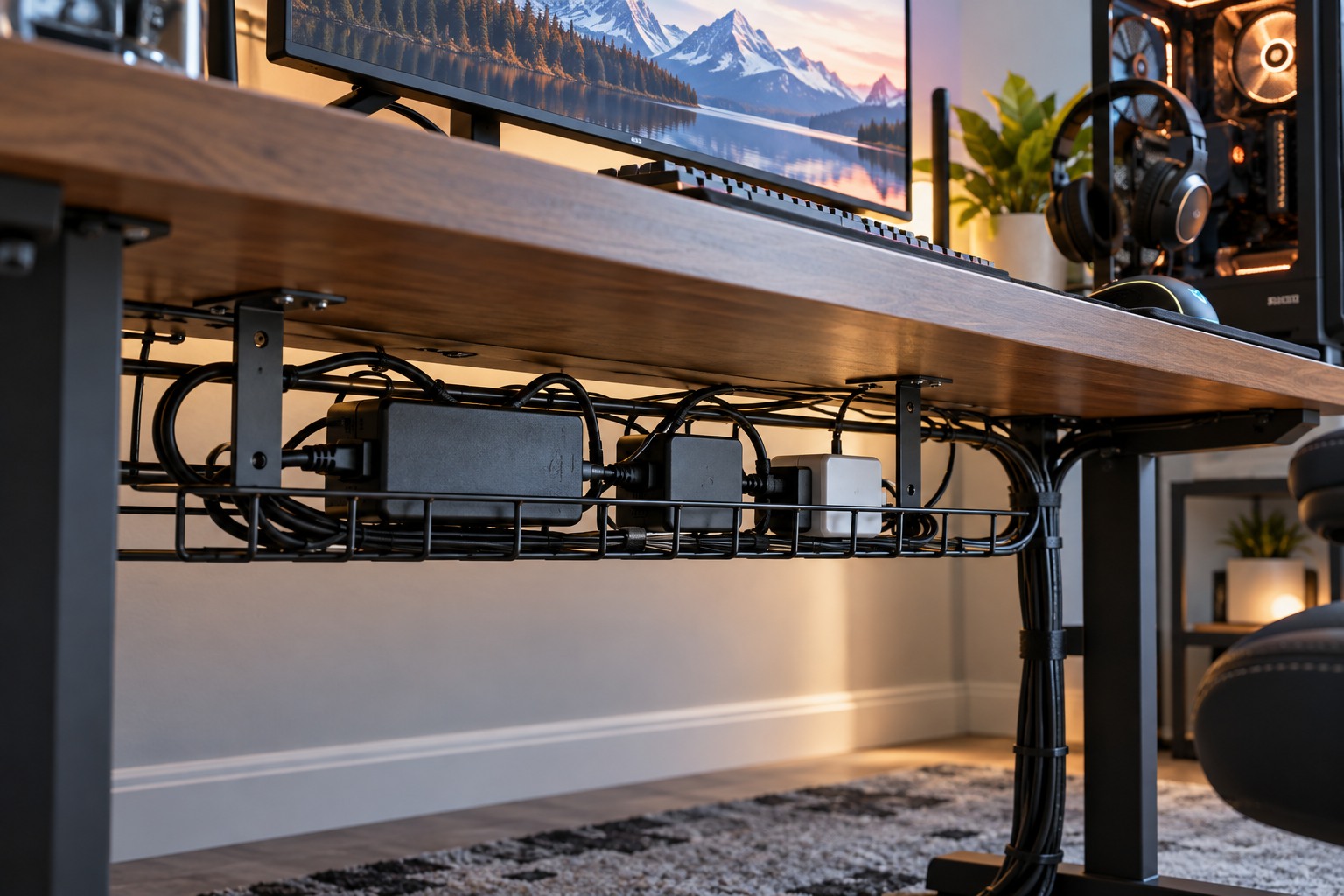
Sketch the arm's reach and the space needed behind the desk. Some arrangements project backward when the screen is moved away. Check that the display can reach the desired height and distance without hitting a wall, shelf or neighboring monitor. Include enough cable slack for the supported range of movement while keeping leads out of the joints.
Follow the installation order and any requirement for another person to support the display. Adjust tension only as directed and keep fingers clear of moving mechanisms. Once installed, move the screen carefully through the positions you intend to use, checking that the base remains secure and cables are not pulled tight.
Keep the original stand and mounting parts labeled in case the setup changes. Recheck the attachment according to the manufacturer's maintenance guidance, especially after moving the desk. A successful arm purchase provides the needed position and movement on a confirmed compatible surface; it is more than an opportunity to remove the visible stand.