Choose the location before the microphone
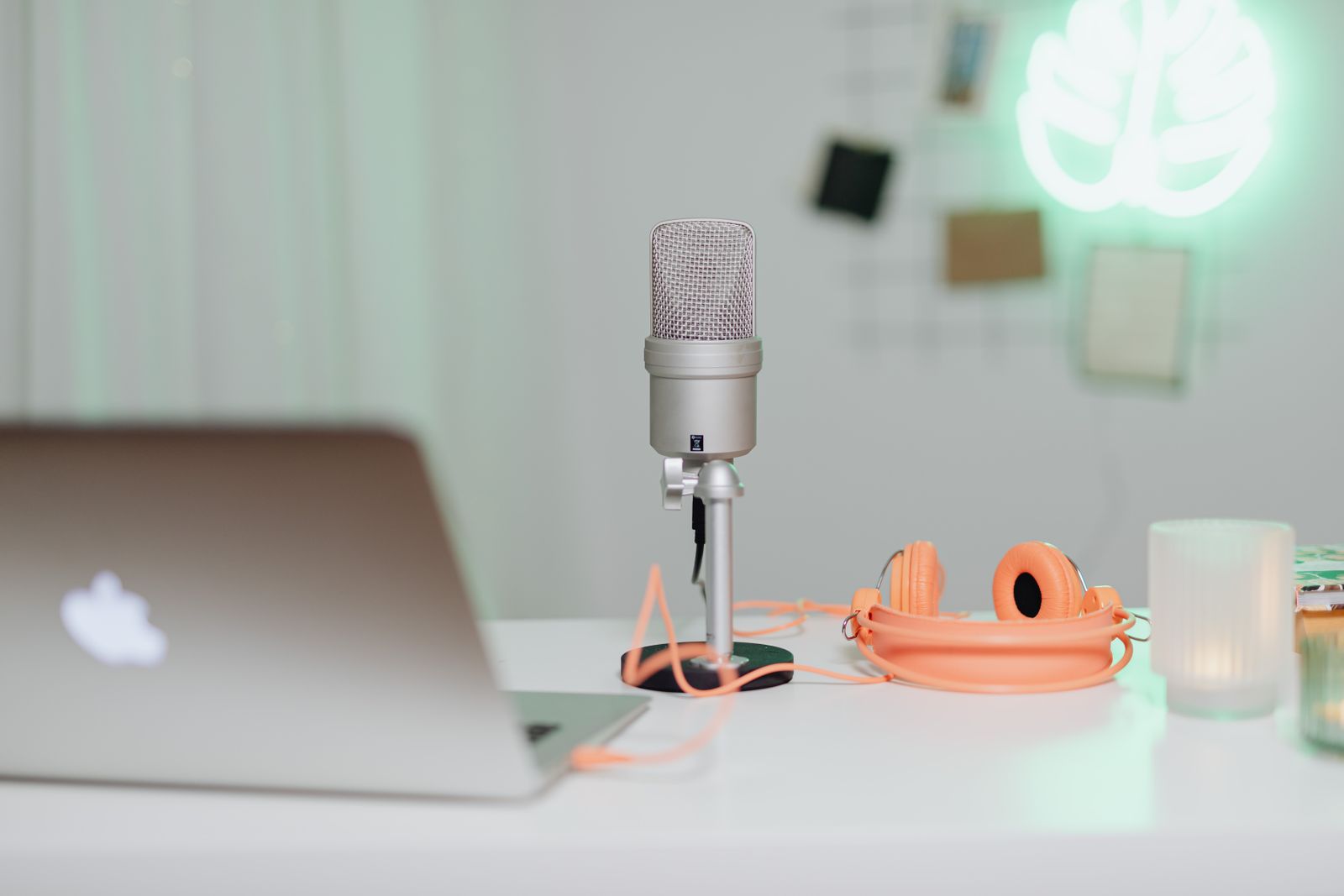
Sit at the desk and identify where a microphone could remain near your voice without blocking the screen or keyboard. A small desk stand may be simple, but it occupies surface space and can receive vibration from the desk. A boom arm moves the microphone off the surface, yet it needs a compatible mounting point and room to move.
Measure the route for the cable and check whether the microphone can stay in position when you turn toward a second display. A model chosen from a close-up product photograph may be larger than expected once its stand and cable are included. The usable footprint matters more than the capsule's diameter alone.
Match the connection to the existing equipment
A USB microphone can provide a direct computer connection, subject to operating-system and platform support. An XLR microphone normally requires an appropriate audio interface or mixer and the correct cable. Check any power requirement in the microphone's manual. Buying the microphone alone does not create a complete XLR recording path.
For voice chat, convenient monitoring and mute controls may matter more than recording features you will not use. If the microphone has a headphone socket, check whether it supports direct monitoring, computer playback or both, and how the balance is controlled. Do not assume that every socket provides the same function.
RØDE's background-noise guidance highlights placement as a central factor. A separate microphone is not automatically better at ignoring a keyboard simply because it is larger than a headset boom. Position it for the intended speaking side and distance, then test the room before adding processing.
Set up a repeatable chat test
Select the microphone explicitly in the chat application and record normal speech while using the keyboard. Listen for desk knocks, breath noise and changes when you lean back. Adjust position before raising gain excessively. The aim is a consistent voice level in your normal posture, not a setting that works only when you lean forward unnaturally.
Test the mute control and confirm its indicator from the seated position. If muting is handled in software, keep the shortcut accessible and make sure it does not conflict with a game action. A separate device adds another state to remember during calls.
Save the input choice and basic settings once they work. Keep the microphone secure when moving the desk or storing the arm, and follow the maker's mounting limits. A modest microphone placed well can be a more coherent chat setup than an elaborate device with no suitable place to sit.