Define the problem you are trying to solve
Decide whether the goal is clearer motion, more readable detail, steadier frame delivery or lower noise from the computer. Those goals can point toward different settings. A change that improves an average frame-rate number may not address a distracting hitch, and an attractive still image may conceal artifacts during movement. Write down the symptom in ordinary language before selecting a preset.
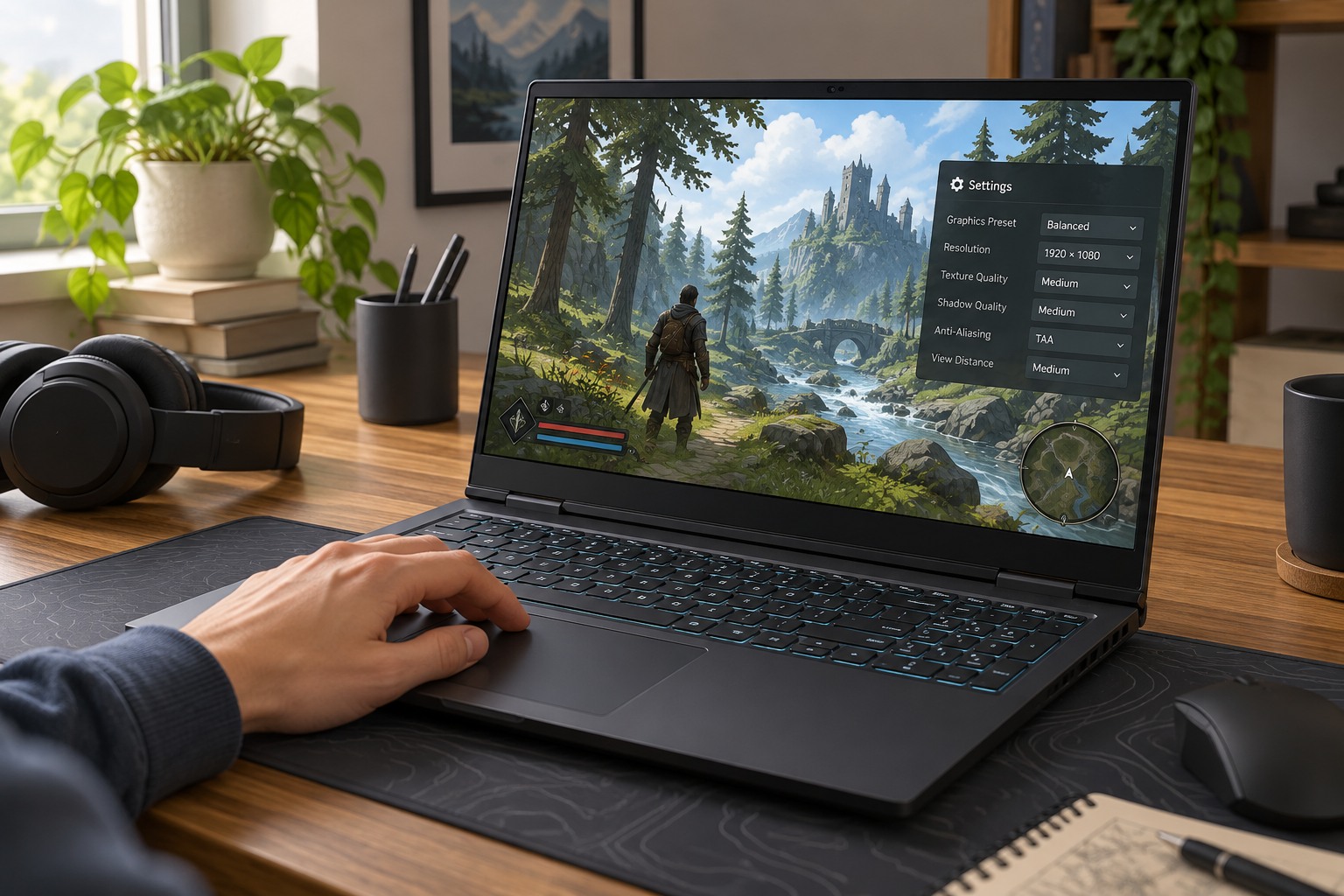
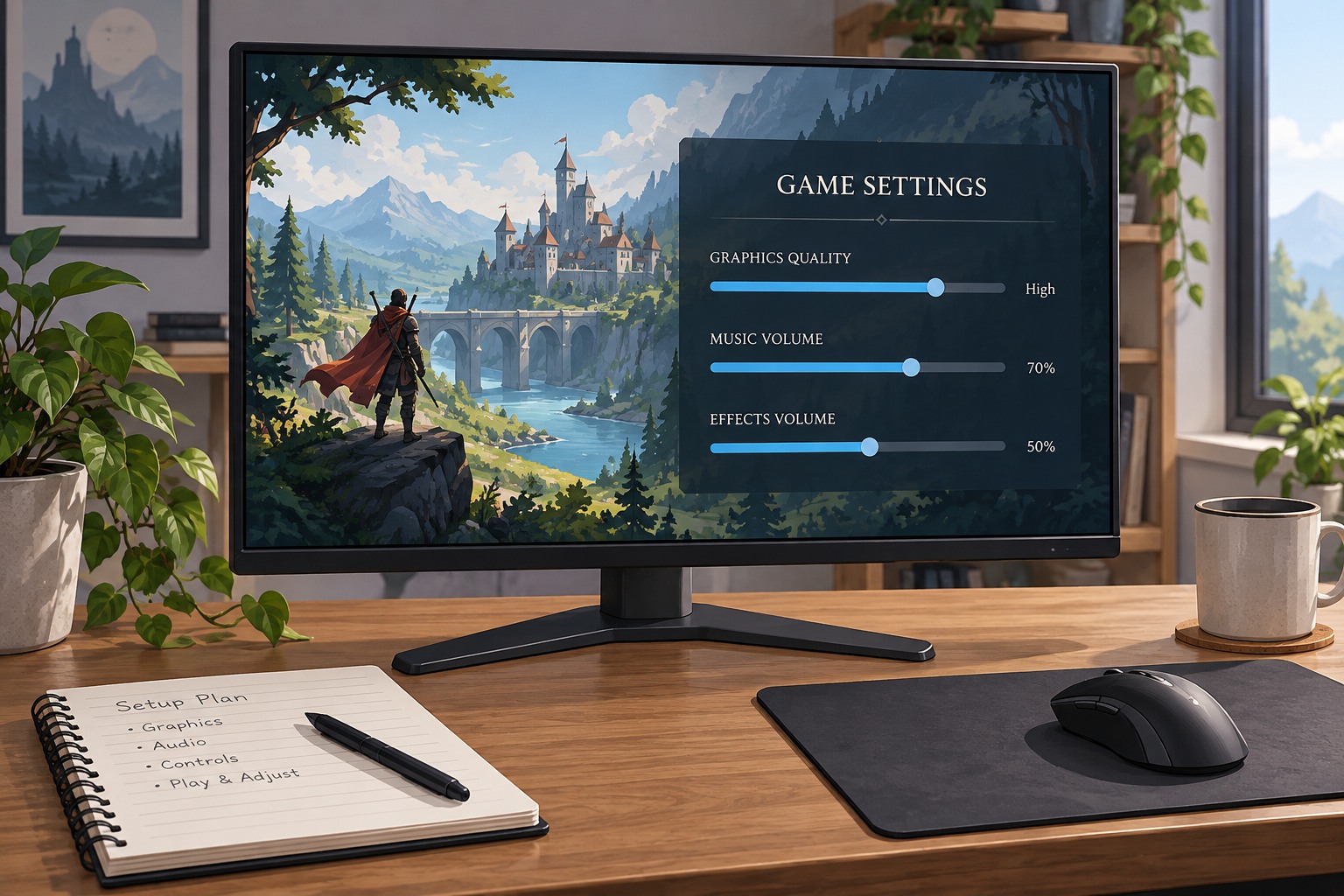
Record the starting resolution, display mode, major graphics preset and any upscaling or frame-generation options. Note whether the computer is plugged in and whether background downloads or recordings are running. You do not need a laboratory notebook, but a screenshot of the settings and a short note make it possible to return to the original state without relying on memory.
Use a scene you can repeat
Choose a saved location or training area with the features you care about. A busy city, foliage viewed while moving, dark interiors and distant signs test different aspects of the image. Avoid comparing an empty hallway with a crowded battle and attributing the difference solely to a slider. If the game has a built-in benchmark, use it consistently but also check normal play afterward.
Walk or move the camera through the same short route. Keep the observation period long enough to include the symptom rather than watching only the first second after loading. Shader compilation, asset loading and other first-run behavior can complicate a single pass. Repeat a suspicious result before drawing a conclusion, while keeping the process proportionate to the problem.
Change one category at a time
Begin with a setting that plausibly affects the goal. Resolution-related controls change image sampling; texture quality affects the detail of surfaces and can interact with memory limits; effects can change scene complexity. Move one control, apply it as required and repeat the route. If several settings are bundled into a preset, treat that as a broad comparison and investigate individual controls only if necessary.
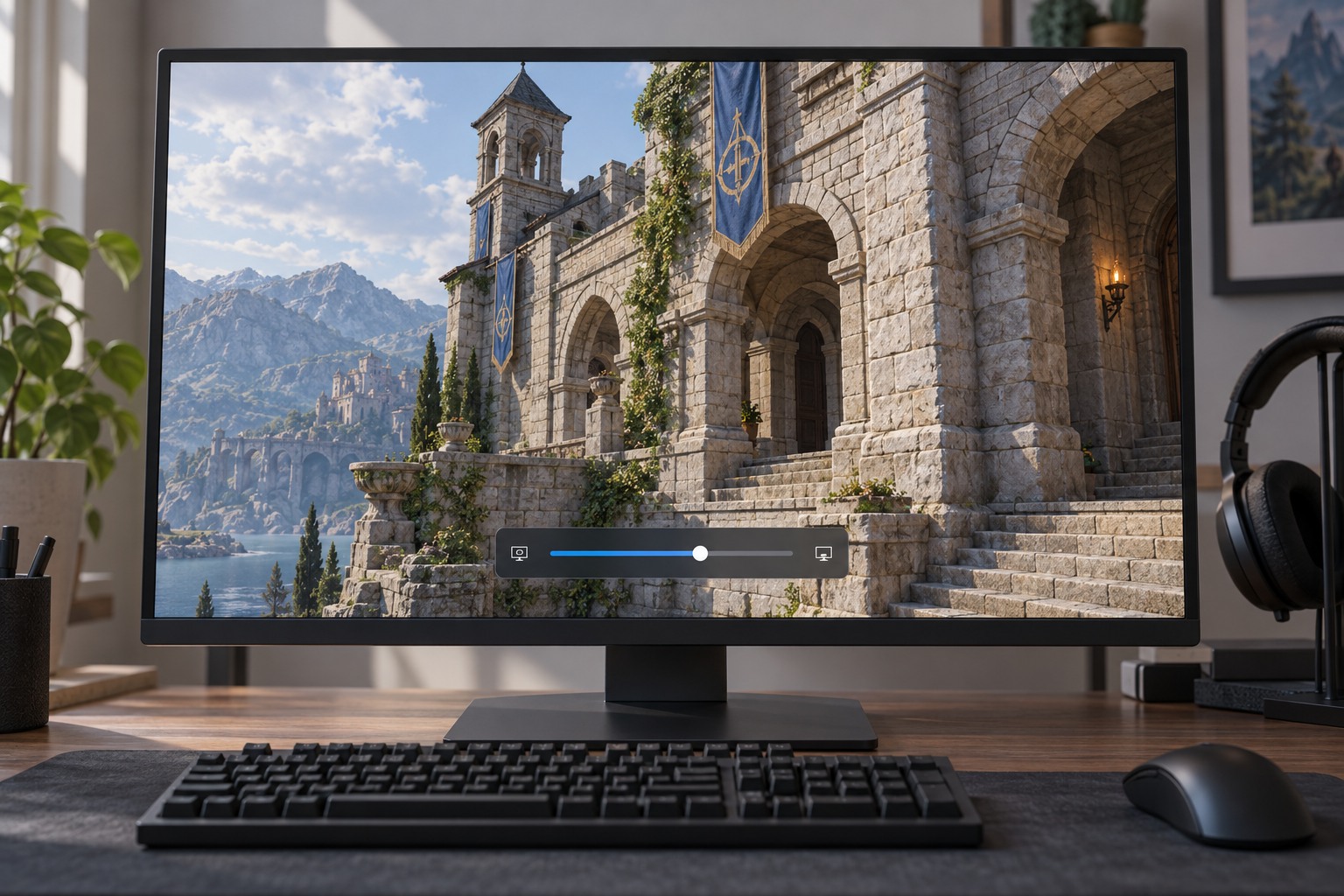
Compare moving images as well as screenshots. Watch thin edges, text, particles and objects appearing from behind cover. Listen for changes in fan behavior if noise is part of the goal. Keep the setting that produces a worthwhile improvement for your own display and seating distance, not merely the highest numerical label.
Once you have a workable combination, stop adjusting and play a longer session. If a different level exposes a weakness, revisit the relevant setting with the same method. Save a final screenshot so a game update or reset does not turn the next comparison into a complete restart.