Prepare before disconnecting
Back up important files through your normal supported method and confirm that the backup is readable. Record the cable connections with a private photograph, then shut down the computer normally. Disconnect power and peripherals as directed. Remove discs and external storage that should travel separately, and keep account-recovery information secure rather than taping credentials to the case.
Read the computer or system builder's transport guidance. A large graphics card, heavy cooler or glass panel may require particular precautions. Some builders specify removing or supporting components for shipping, but the right approach depends on the actual construction. If you are not comfortable with the required work, ask the builder or a qualified service provider rather than improvising internal packing.
Protect the case and loose accessories
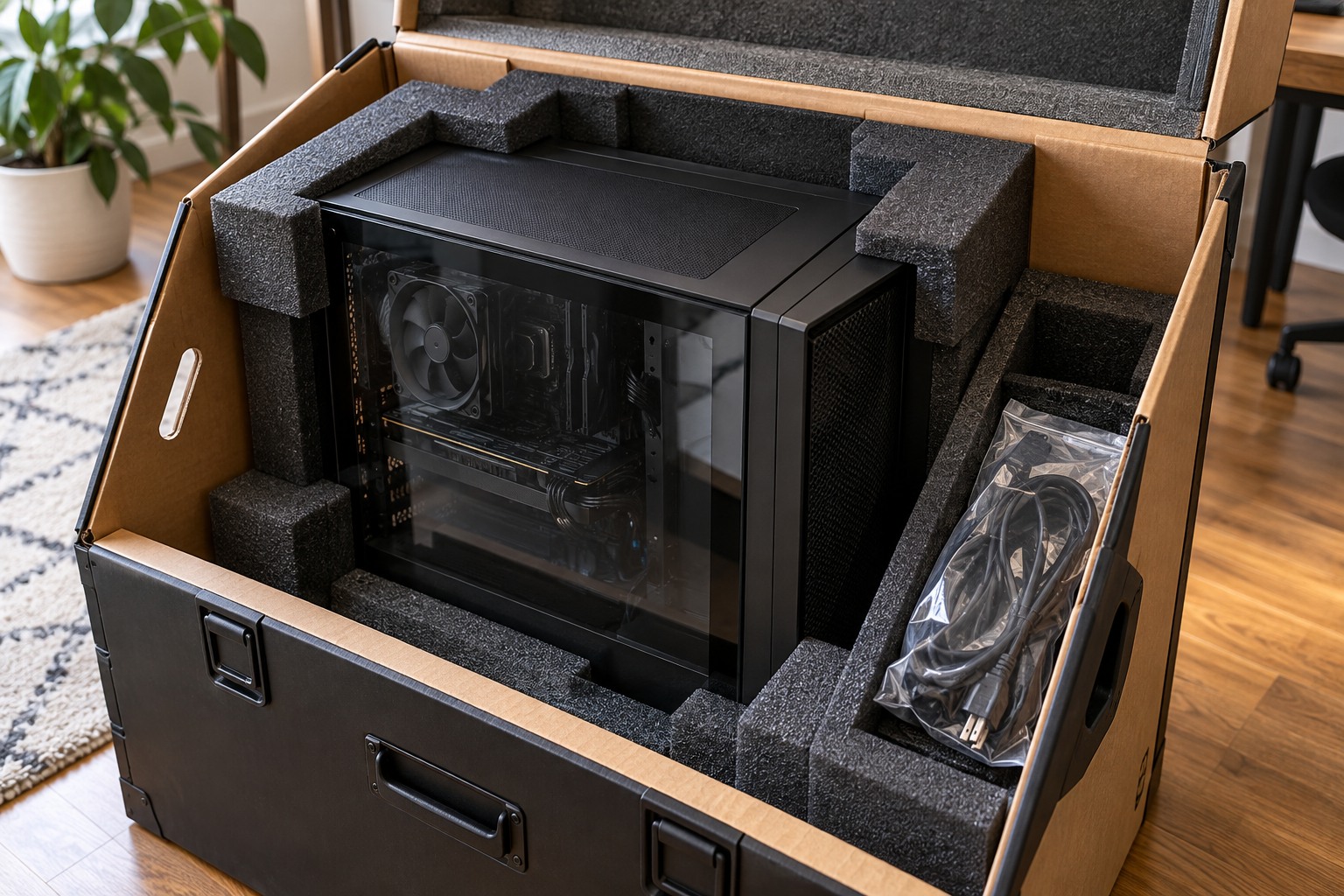
Use intact original packaging or suitable protective packaging that prevents the case from moving inside the container. Treat tempered-glass panels according to the manufacturer's instructions and keep them away from hard impacts. Do not place loose accessories inside the case, and do not insert packing material among components unless the builder specifically provides and instructs that method.
Remove external cables rather than leaving plugs to act as levers against ports. Pack the keyboard, mouse, antennas and other accessories separately with labels. Keep screws or removable feet in a marked bag. Avoid lifting the computer by a panel, cable or handle that is not designed to support its weight.
For a vehicle move, secure the packaged computer so it cannot slide or tip. Avoid extreme temperatures and moisture. A short trip still involves braking and bumps, so do not assume careful driving makes loose placement acceptable. The case's orientation should follow the builder's transport advice for the installed components.
Inspect before the first startup
At the destination, check the exterior and accessible connections for damage. If the computer has moved between very different temperatures, follow the manufacturer's guidance before applying power. Reconnect a basic known arrangement first rather than adding every accessory at once. Confirm the display cable is connected to the intended output.
If the system does not behave normally, stop and use the builder's troubleshooting guidance. Do not repeatedly power-cycle a visibly damaged machine. Keep the packaging until normal operation is established, and document any transport damage for the relevant seller or carrier process. A controlled restart makes it easier to separate a misplaced external cable from a problem caused by the move.