Measure from the screen surface
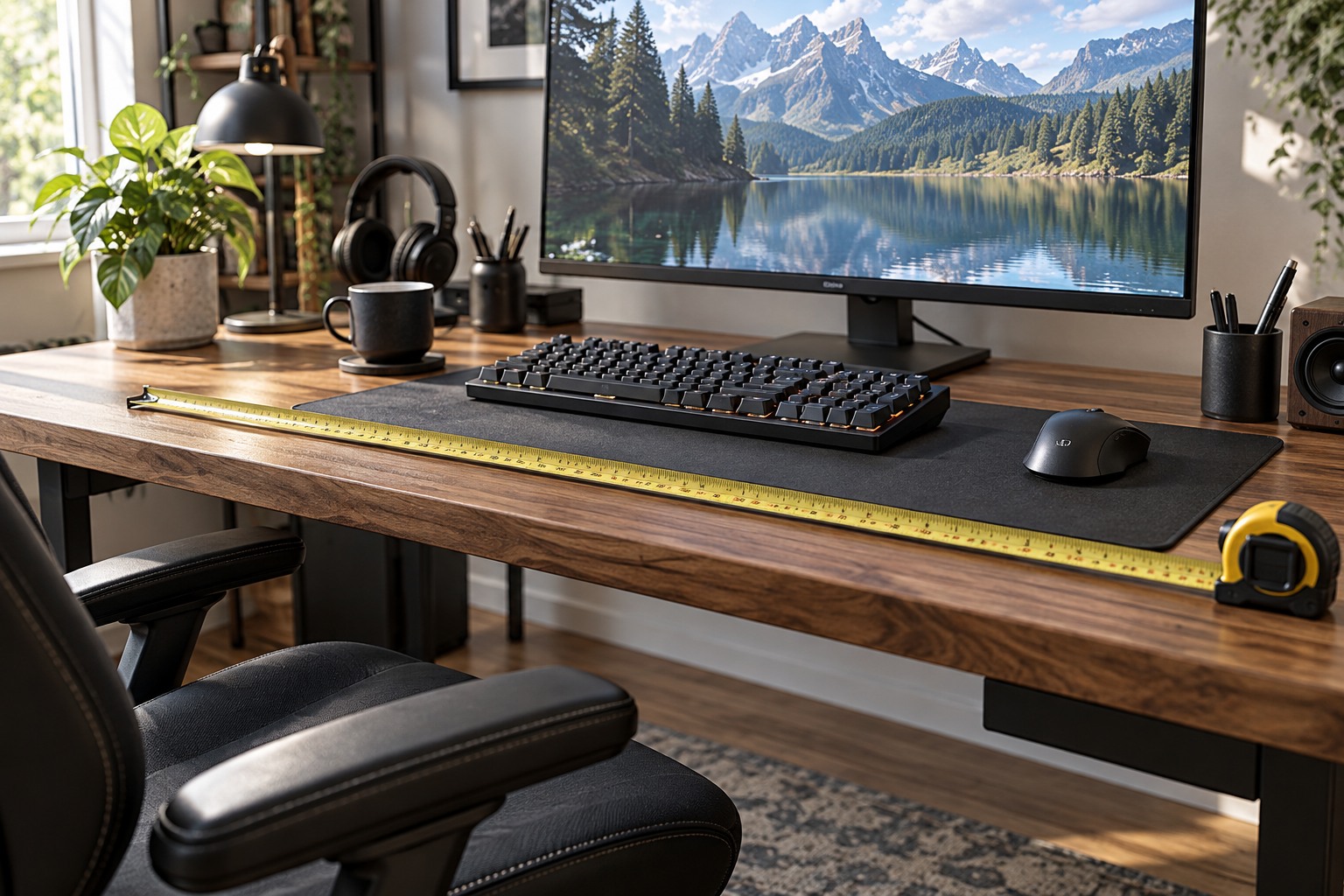
The relevant distance begins at the visible screen, not at the back edge of the desk. A deep stand can move the panel forward, while a curved display can project toward you at its center or edges. Check the assembled dimensions and stand footprint for the exact model. Leave room for the keyboard and hands without placing them at the very edge of the surface.
Try the expected viewing position using your current screen or a simple outline before buying. Consider the games and other tasks you use: reading small interface text and scanning a wide scene place different demands on the layout. There is no single desk depth that makes every large display comfortable for every person. The useful test is whether you can view the whole working area from a natural position.
Include the space behind the panel
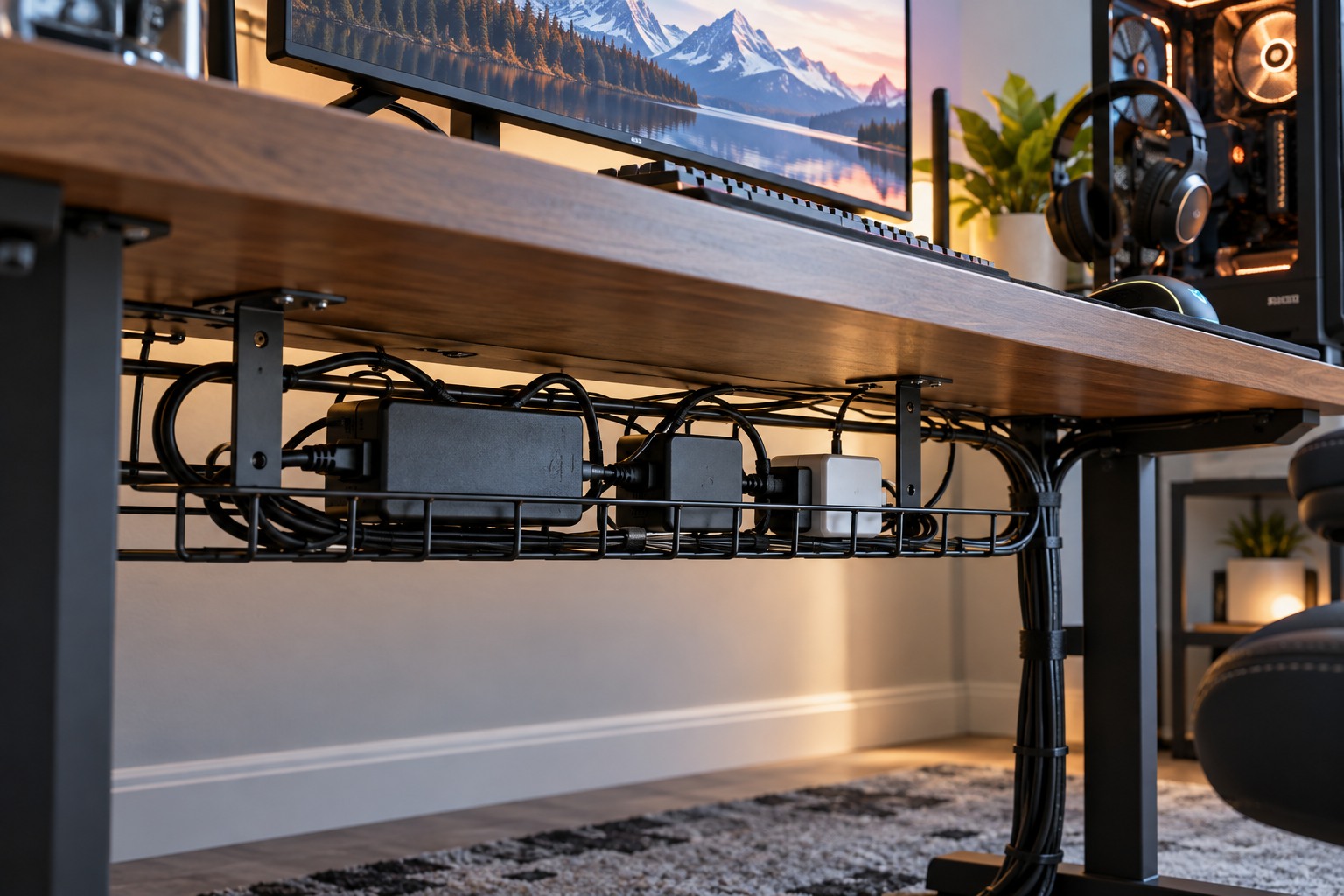
Cables need room to leave their sockets without sharp bends or pressure against a wall. A stand or monitor arm may also need clearance when the display tilts or rotates. Measure that movement rather than assuming the screen can sit flush against the rear edge. Keep ventilation openings unobstructed according to the monitor's instructions.
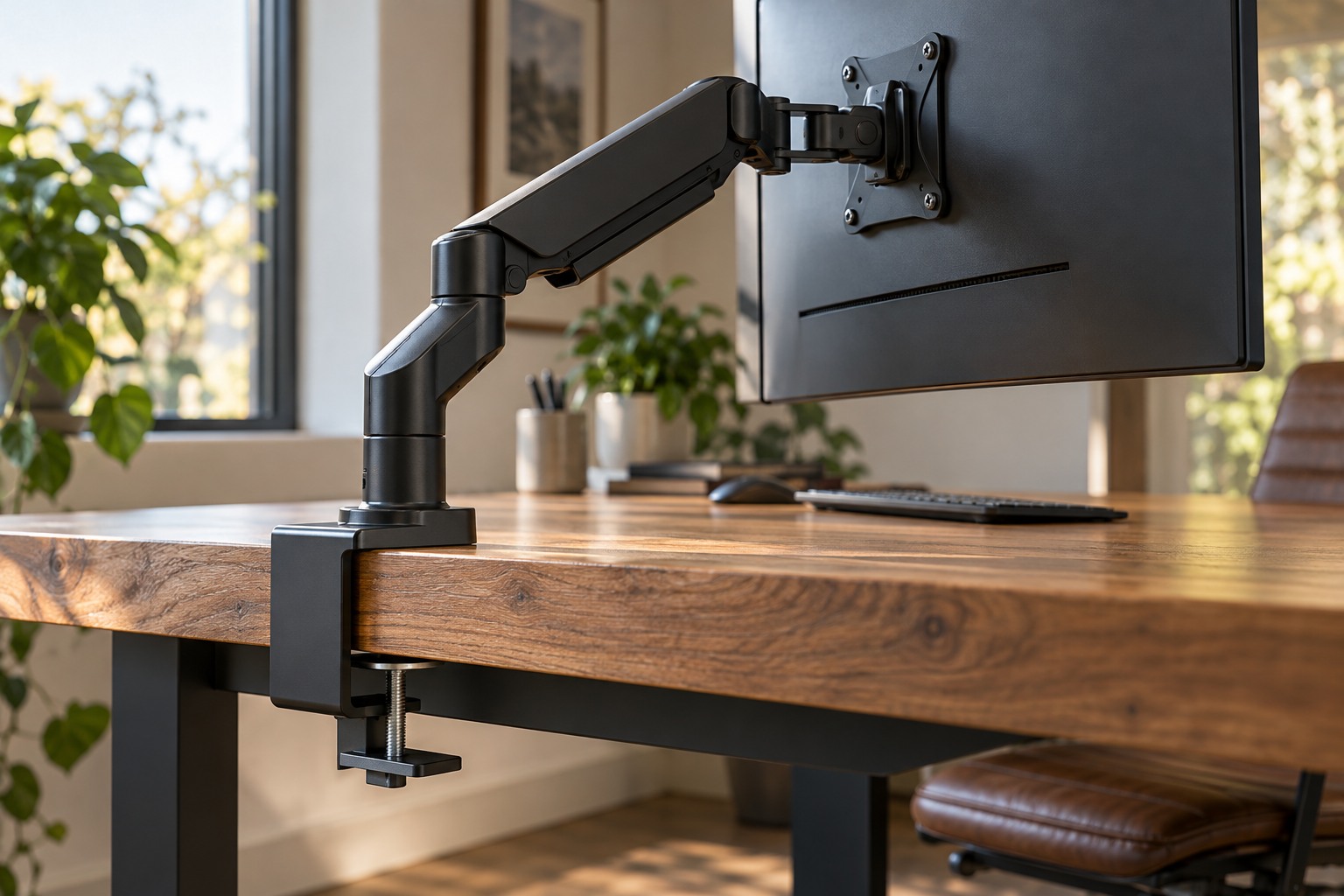
A monitor arm can change the footprint, but it does not automatically move the panel farther back. Its joints may require rear clearance, and the desk must support the intended mounting method. Check the arm's dimensions, load range and desk compatibility as a separate purchase decision. A thin tabletop or obstructed underside may limit suitable options.
Keep the rest of the desk usable
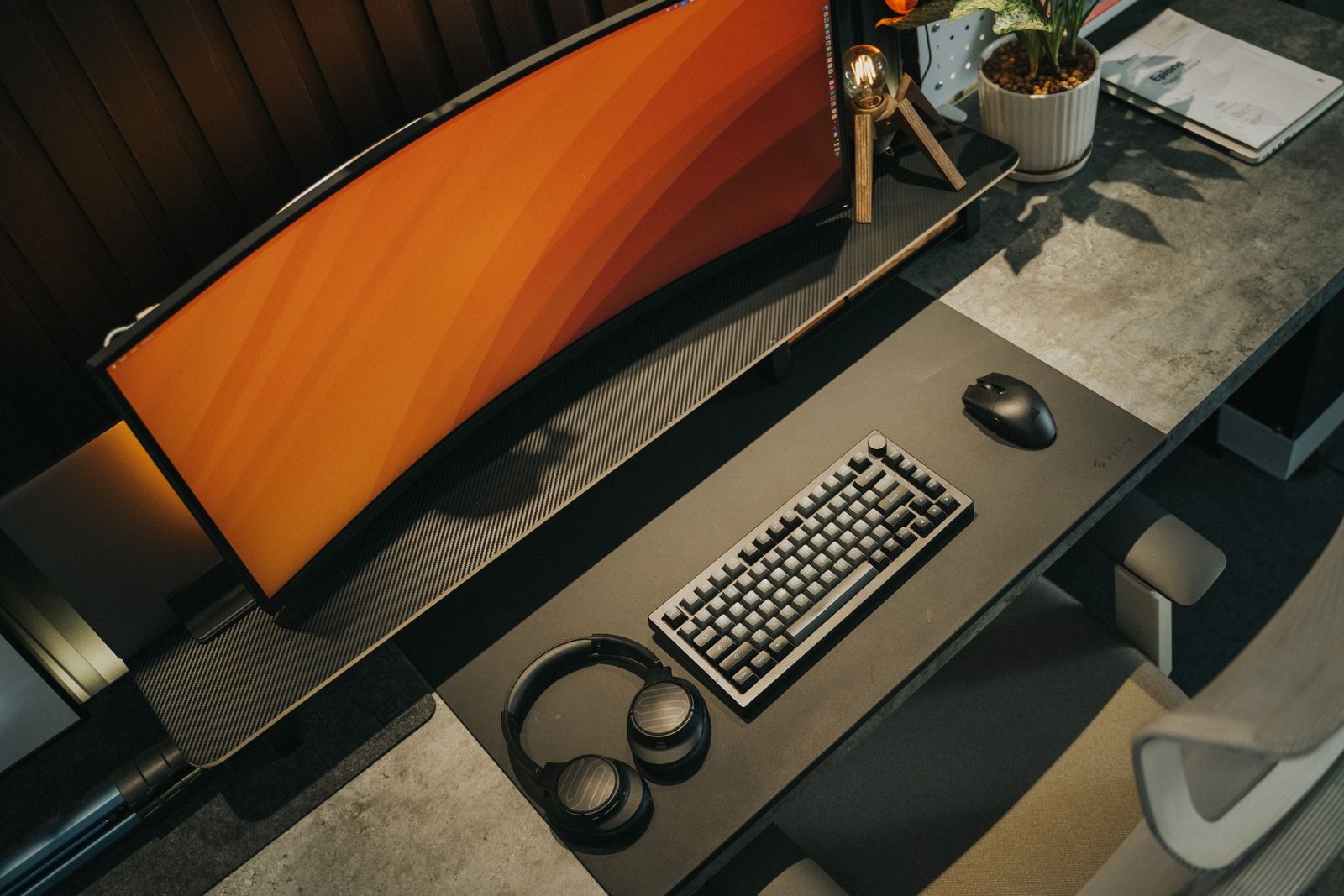
Place the keyboard and mouse where you actually use them, then test reaching speakers, volume controls and other accessories. A larger display should not force the input devices into an awkward corner. If the screen occupies nearly the whole depth, consider a different stand, a different desk arrangement or a smaller display before buying several accessories to rescue the layout.
Test the final position with ordinary gameplay and text-based tasks. Adjust interface scaling where supported, but do not use unreadably small text as the price of fitting more on the screen. Keep a little flexibility for another user or a different chair position. A workable desk supports both the display and the person using it, with room for the everyday movements between them.