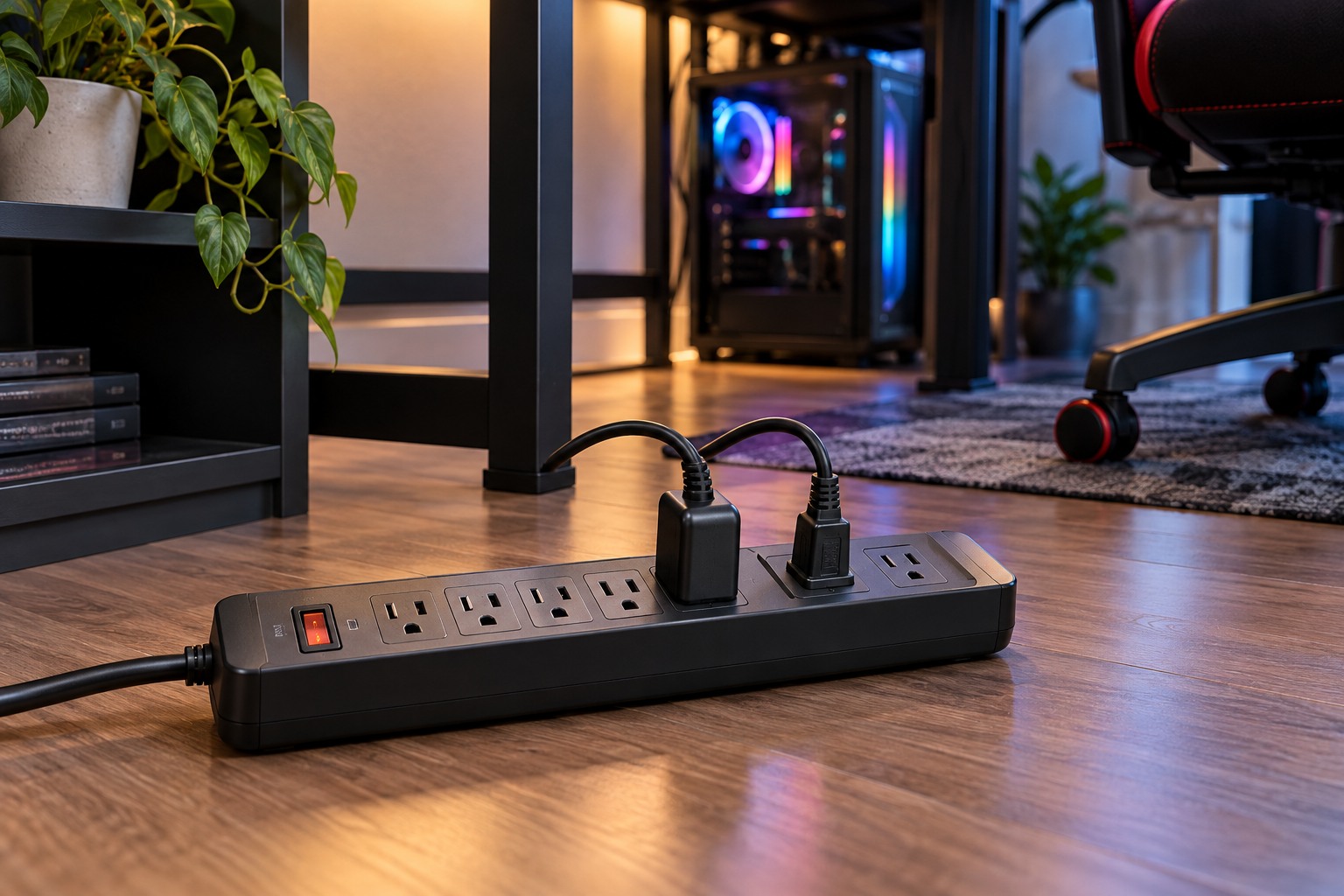
List the equipment before choosing a strip
Identify the computer, displays, speakers, chargers and other devices that will share the connection. Read their power information and the power product's rated limits. Do not choose only by socket count. A strip with many outlets can still be unsuitable for the combined load or for a particular appliance. If you are uncertain about the circuit or an outlet's condition, ask a qualified electrician rather than experimenting.
Distinguish a basic power strip, a surge protector and an uninterruptible power supply. They serve different functions, and a product's appearance does not establish which protection it provides. Read the actual specifications and instructions. A surge protector is not a promise that every possible electrical event will leave connected equipment unharmed.
Keep the connection direct and accessible
Eaton warns against daisy-chaining surge protectors. Do not plug one strip into another to solve a shortage of sockets or a cable that is too short. Choose an appropriate product and supported route to the outlet instead. Follow the manufacturer's grounding and placement instructions, and never defeat a grounding connection to make a plug fit.
Keep the strip dry, clear of feet and away from heat-producing appliances. Do not cover it with a rug or use it as a footrest beneath the desk. If mounting it, use only a supported method and keep switches, indicators and labels visible. A neatly hidden strip is not useful if it cannot be inspected or disconnected when needed.
Allow enough room for bulky adapters without forcing neighboring plugs sideways. An adapter that blocks another socket is a space-planning issue, not a reason to add an unverified chain of extensions. Keep leads out of chair wheels and away from sharp edges. For an adjustable desk, check that the route remains free of tension throughout its movement.
Inspect condition and operating indicators
Read what the product's indicators mean. A light may show power, protection status or another condition, and those are not necessarily identical. Follow the manufacturer's replacement guidance if a protection indicator changes or the product is damaged. Do not continue using a loose, scorched or otherwise visibly compromised connection while trying to hide it in a cable tray.
Before moving the setup, shut down equipment normally and disconnect it safely. Recheck the power arrangement in the new room rather than assuming the previous layout transfers unchanged. Keep the product manual with the equipment records so its rating and maintenance instructions remain available.
If the desk repeatedly trips protection or produces unusual heat, odor or noise, stop using the affected arrangement and get appropriate help. Do not treat repeated resets as normal maintenance. Cable management can make a safe power plan easier to live with, but it cannot correct an overloaded circuit or an unsuitable electrical product.