Measure the destination first
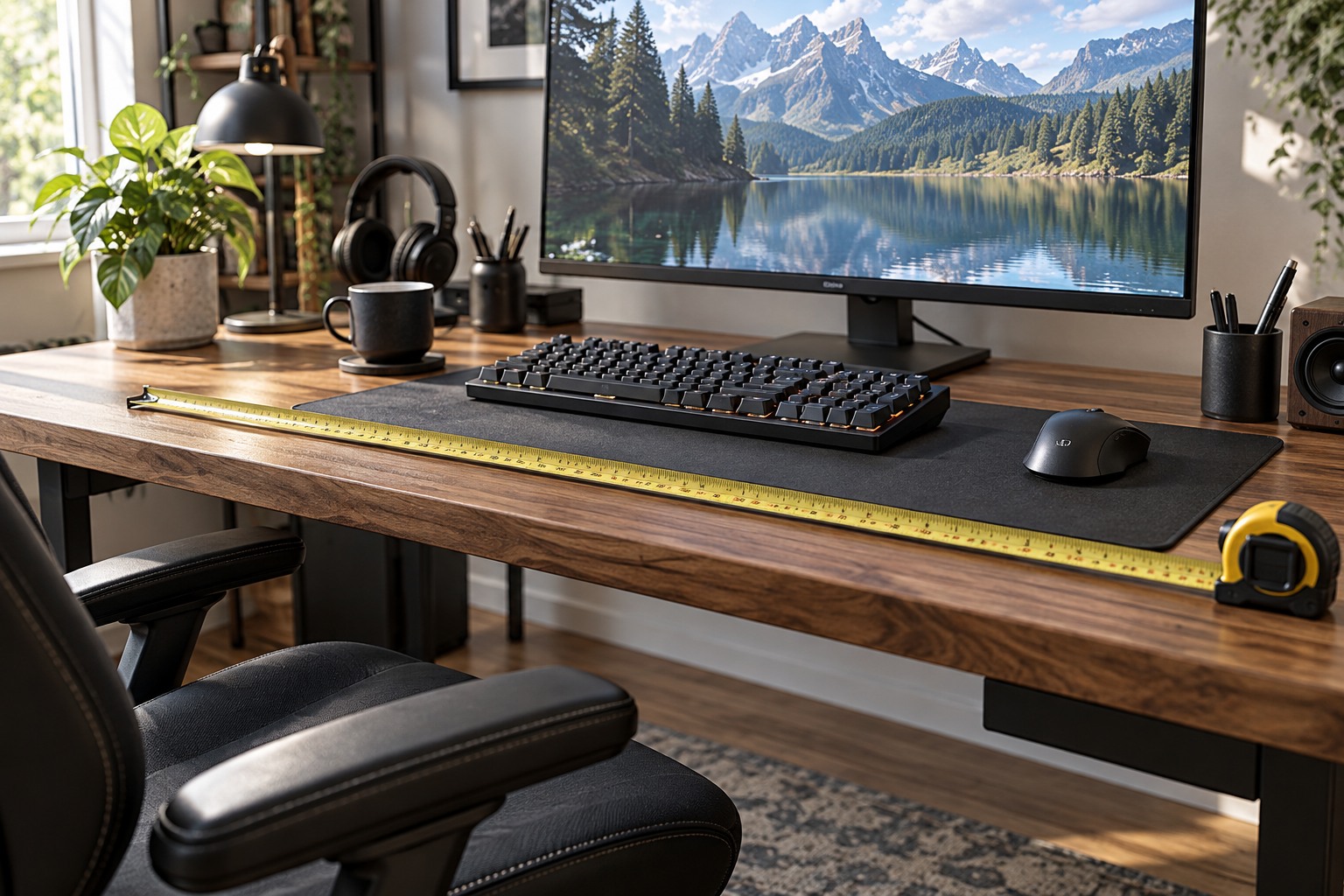
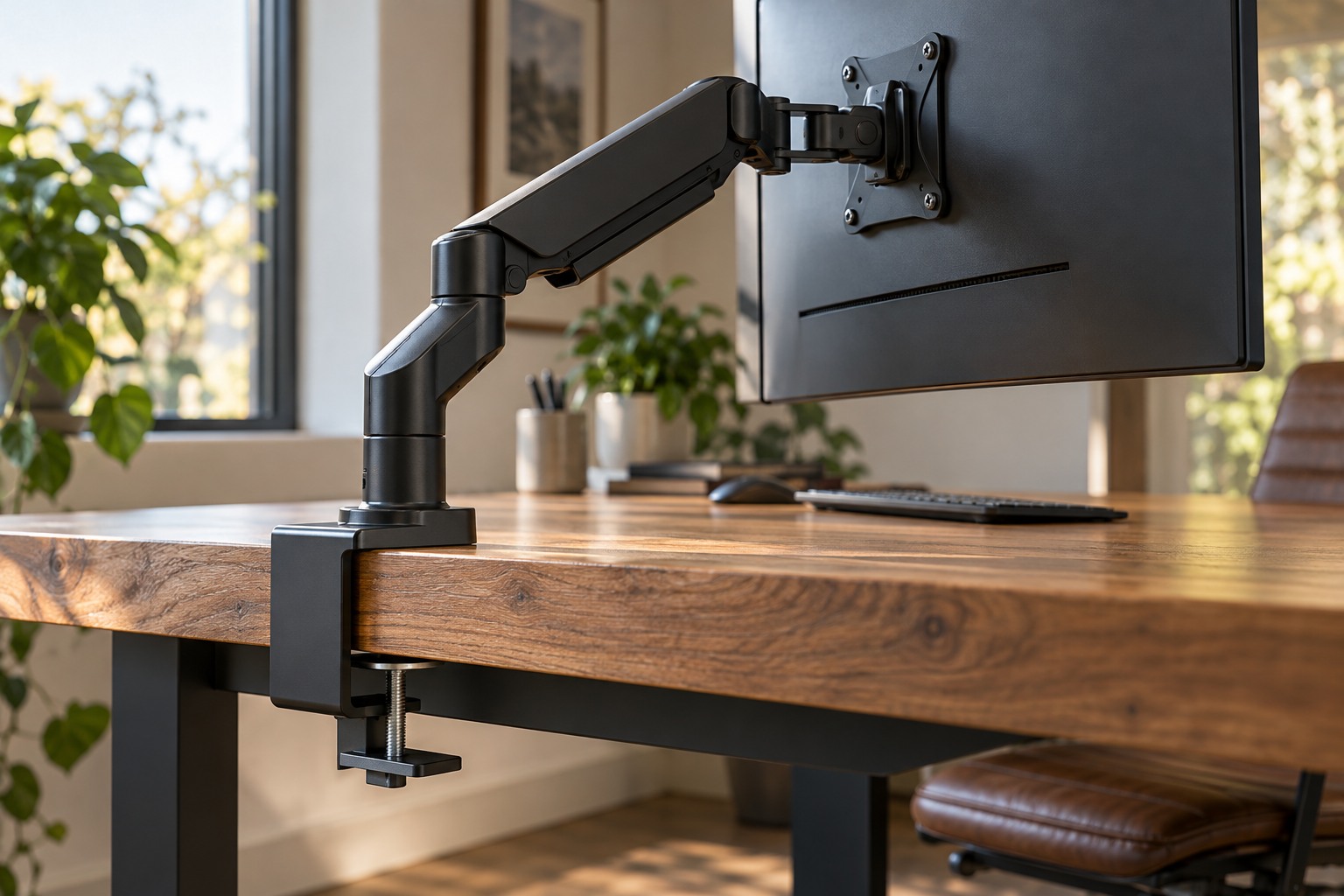
Check the desk or cabinet dimensions, display position and ventilation clearances in the new room. Measure the distance to suitable power and network connections. A cable that reached comfortably in the old room may pull tight in the new layout. Include the space needed behind plugs and around monitor arms rather than measuring only the visible equipment.
Test the network in the intended position if online play or remote streaming matters. A strong connection in the hallway does not prove the desk location will behave the same way. Use a normal supported test with the device before committing the furniture arrangement where practical. Keep power and cable safety separate from the wish to hide every lead.
Decide which equipment really needs to move. A second display, speaker set or decorative accessory can make the job larger without being necessary for the new use. Plan a basic working configuration first, then add optional items once the main setup functions. This also makes troubleshooting easier.
Reconnect in stages
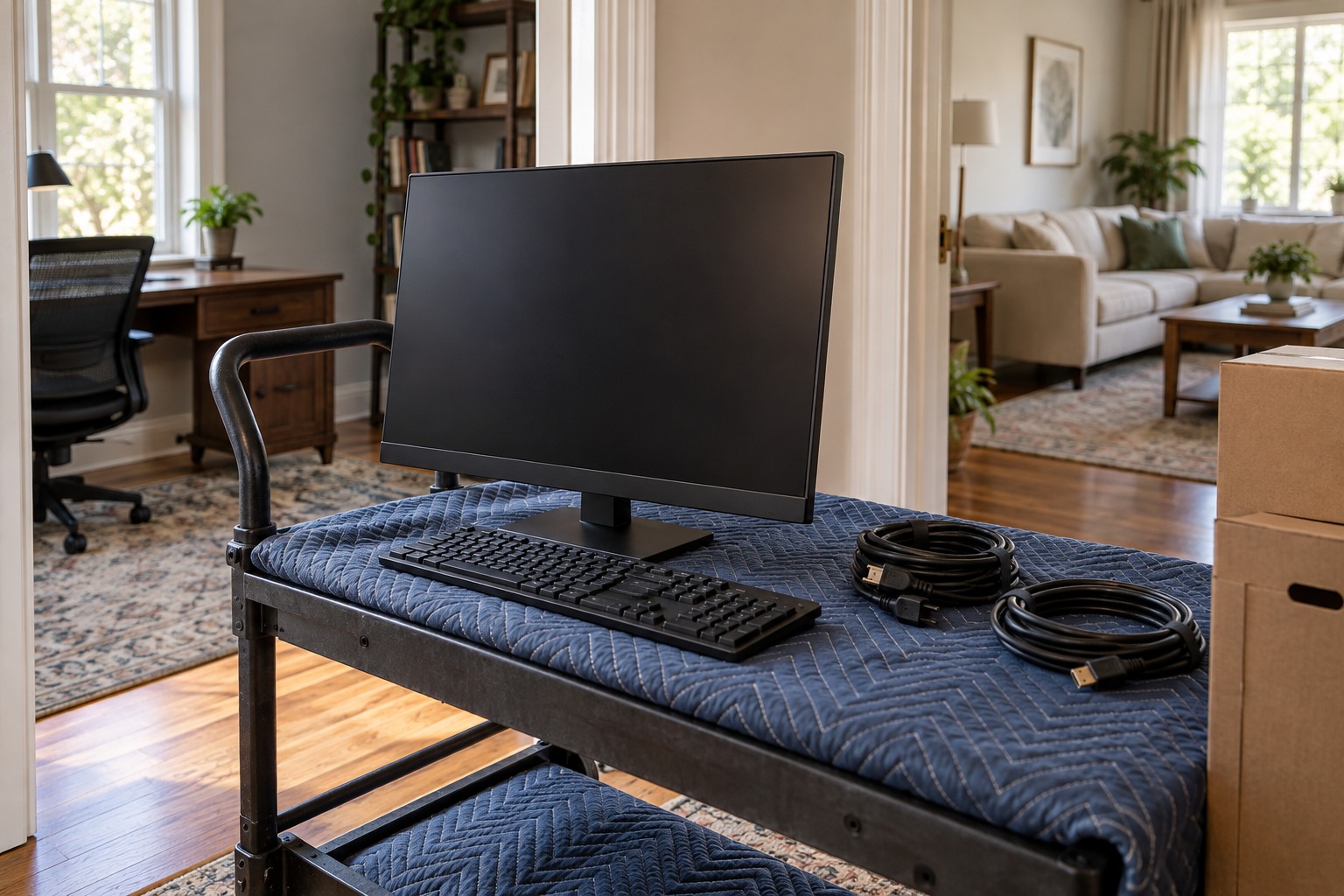
Shut down devices normally, disconnect leads by their plugs and label unfamiliar connections. Photograph the existing arrangement privately if it includes switches or adapters. Carry equipment using its supported parts and get help for items that are too large or heavy to handle comfortably. Remove loose objects that could strike a screen or press controller sticks.
At the destination, connect power and one display or essential input path first. Verify normal startup, then add network, audio and remaining peripherals. If something fails, the last added component is a useful place to investigate. Reconnecting everything at once can make a simple wrong input look like a larger equipment problem.
Test the chair, desk movement and room lighting after the system works. Watch for cable tension, reflections and blocked ventilation that were not obvious on the sketch. Keep the old connection labels until the new layout is stable, then update them. A successful room move ends with a usable daily arrangement, not merely with every device powered on in a different location.