Test the cable problem first
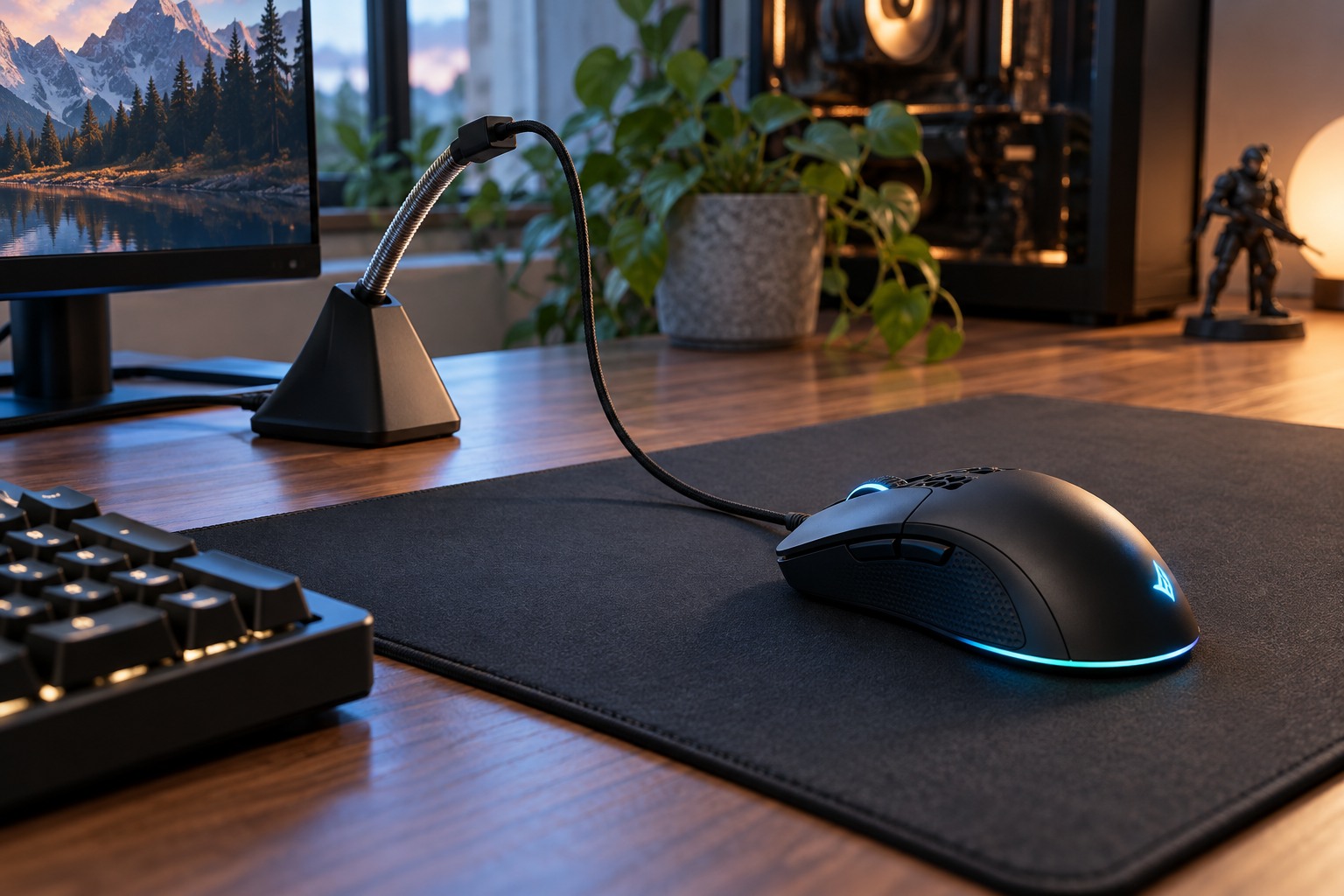
Move the mouse through the full area you use during play and notice where the cable catches or drags. The problem may be the desk edge, another cable or a heavy section of lead resting on the pad. Clear those obstacles before buying an accessory. A bungee is useful when supporting the cable addresses the actual restriction, not simply because it appears in other setups.
Check the cable's thickness and surface against the bungee's supported grip. A holder that is too tight can pinch the jacket, while one that is too loose may let the cable slip. Follow the accessory instructions and avoid forcing a stiff or unusually thick cable into an unsuitable slot. Keep the mouse's own strain relief free to move naturally.
Set the slack using your widest movement
Place the bungee beyond the mouse pad where its base will not enter the movement area. Start with enough loose cable to reach every edge you normally use. Then reduce unnecessary slack gradually, repeating broad sweeps and small corrections. The cable should not pull the mouse back or lift the bungee during a fast movement.
A small desk makes the base footprint important. Measure the accessory with nearby speakers, keyboard and monitor stand in place. A heavy stable base may occupy more space than expected, while an adhesive design requires a suitable surface and removal plan. Choose the mounting method around the desk you have rather than assuming every bungee is equally portable.
Judge it during normal play
Try a short familiar session and compare whether the cable feels less intrusive. Do not change sensitivity during the same test. If movement still feels restricted, add slack or reposition the base before concluding that the mouse itself is unsuitable. A bungee cannot compensate for a cable that is too short for the route to the computer.
Keep the cable away from sharp edges and inspect the supported section periodically for wear. When moving the desk or packing the mouse, release the cable instead of pulling the whole assembly by the lead. If the accessory creates more clutter than benefit, a simpler cable route may be enough. Its purpose is consistent movement, not adding another object to an already limited surface.