Distinguish the wireless modes
A keyboard may connect through Bluetooth, a dedicated wireless receiver or both. These modes can have different supported features and device-switching behavior. Read the specifications for the mode you intend to use instead of assuming that a wireless product has one identical experience across every connection.
If the board is used with a gaming computer and a work laptop, check how it selects a device and whether the operating-system layout changes automatically or through a physical switch. A keyboard that remembers several devices can be convenient, but the selection buttons need to remain accessible in your normal desk arrangement.
Check what the cable actually does
A USB socket may support charging, wired data or both. Confirm the keyboard's behavior while connected and whether a switch must be set to wired mode. Use a suitable data cable when wired operation is required; a cable that charges another device is not proof that it carries the necessary data.
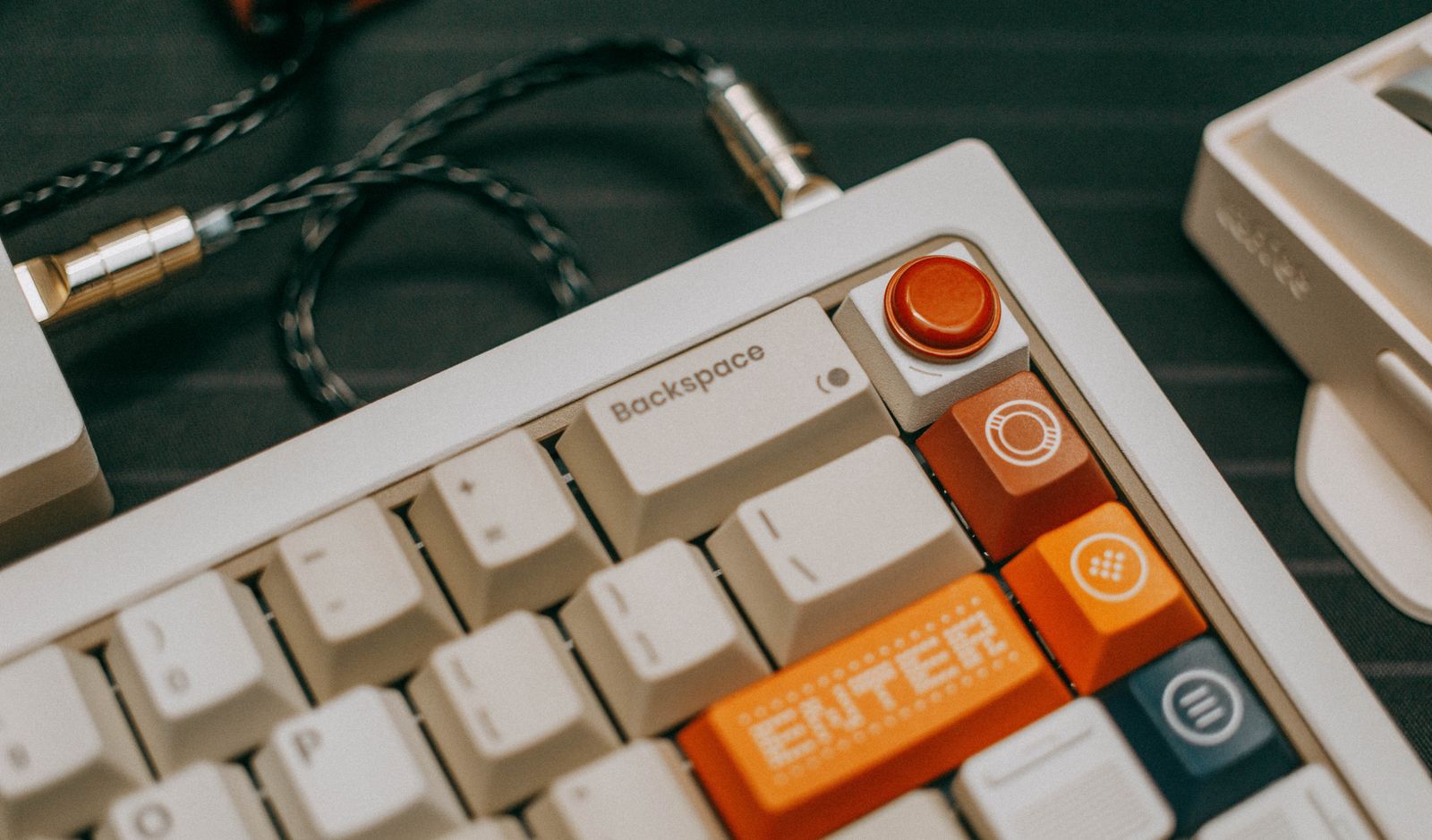
For a permanent wired setup, measure the route from the keyboard to the computer with enough slack to move the board for cleaning or a different game. A detachable cable is easier to replace only when its connector and any recessed opening accept the replacement. Wide decorative plug housings can be a poor fit in a narrow keyboard recess.
Wireless operation reduces one moving cable, but the receiver still needs a place. Keep it labeled if several people share similar peripherals. Check whether the board can operate through the hub or switch you plan to use, and keep a direct connection available for troubleshooting or manufacturer-required updates.
Fit charging into the routine
Battery-life claims depend on conditions such as lighting and operating mode. Compare those conditions with your intended use rather than treating the longest advertised figure as guaranteed. If the keyboard spends several days away from the desk, consider how you will notice a low battery and whether a spare cable will be available.
Onboard profiles can make a keyboard more independent of software, but their scope varies. Confirm whether remaps, lighting and macros are stored on the board or require an application. This matters on consoles, restricted work computers and borrowed machines where the software may not be available.
Choose the simplest arrangement that serves the desk. A wired board can suit a fixed setup with an accessible port, while a multi-device wireless board may make repeated switching easier. Test wake behavior, device selection and the keys you use most during the return period rather than judging only the first successful connection.