Decide whether the symptom fits
Missing textures, an interrupted update or an error naming a game file can justify checking the installation. A network disconnect, an unsupported controller or a performance limit may have a different cause. Write down the exact symptom and any error message before beginning. That gives you a way to tell whether verification changed anything and helps if you later contact support.
Close the game normally and finish or pause other installation work as the launcher recommends. Make sure the drive is connected and has reasonable working space. Avoid starting several verification jobs at once. Steam's own instructions caution against concurrent intensive tasks and explain that verification can take time, so let the process finish before judging the result.
Protect changes that are not ordinary game files
If you use mods, custom configuration files or other manual changes, read the game and mod instructions before verification. A repair process may restore official files and replace changes, while leaving unrelated extra files behind. It is not necessarily a clean uninstall of a mod. Preserve supported backups and note the installed modifications so you can restore a known configuration later.
Do not assume that a save backup is included in verification. Saves can be stored elsewhere, synchronized through another service or held by the publisher. Identify important progress through the game's documentation before any broader reinstall or reset. Verification itself and deleting local data are different operations; keep them separate unless support explicitly directs otherwise.
Run the launcher's supported check
Use the current instructions for the launcher you installed the game through. Steam places its integrity check in the game's properties under installed files, while other launchers use their own labels and menus. Do not use a generic third-party repair utility merely because it promises to scan every game. The platform's own check knows which official files belong to that installation.
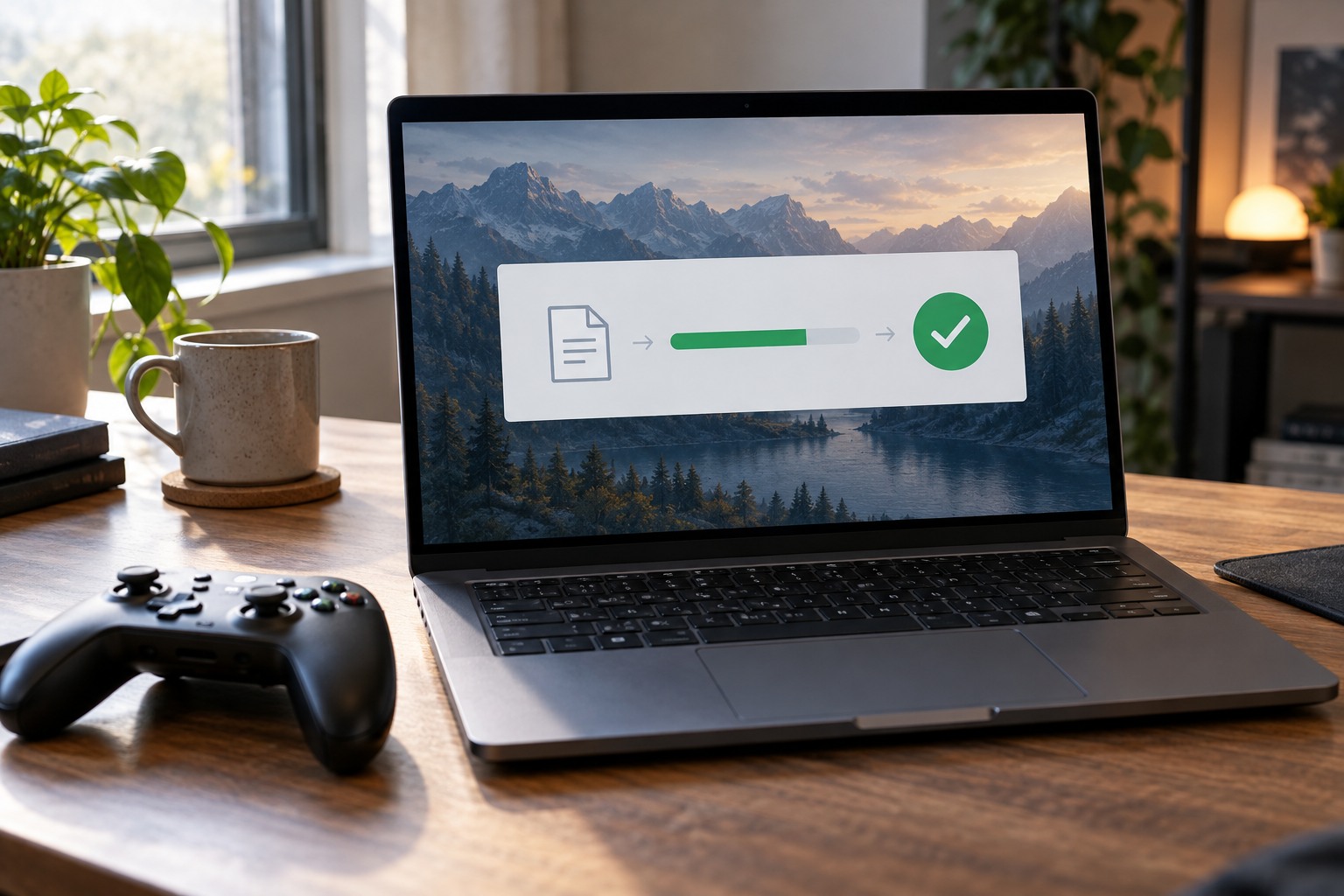
Read the result carefully. Steam notes that some local configuration files can fail verification without needing replacement, so a small failure count is not automatically evidence of a broken installation. If files are downloaded, allow the follow-up installation to finish. Record the result and any persistent error rather than repeatedly starting the same scan without learning anything new.
Retest before reinstalling
Launch the same scene or action that produced the original symptom. If it is resolved, stop there and return any temporarily paused background activity to normal. If it persists, compare the exact error and check the game's official troubleshooting guidance. A graphics driver issue, a permission problem or an incompatible modification will not necessarily disappear because the official files were checked.
For example, a game that crashes only when loading a modded save may launch correctly with an unmodified test profile. That points to a different investigation from a missing base-game file. Preserve the original save and mod list while testing; do not overwrite them with a new campaign. If support eventually recommends reinstalling, first document the installation location and supported save backup so the larger operation remains controlled.
A useful troubleshooting sequence changes one layer at a time and confirms the result. Verification is valuable because it can isolate the installation layer. Repeating it after an unchanged successful check is unlikely to add information unless a new update, file change or failure has occurred.
If the same official files are repeatedly replaced after every check, note which files are involved where the launcher exposes that information and consult support. Do not keep treating each download as a completed repair without testing why the change returns. A program modifying files, a storage problem or another cause may need investigation, but the repeated result alone does not identify which one. Preserve the exact messages so the next step can be evidence-based.