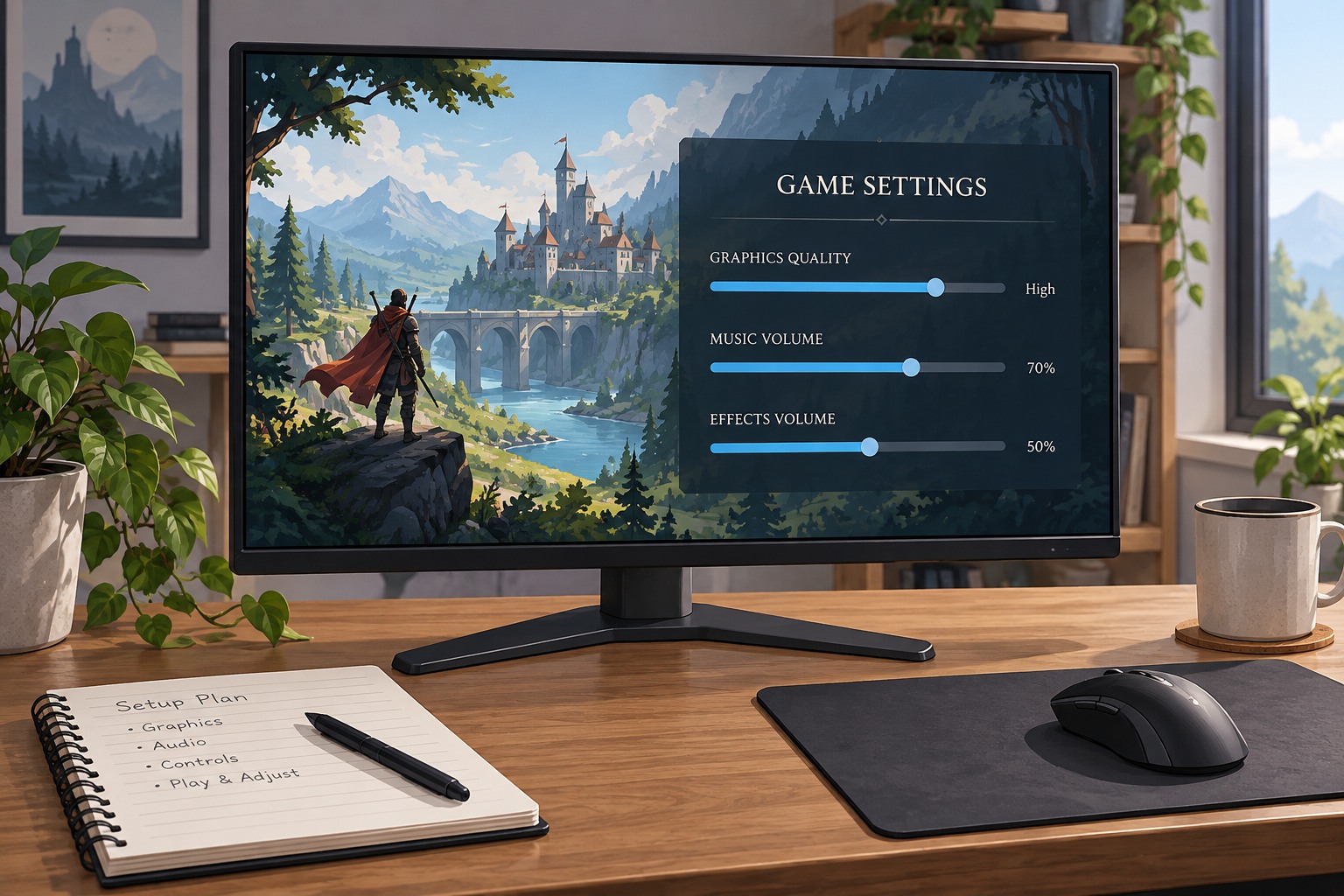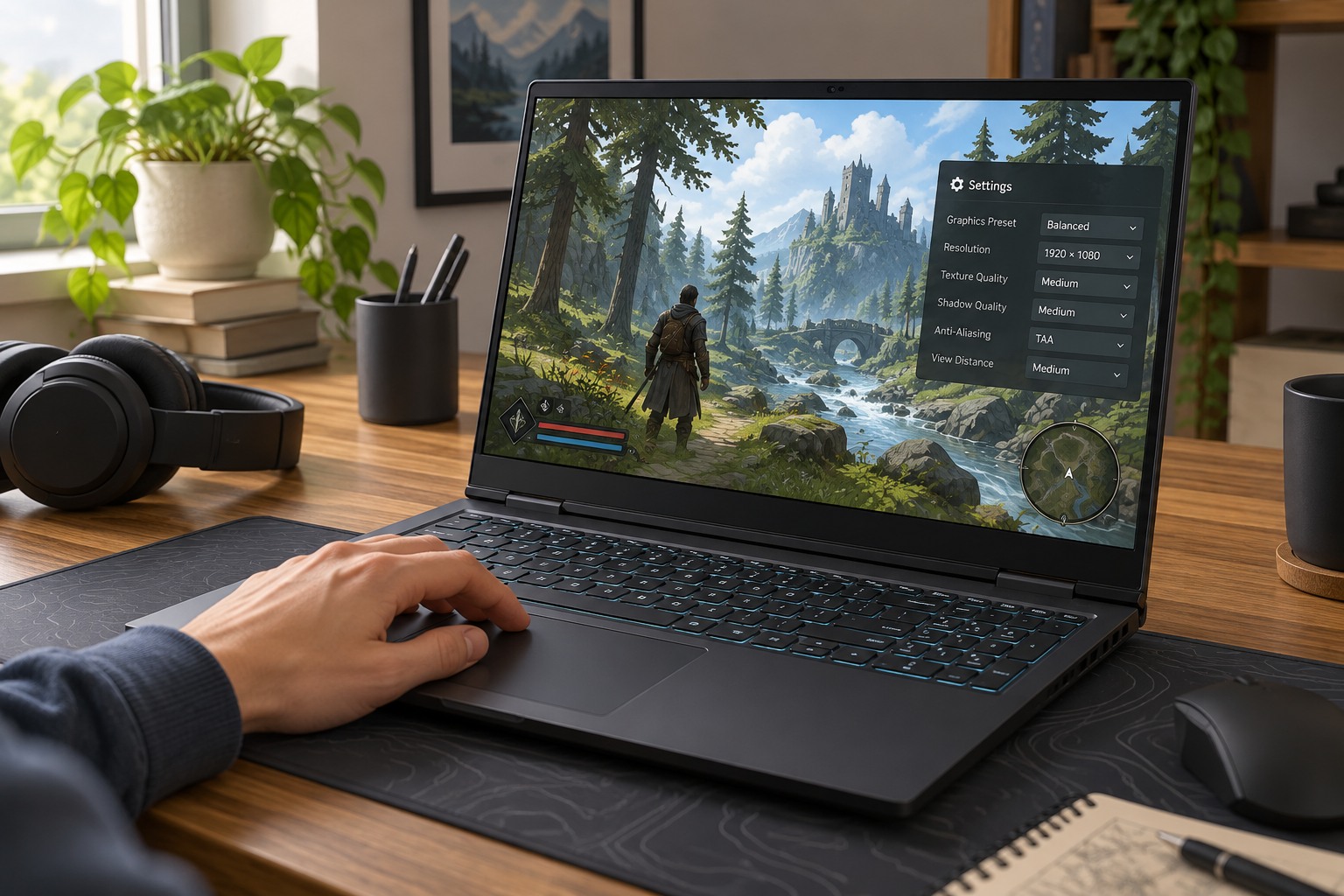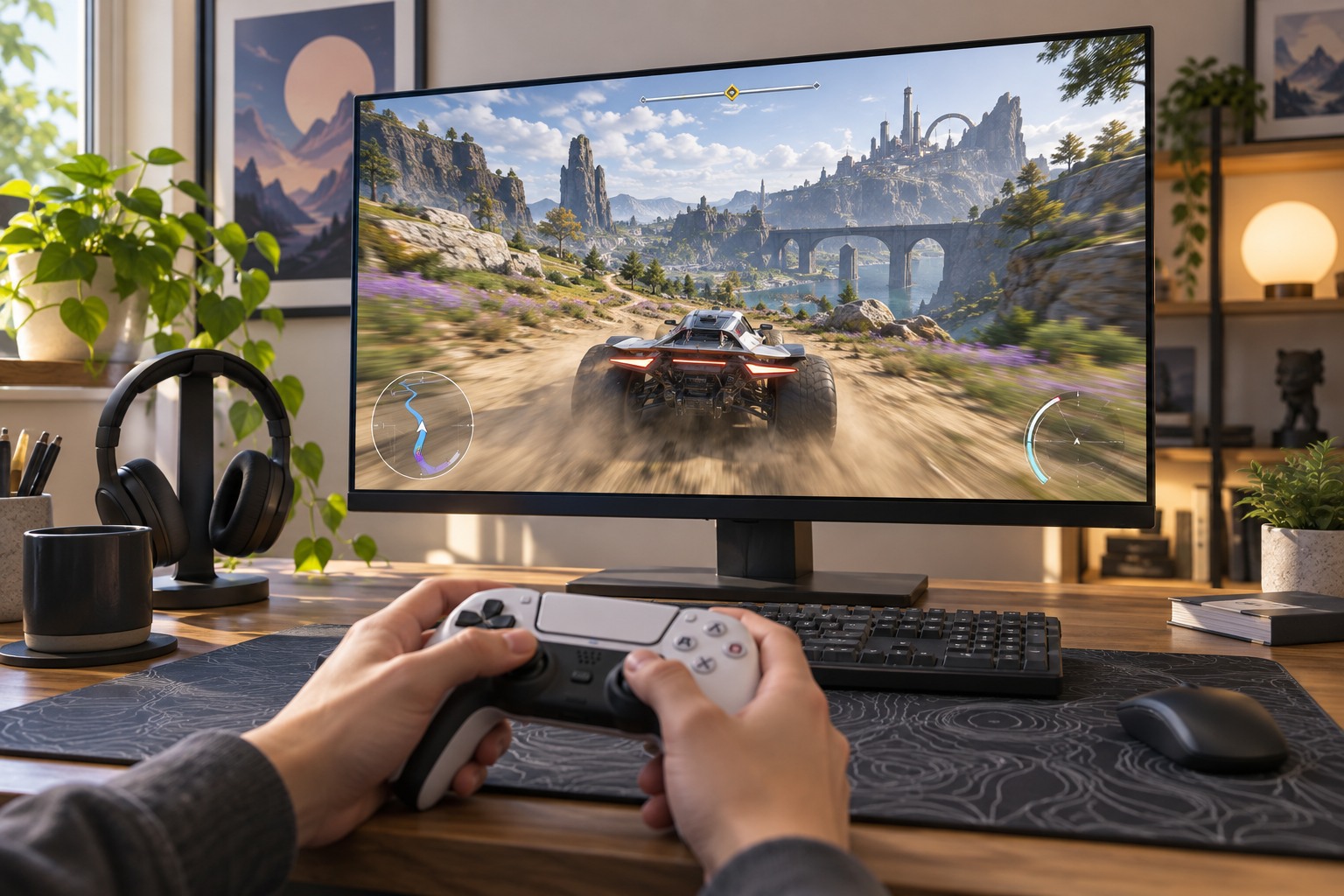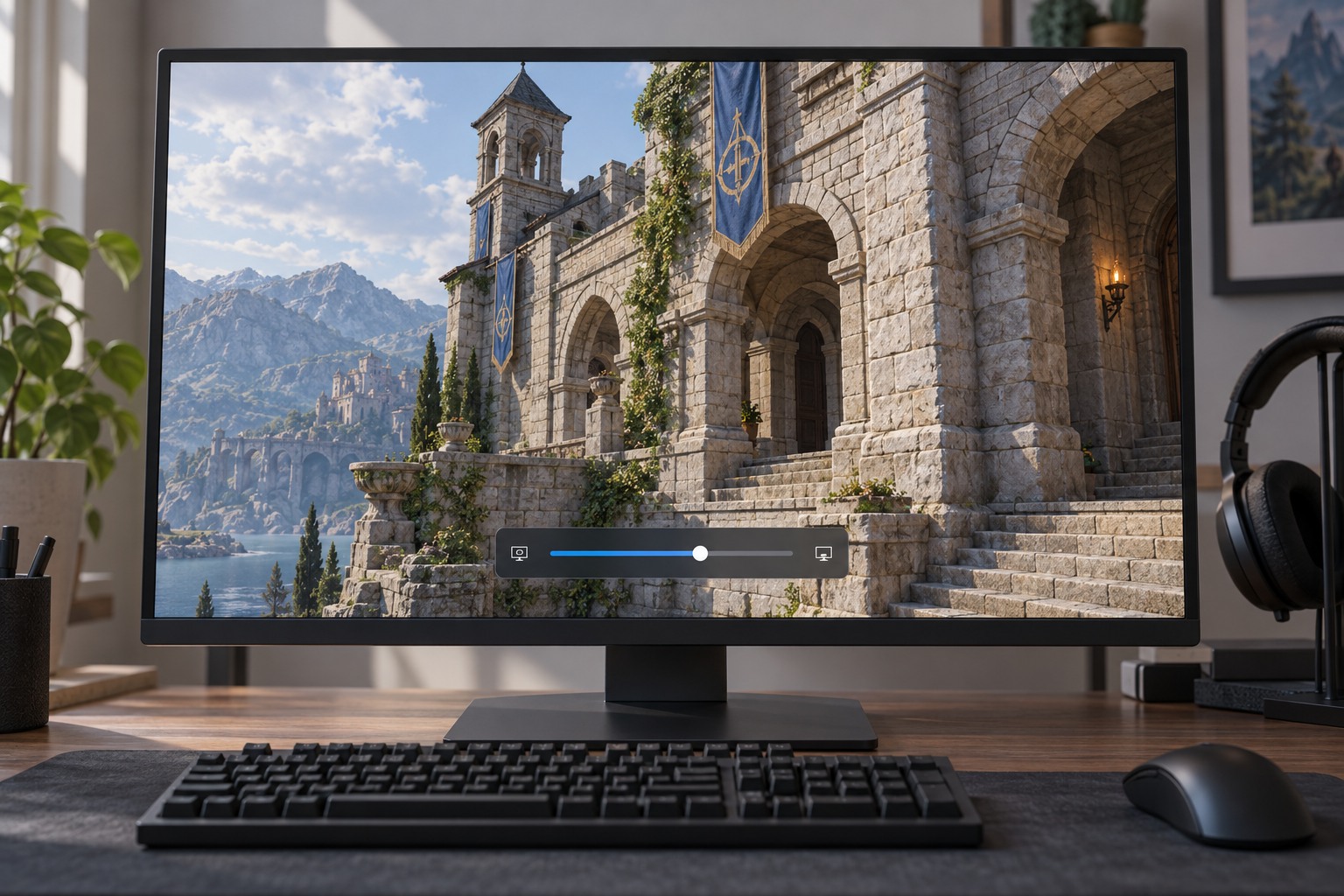
Separate output resolution from rendering resolution
The output resolution is the image format sent to the screen. The internal rendering resolution is the size at which some or all of the game scene is produced before scaling or reconstruction. A game can output at the monitor's native resolution while rendering the scene below it. Menus and interface elements may follow a different path, so sharp text does not prove that the 3D scene is being rendered at full output resolution.
A percentage slider is not always a percentage of the total pixel count. If a game applies a scale to both width and height, reducing each dimension to 75 percent leaves about 56 percent as many pixels. The game's documentation or displayed internal resolution is more reliable than guessing from the slider. Some titles instead use named quality modes or dynamic scaling.
Look for the cost in motion
Compare familiar objects at your normal viewing distance. Fine wires, fences, foliage and distant signs can reveal changes that a large nearby wall hides. Move the camera slowly, then at a typical playing speed. Softness, shimmering or unstable detail may be more apparent during movement than in a paused screenshot. Judge the scene you play, not only a dramatic still image.
If a reconstruction technology is available, compare it with the game's basic scaling rather than assuming they produce the same result. Different algorithms and integrations can preserve edges differently, and the available quality modes may change with the title or hardware. Avoid stacking several unfamiliar sharpening controls at once; extra edge contrast can make an image look harsher without recovering missing detail.
Keep dynamic behavior visible
Dynamic resolution can vary the internal image size to pursue a performance target. That means a quiet scene may look different from a demanding one even when the slider has not moved. Test a busy area as well as a calm one, and check the permitted minimum and maximum if the game exposes them. A single screenshot cannot summarize the whole range.
Choose the lowest compromise you can comfortably accept rather than assuming the smallest scale is the correct performance setting. If text or distant objects become difficult to interpret, restore some resolution and consider reducing a different effect. Save the final output and scaling settings together so you can reproduce the result after changing monitors or resetting the game.