Trace where processing is enabled
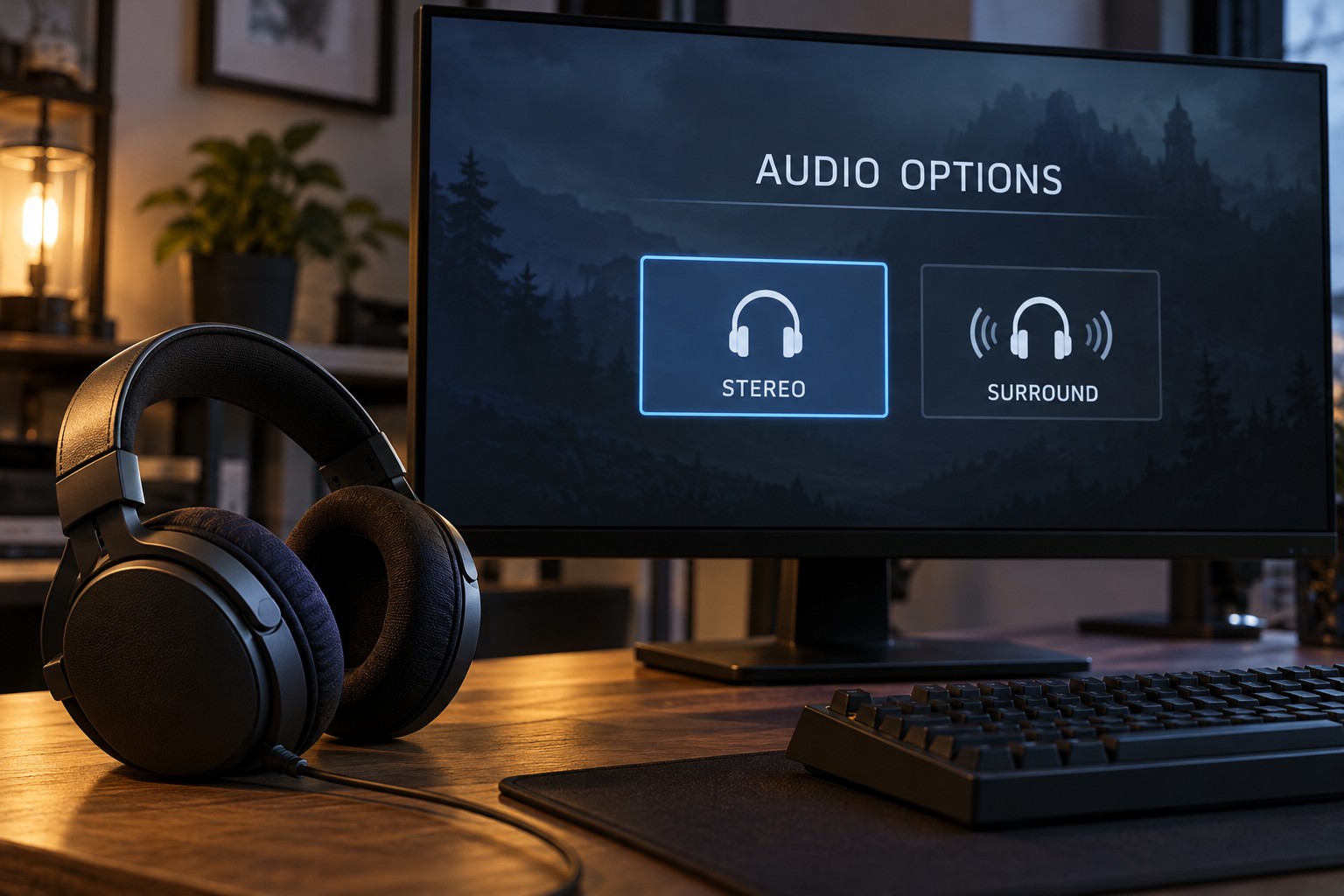
Check the game's audio menu, the operating system and the headset software. Each may offer a headphone or spatial option. The names can sound similar while referring to different processing. Write down which layers are active before changing anything, especially if a headset application applies a profile automatically when a game starts.
Begin with the output mode recommended by the game's documentation for your device. A game's headphone mode may already create directional cues for two-channel headphones. Adding another processor on top can change those cues rather than simply improve them. The useful arrangement depends on the game and the processing system.
Use familiar scenes at comparable volume
Choose a repeatable section with dialogue, nearby movement and sounds at different directions. Compare one setting at a time at a similar listening level. A louder mode can seem more detailed even when the change you are trying to judge is spatial. Avoid making a decision from a short promotional demonstration alone.
Listen for whether speech remains clear and whether positions are easy for you to interpret. More reverberation or a wider impression is not automatically more useful for play. Some people prefer a simpler stereo presentation in a particular game, while another game's supported spatial option may work well for them.
Check whether voice chat is processed through the same path. A setting that gives game effects a larger sense of space may make teammates sound unusual. If the software supports separate game and chat devices, understand their routing before moving sliders that affect both.
Keep a working reference
Save the configuration that you can understand consistently, including the game's mode and any operating-system or headset effect. If you use different settings for different games, label them clearly. A profile named after the game is easier to troubleshoot than several versions called surround one and surround two.
When something sounds wrong after an update, return to a simple known configuration before changing equalization or buying another headset. Verify that the expected output device is selected and that a new default has not enabled an additional effect. Software changes can alter the listening path without any physical hardware change.
Treat virtual surround as an option to evaluate rather than a required feature for a gaming headset. Fit, connection reliability and intelligible sound remain relevant with either choice. The best setting for your session is the one whose cues you can use consistently, not necessarily the one with the most dramatic name.