Choose a scene with several kinds of shadow
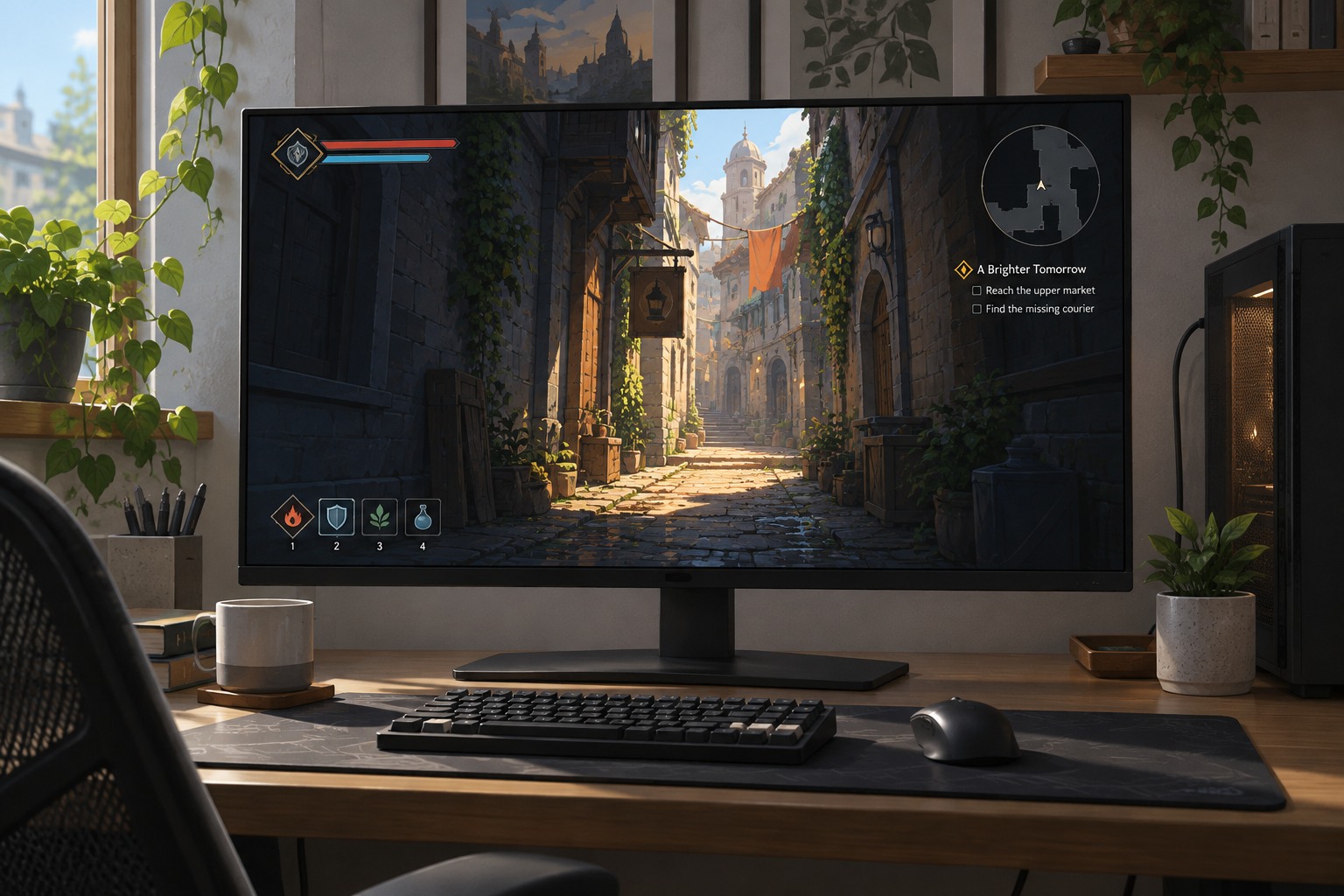
Find a location with nearby objects, distant geometry and a moving light or character if possible. Look at the boundary of a shadow, the distance at which it appears and whether it changes abruptly as you move. A single dark corner may tell you little about a setting that mainly changes distant coverage or edge detail.
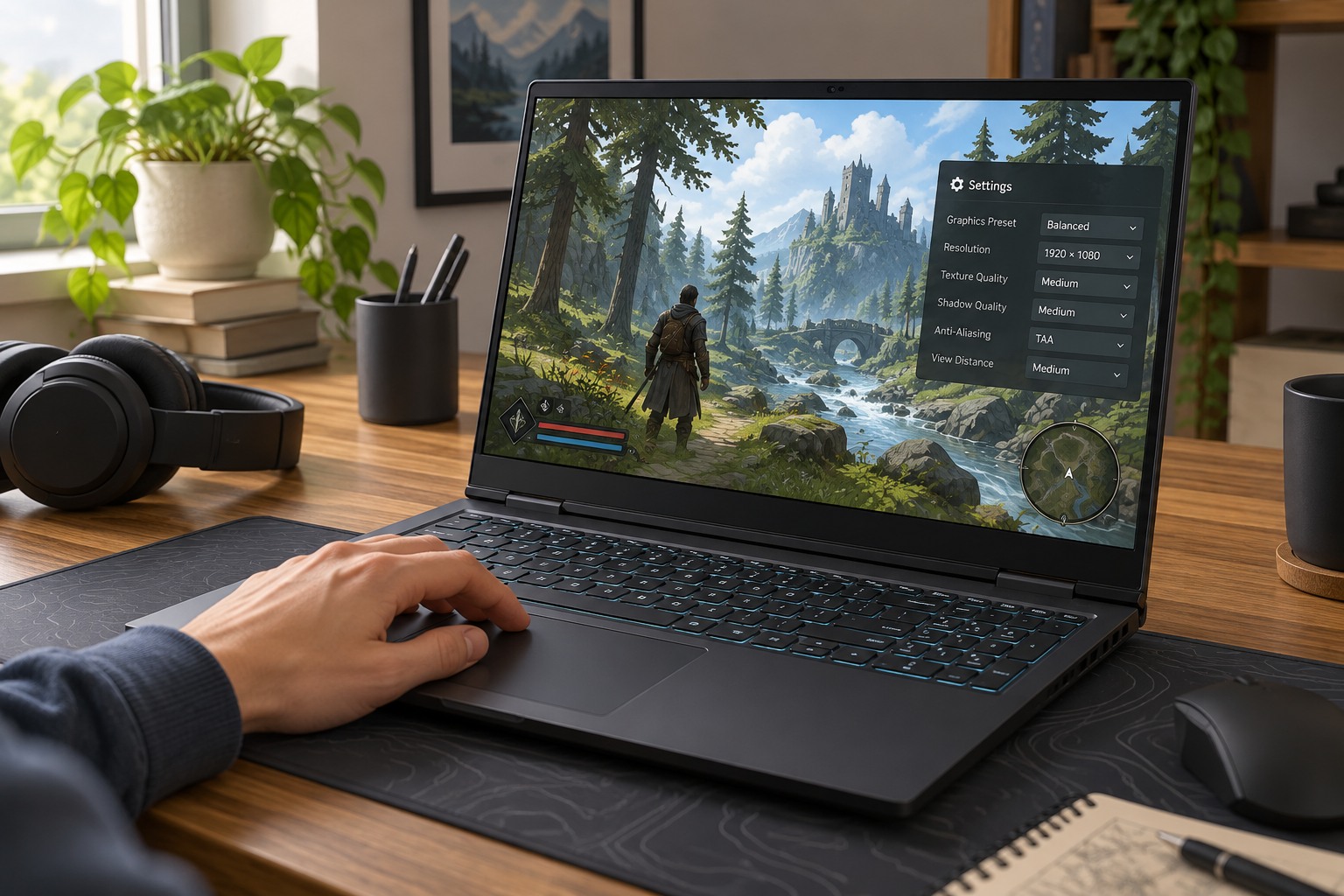
Games use different shadow methods, and a quality label can adjust several properties together. Higher settings may improve edge definition, distance or stability, but the exact result depends on the implementation. Compare the actual picture instead of assuming that one named level has the same meaning across titles. Apply any required restart or reload before deciding that the setting has no effect.
Do not use brightness to hide a different problem
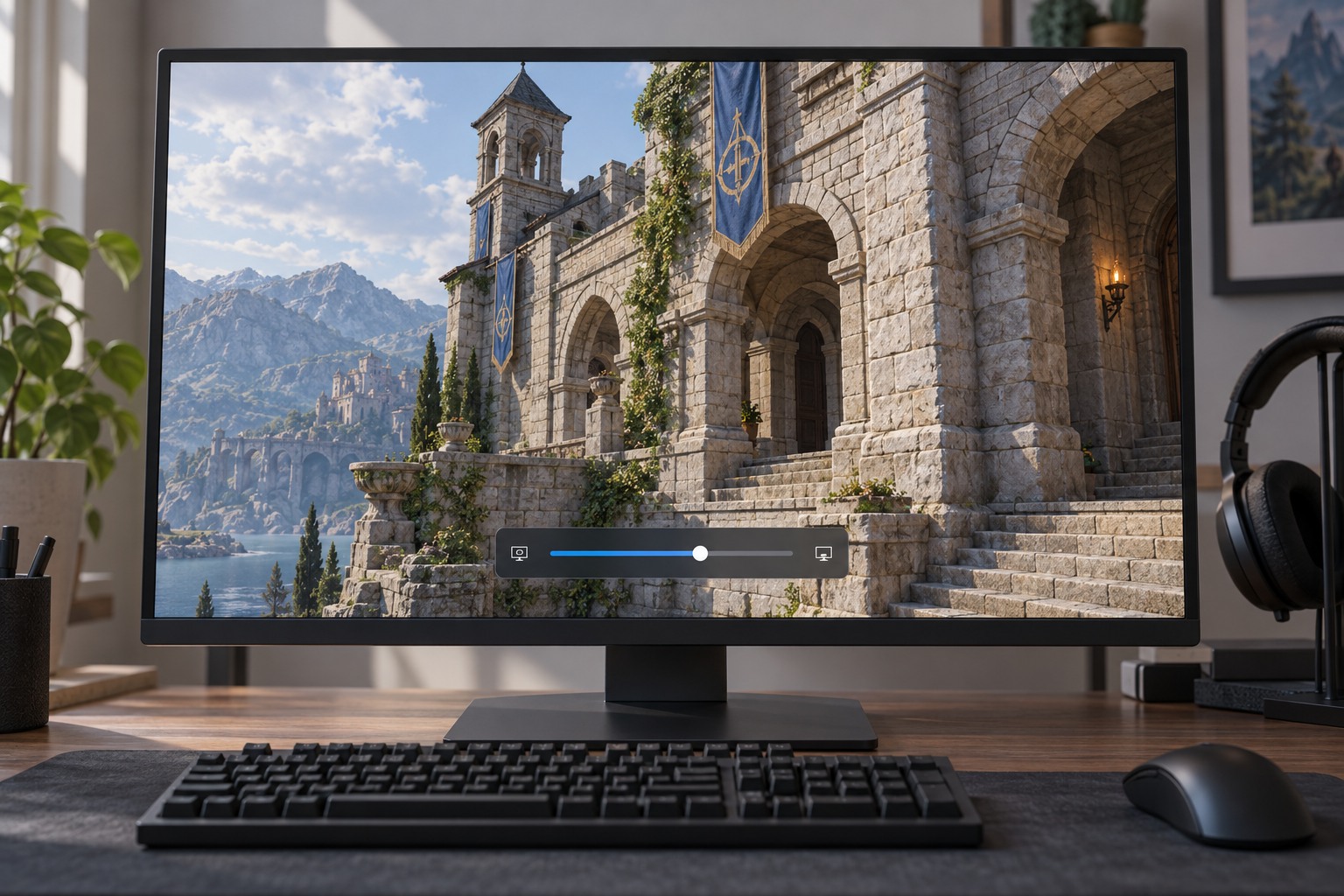
If the entire scene is too dark, first check the game's calibration instructions and the display mode in use. Raising shadow quality is not a brightness control. Likewise, increasing brightness until every shaded area becomes gray can flatten the image without improving the underlying shadow detail. Separate visibility adjustments from the quality comparison so you know what each change achieved.
Watch moving edges for flicker or crawling patterns. Fine fences, leaves and small objects can reveal instability more clearly than a broad building shadow. Test during normal camera movement because a paused view may look acceptable while the edge distracts you in play. If the game offers separate contact-shadow or ray-traced options, compare them individually rather than treating every shadow-related switch as one package.
Balance the scene you actually play
Use a demanding but representative area to judge performance. A higher shadow setting that looks good in a quiet room may behave differently outdoors with many objects and lights. If a lower setting produces steadier motion while retaining useful shape cues, it can be a sensible choice. Avoid assuming that disabling every shadow is automatically best; the scene can become harder to interpret or lose the appearance you enjoy.
Keep the selected setting through a few different environments before settling on it. Note any abrupt changes that bother you and revisit only the relevant control. A screenshot of the final configuration is enough to preserve the decision. The aim is readable, consistent play on your display, not matching someone else's preset from a different game build and computer.