Write down the intended destinations
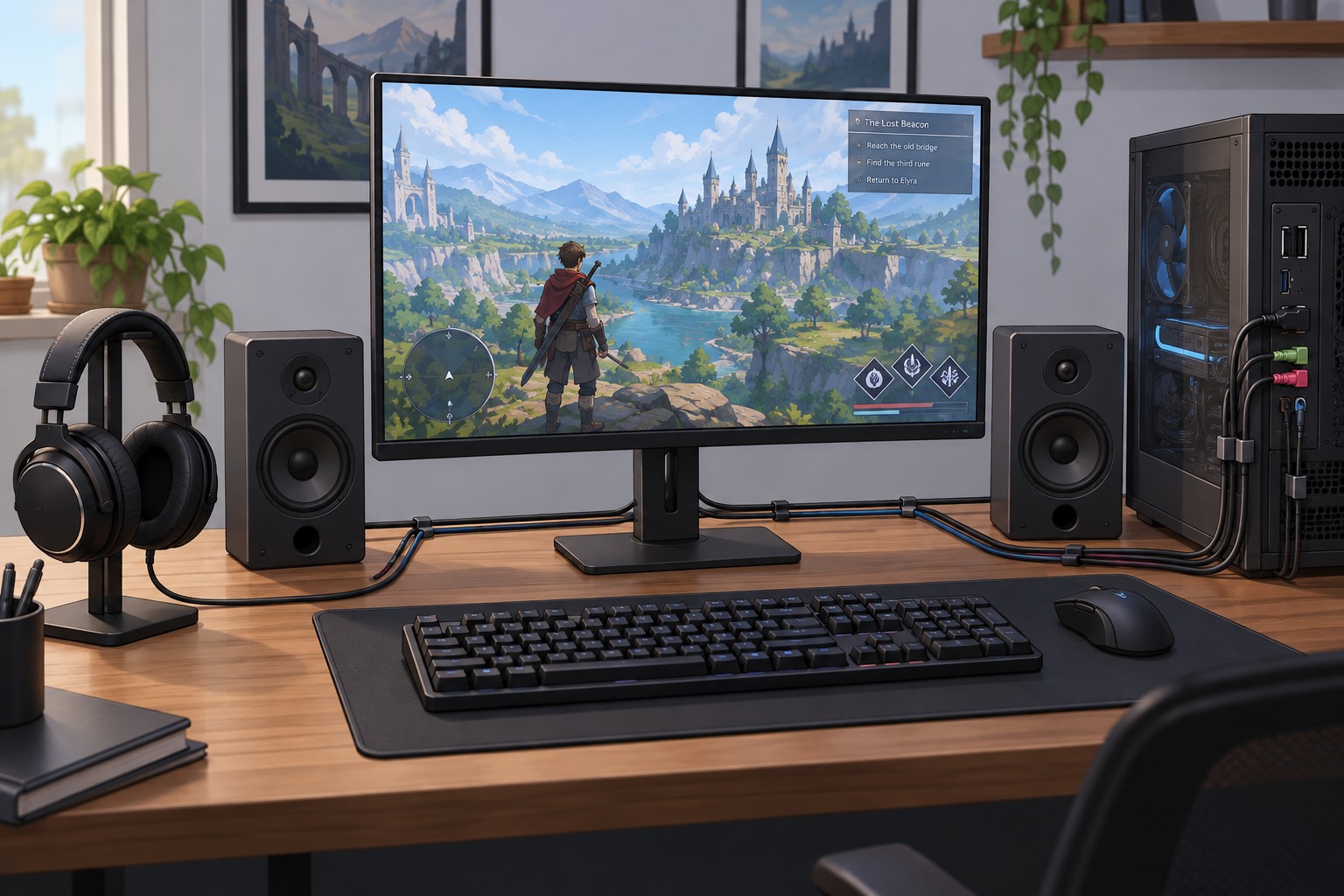
Decide where game sound should go and where conversation should go. For example, you might want game audio through desktop speakers and voice chat through a headset. That is different from hearing both in a headset while recording them separately. Start with the listening arrangement you actually need rather than changing output settings without a clear destination for each source.
Check whether the operating system, game and chat application expose independent output choices. A program may follow the system default, select a specific named device or use a separate communications default. Changing one does not necessarily update the others. Record the device names, especially when several entries look similar or a monitor appears as an HDMI audio output.
The microphone is an input choice and should be checked separately. Selecting headphones as the chat output does not prove that the desired microphone is active. Speak a short sentence while watching the application's input meter, then confirm with another person or a local test feature. Avoid leaving an unused webcam microphone selected simply because it appeared first in the list.
Check leakage and reconnection behavior
If game sound uses speakers, the microphone may pick it up and send it back to the group. Compare speaker level, microphone position and a supported push-to-talk or suppression option. A headset for chat does not prevent this leakage by itself when the game remains audible in the room. If the arrangement creates persistent echo, putting both sources in the headset may be the simpler solution.
Disconnect and reconnect the headset once as a test, then restart the applications. Some programs return to a default output when a device disappears; others retain a named selection that is temporarily unavailable. Check what happens after a computer restart or a console power cycle so the first match is not spent searching for missing audio.
Keep the physical volume controls reachable and know which device can be heard by other people in the room. Before recording or streaming, make a short file and inspect its audio separately; monitoring a source does not guarantee the recording captures it. Once the routing works, save a simple note showing application, output and microphone. That is often enough to restore the setup after a driver or device change.