Name the reason for the change
Choose an action that is uncomfortable to reach, easy to confuse or frequently needed while another key is held. Write down the old binding and a proposed replacement. Moving every command at once makes it difficult to know which change helped and which introduced a new problem.
Check how the game separates contexts. A key may perform one action while moving and another in a menu or vehicle. Changing its binding in one section may leave the other sections unchanged. Inspect related control pages so that the new layout remains coherent when the game switches modes.
Keep the remap at the appropriate layer
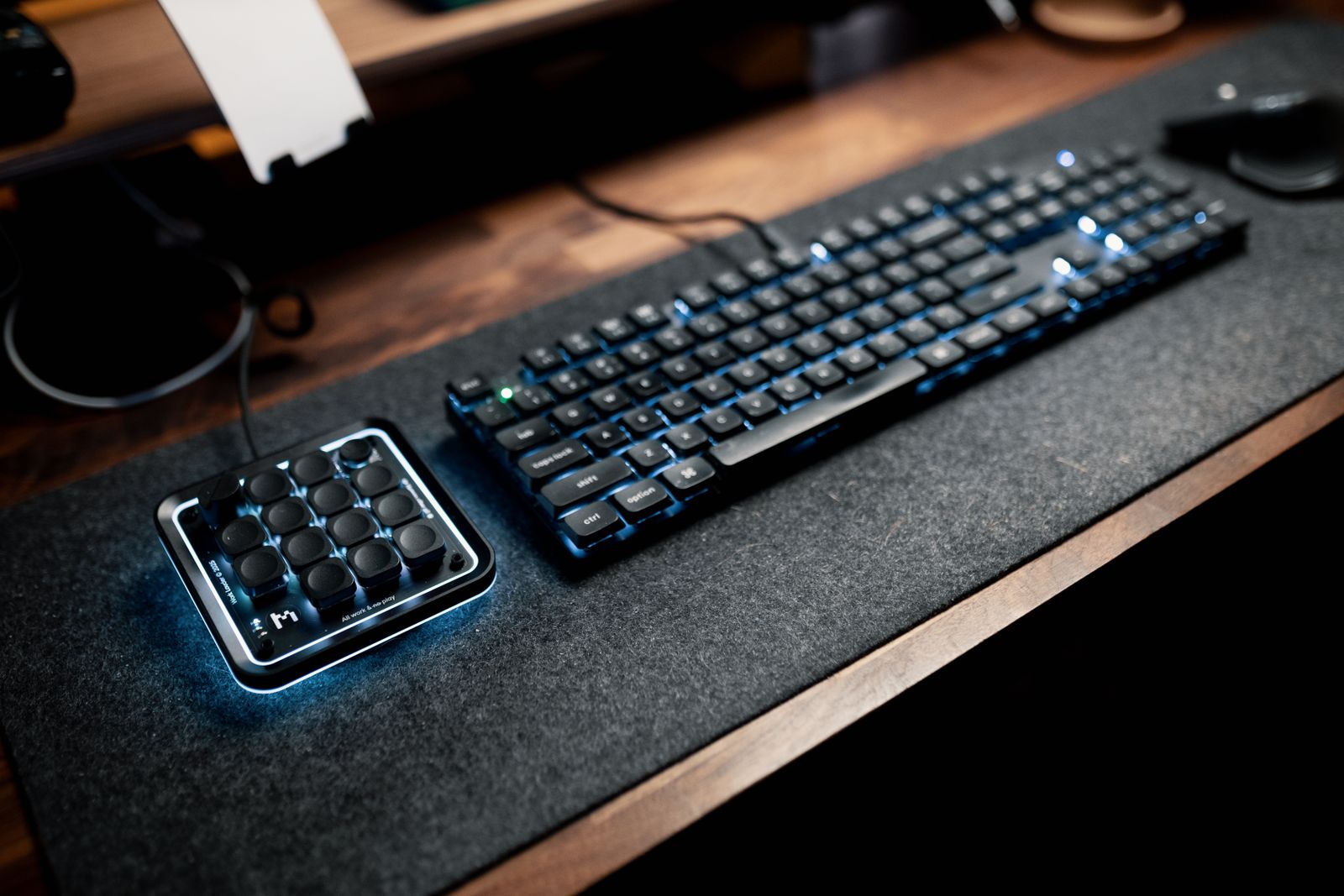
Use the game's own binding system when it provides the change you need. A keyboard-wide remap can affect typing, other games and operating-system shortcuts. Hardware profiles or remapping applications can be useful when the game lacks an option, but their broader effect should be clear before you enable them.
If the game allows a secondary binding, keep the familiar key temporarily. This provides a fallback during adjustment without preventing you from learning the new location. Avoid assigning an urgent action to a combination that requires releasing the movement key you usually hold at the same time.
Check how the new key is shown in on-screen prompts. Some games update prompts automatically, while others may retain generic instructions. If the displayed letter no longer matches the physical key because of a lower-level remap, keep a small reference until the arrangement is familiar.
Test a complete sequence
Use a training area or a low-pressure section to perform the actions in order: move, interact, open a menu, return to play and use any alternate mode. A binding can feel convenient in isolation but conflict with a neighboring action during a sequence. Test both holding and tapping if the game distinguishes them.
Save or export the profile when the software supports it, and record how to restore defaults. Keep the file named for the game and device rather than a vague label such as new settings. If a game update resets controls, a clear record saves another round of trial and error.
Allow ordinary use before adding more changes. If a replacement creates repeated accidental presses, revise its location instead of assuming that more practice must solve it. A useful remap makes a command easier to reach while preserving the rest of the control system. There is no requirement to adopt someone else's layout when your own movement and hand position differ.