Find the notes for the version you installed
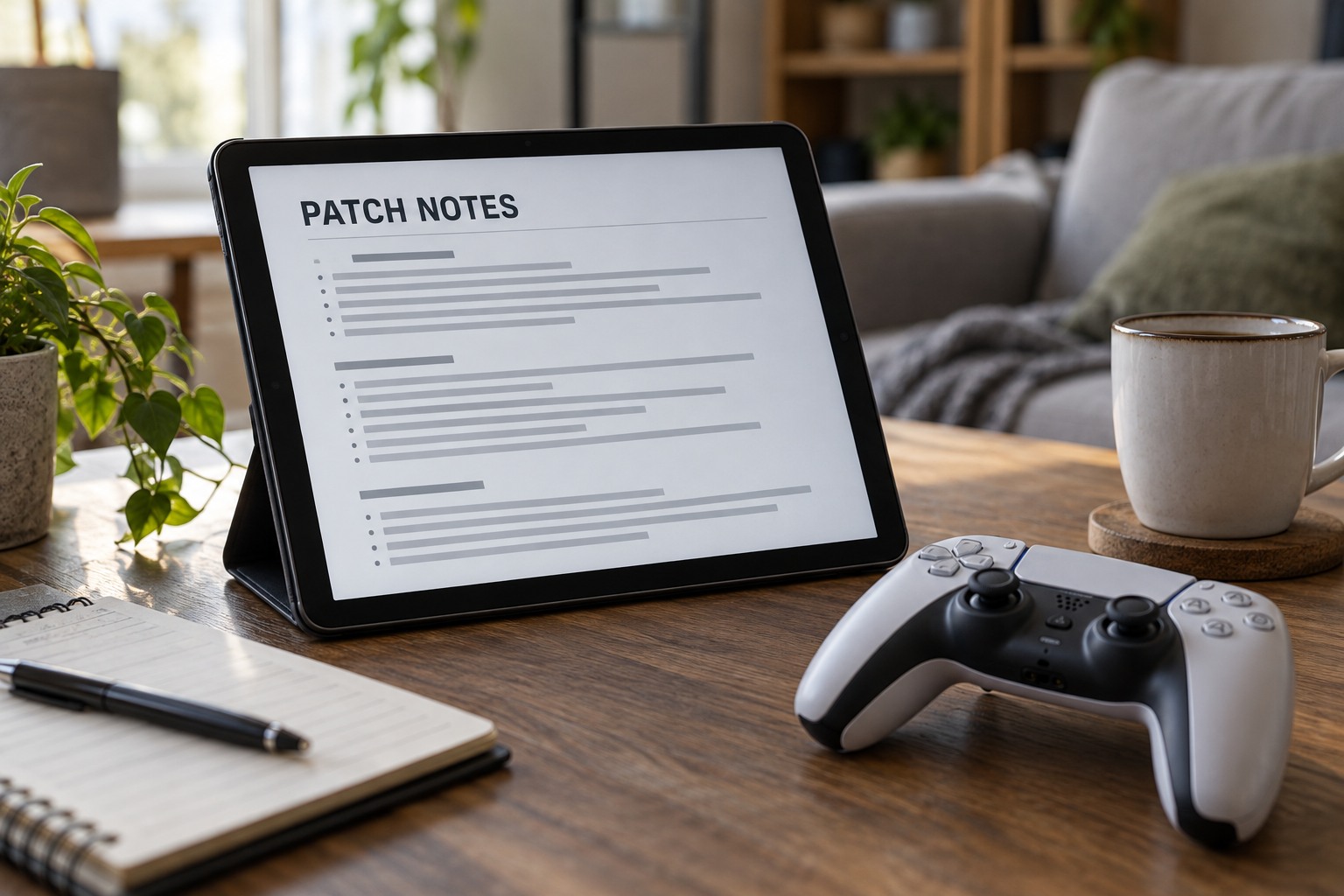
Use the developer's or platform's official release information and match it to the installed version. A preview branch, console update and PC release may not receive the same changes at the same time. Check the platform and date before applying a workaround described for another build. Community discussion can point toward a question, but it is not a substitute for the relevant official note.
Search for the symptom or setting that changed: controller input, audio, display mode, accessibility, save behavior or performance. Read the surrounding explanation rather than only the heading. A fix for one specific situation does not necessarily alter every game mode or device. If the notes identify a known issue, preserve the current state and follow the stated workaround where it applies.
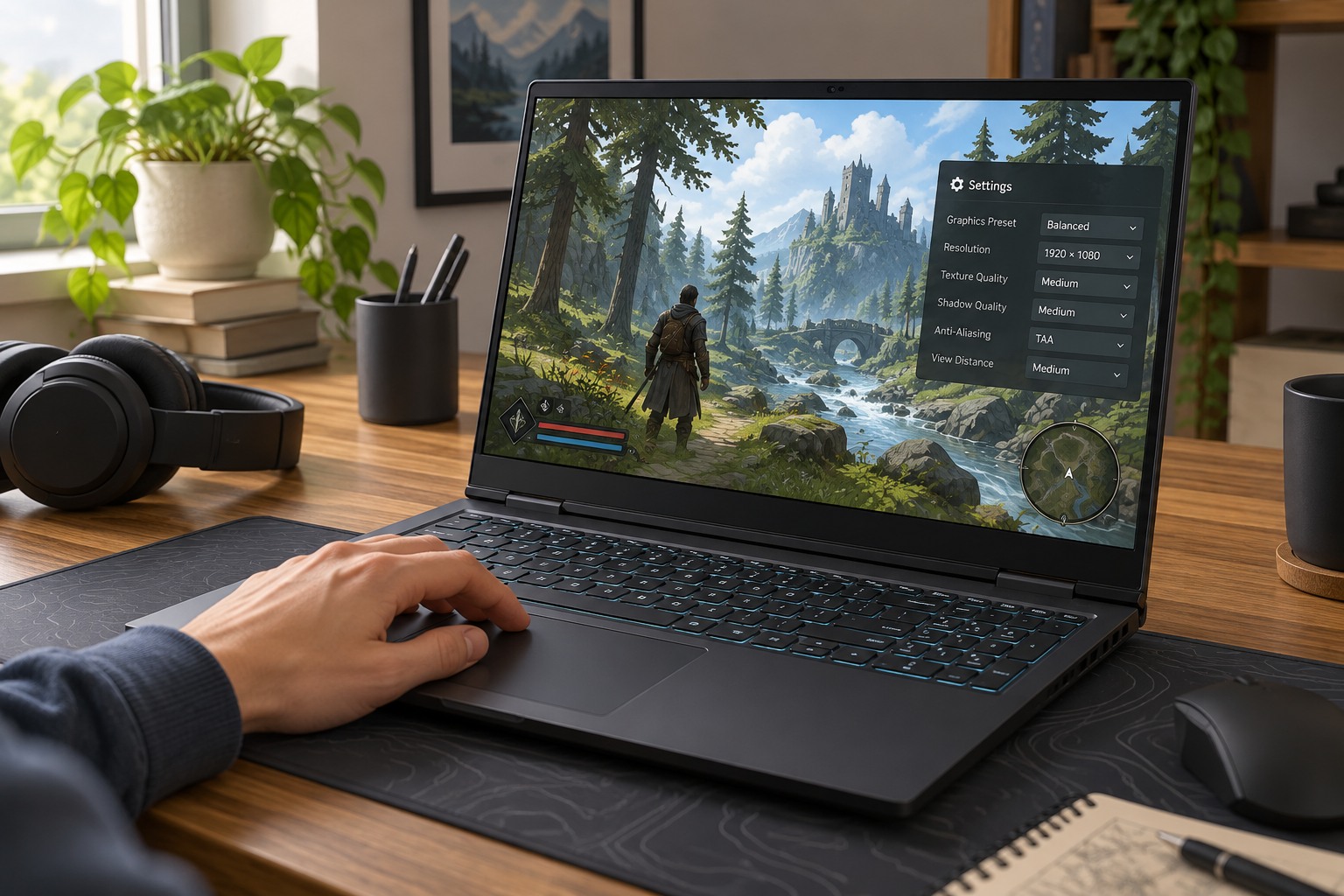
Do not assume an undocumented change occurred solely because a session felt different. Check whether a preset reset, a new display connection or background activity also changed. A settings screenshot taken before the update gives you a useful comparison. Keep the investigation tied to something observable rather than changing sliders because a patch is large.
Retest only the affected behavior
If the update changes a graphics feature, repeat the short scene you used to evaluate it. If it changes controls, try the relevant action in a safe area. Keep unrelated options stable. This makes the test meaningful and avoids turning a small update into a complete reconfiguration. A new default may be suitable, but it deserves the same practical comparison as your previous choice.
For mods or custom profiles, read compatibility notes before loading an important save. A game update can require a corresponding mod update or a documented migration step. Preserve supported backups and avoid assuming that reverting one file restores the entire previous environment. Use the developer's or mod author's official instructions for the exact version.
Record a brief result when the change matters: the issue is fixed, the old setting still works or a supported workaround is needed. Keep the official note's link with that record. Once the game behaves normally, resume playing rather than repeatedly retesting unchanged features. The purpose of reading patch notes is to make a specific decision with less guesswork.