Read the rate as an interval
Polling rate is usually stated in hertz, meaning reports per second. At 1,000 Hz the nominal interval is one millisecond; at 8,000 Hz it is one eighth of a millisecond. Those intervals describe reporting frequency, not the total delay from moving your hand to seeing a new image on the display. The game, rendering process and display remain part of that longer chain.
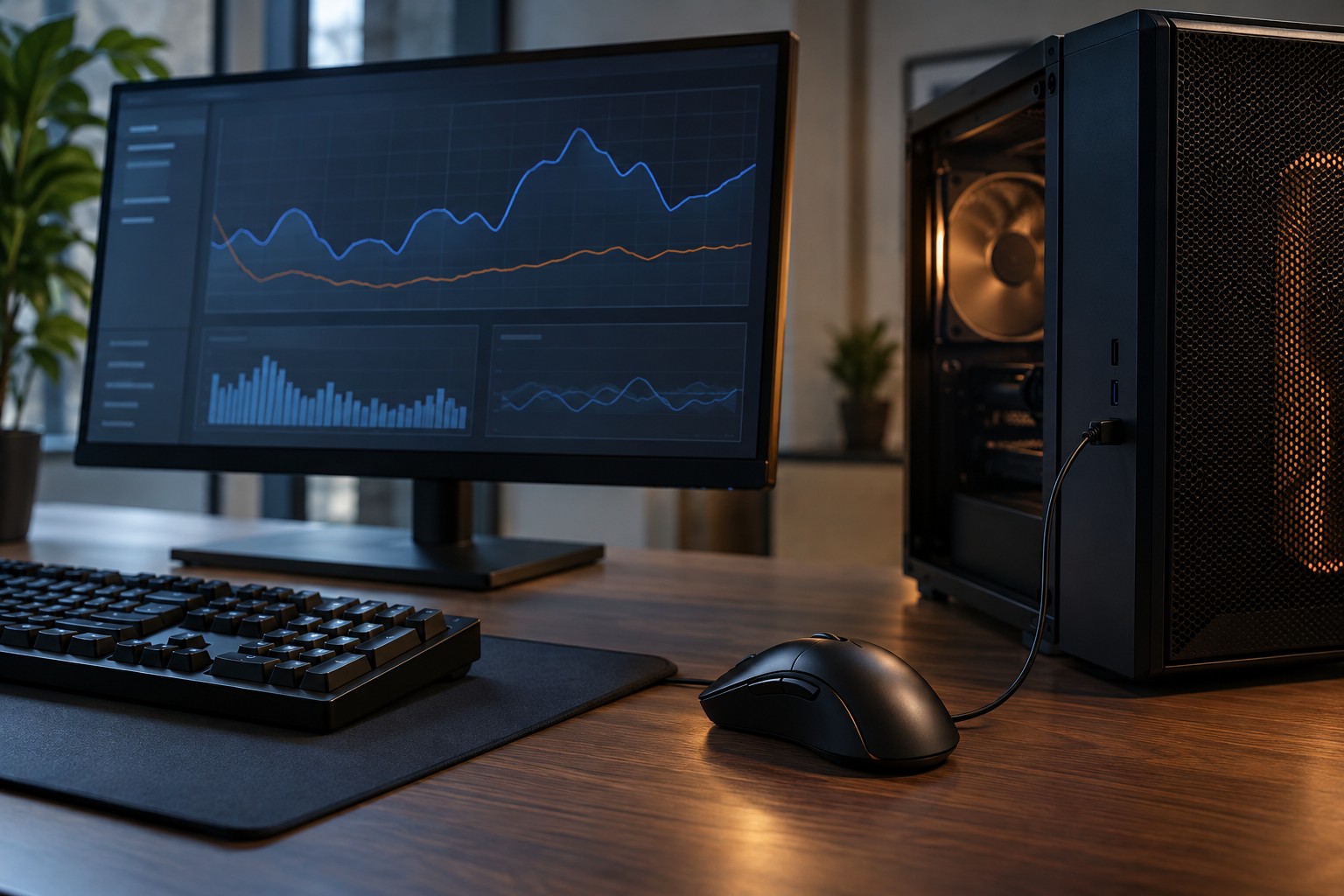
Corsair's guidance on higher polling rates notes the additional CPU cost and the importance of the system used. This makes the highest selectable value an option to evaluate rather than an automatic best setting. A mouse can support a rate that a particular game or computer does not handle as smoothly as expected.
Keep the comparison controlled
Start with a familiar stable rate and record the game's settings. Use the same scene or built-in benchmark if it meaningfully represents your play, then repeat after changing only the polling rate. Include sustained mouse movement; a stationary mouse may not reveal the workload you are trying to compare.
Look beyond a single average frame-rate number. Notice visible stutter, inconsistent movement and whether performance changes while the mouse is moving quickly. If the game provides a frame-time display, it can help reveal uneven delivery that an average hides. Do not treat a brief fluctuation as proof without repeating the comparison.
Check the connection requirements for the exact rate. Some wireless mice need a particular receiver, firmware or operating mode to expose their maximum setting. A product family's headline specification may describe an optional arrangement rather than the receiver included with every package.
Choose a stable everyday configuration
A lower rate that behaves consistently is a reasonable choice if a higher setting causes problems in the games you play. Keep separate profiles only when they solve a real difference between applications. Otherwise, a simple default reduces the chance of forgetting which configuration is active when troubleshooting something else.
Battery-powered mice may have different runtime at different reporting rates, so consult the manufacturer's conditions rather than applying a generic battery-life estimate. Think about your charging routine as part of the choice. A setting with a subtle benefit may be less attractive if it regularly leaves the mouse unavailable at the start of a session.
Before buying solely for a higher polling figure, consider whether the rest of the mouse meets your needs: shape, button placement, connection reliability and software support. The rate is one measurable part of the input system. It cannot compensate for a device that is awkward to hold or a game configuration that already struggles to deliver consistent frames.