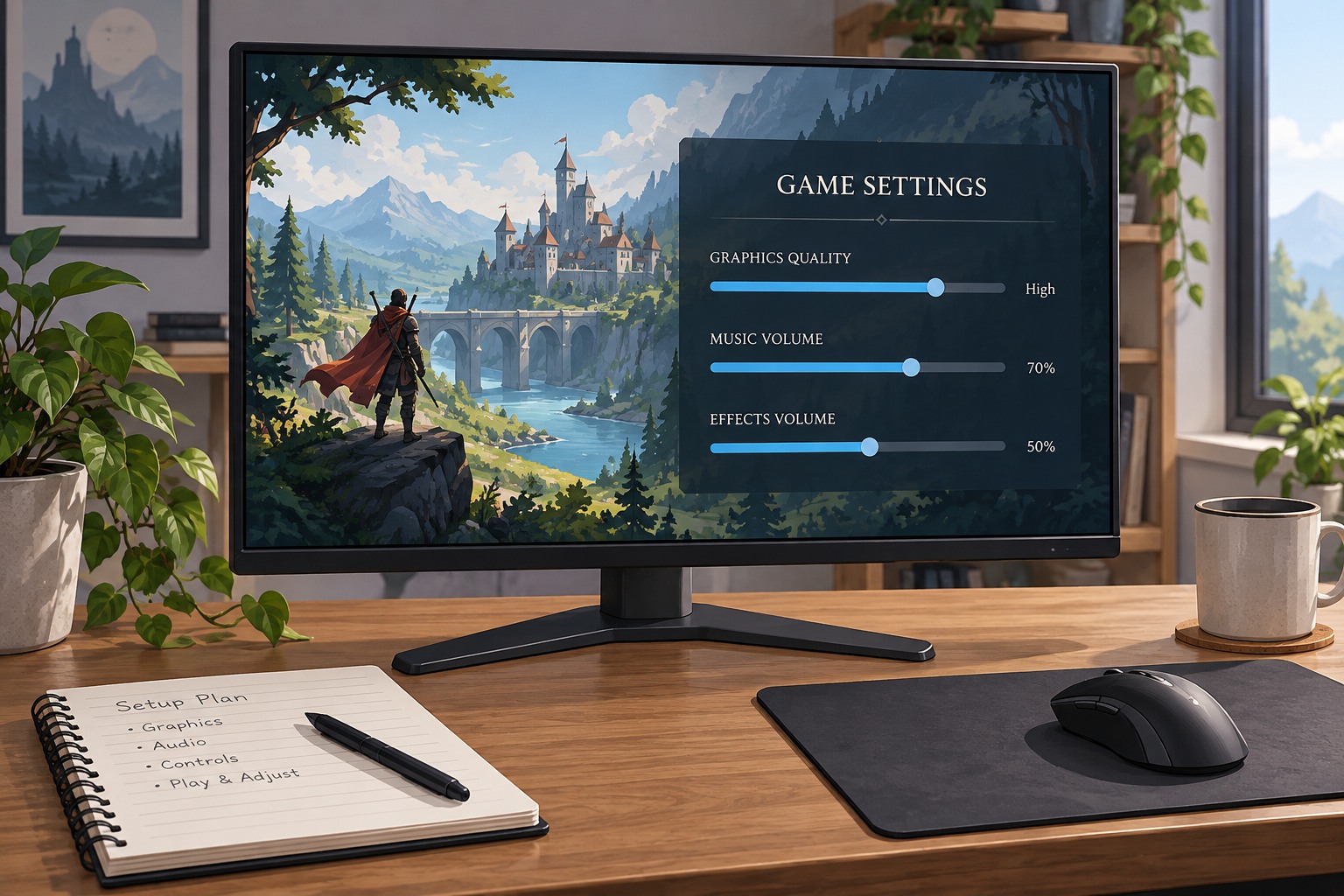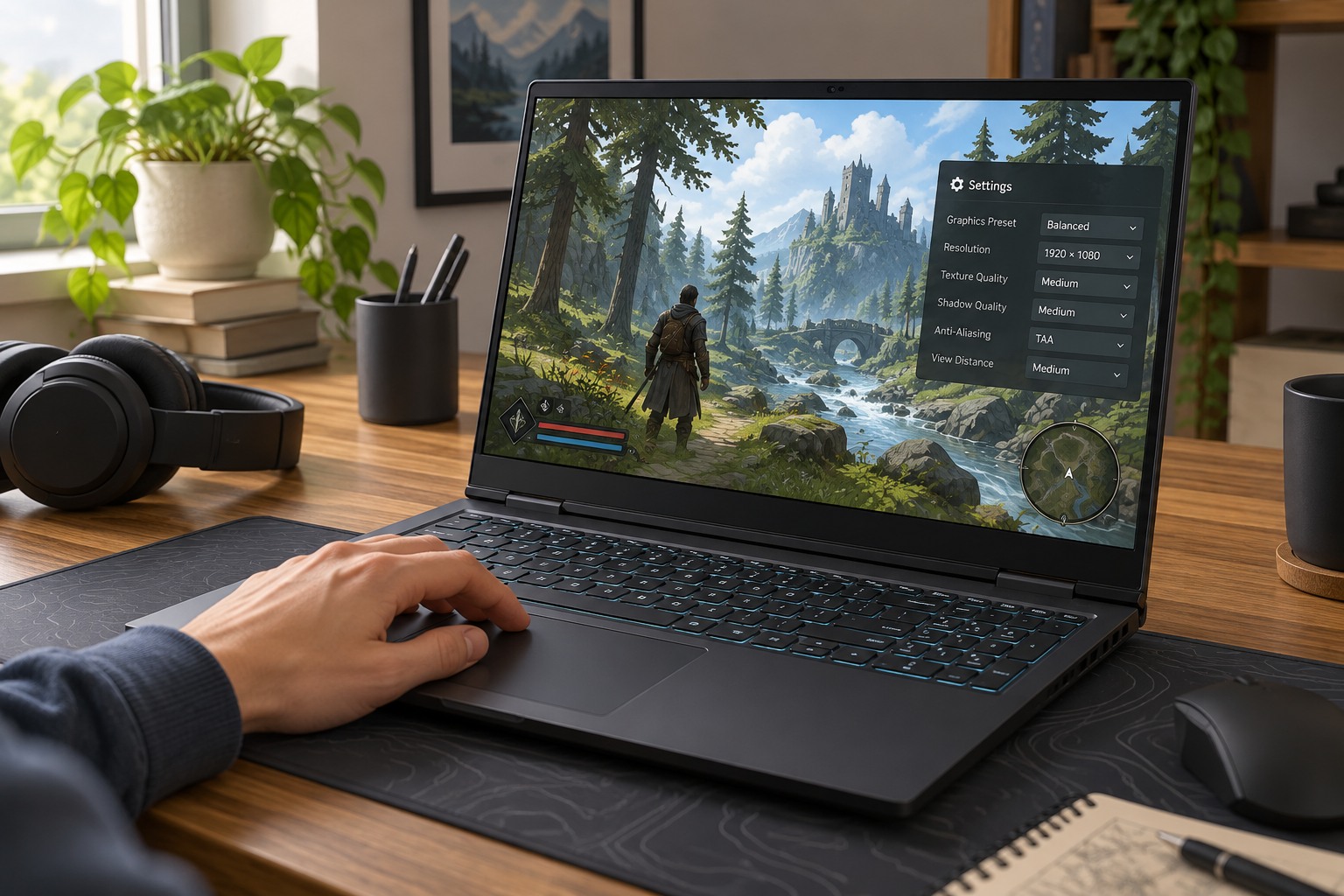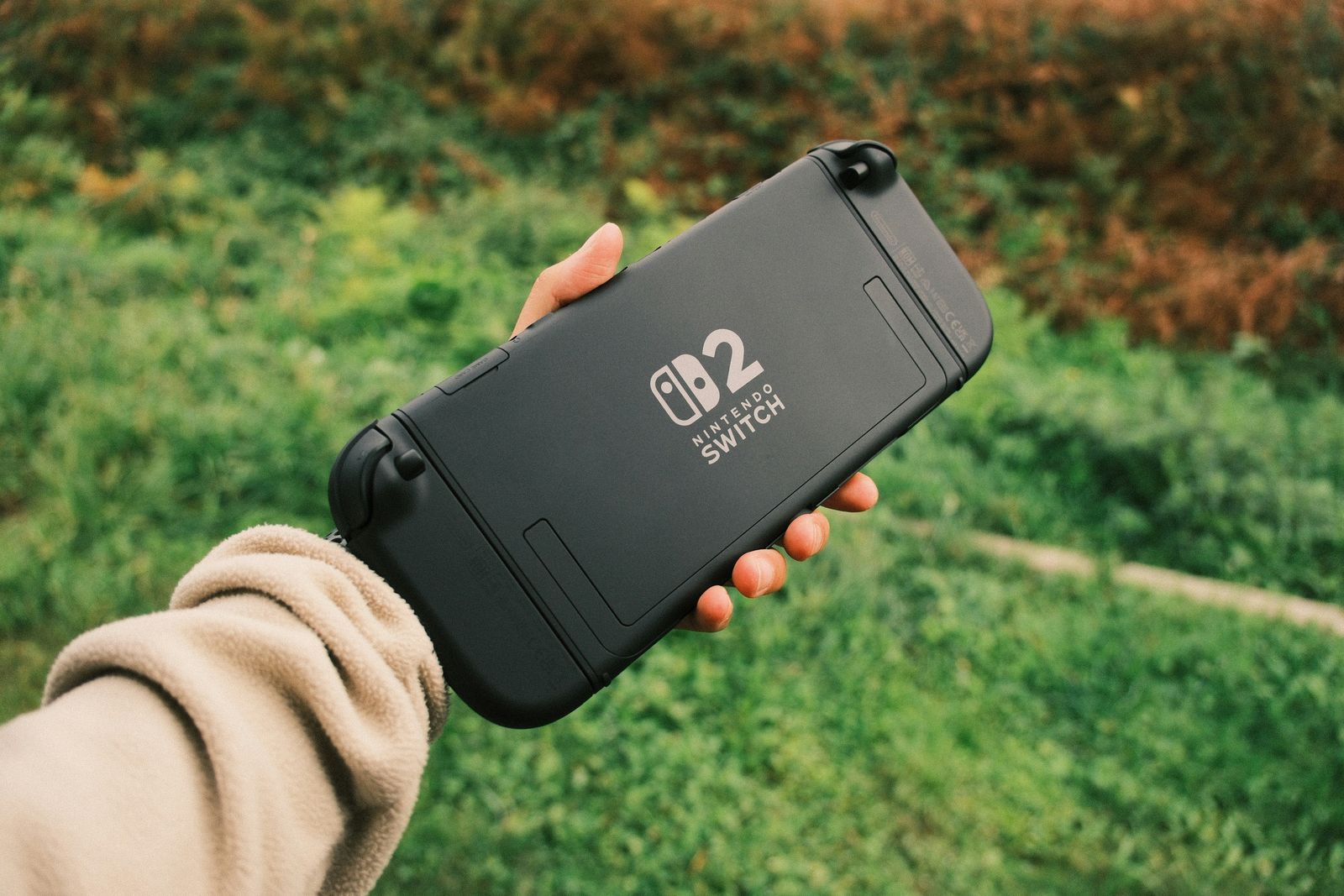
Check the game's actual offline support
Read the game's store information and support instructions for the mode you intend to use. A single-player campaign, an online character and a local practice mode can have different requirements. A launcher offering offline mode cannot remove an online requirement built into the game. Make the travel list from confirmed playable modes rather than from every installed title.
Steam's offline guidance recommends preparing while connected, completing updates and launching the intended games before going offline. It also notes that games requiring an active connection or an external launcher can have additional limitations. Follow the relevant platform's current procedure instead of assuming that simply turning off Wi-Fi is equivalent to a prepared offline session.
Perform a realistic rehearsal
Update the launcher and chosen games with enough time left to resolve problems. Launch each game, reach the intended save and exit normally. Then follow the supported offline procedure and test again without the connection you will lack during travel. A successful main menu is not enough if the campaign fails when loading; check the actual mode and progress you plan to use.
Restart the device during the rehearsal if that is likely to happen on the trip. A game left running from an online session may resume differently from a fresh offline launch. Keep account-recovery methods available securely, but do not store passwords in an unprotected travel note. If the platform requires a connection to restore a lost sign-in state, learn that limitation before departure.
Test the controller, headphones and power arrangement too. Offline readiness includes the physical kit. A game that launches correctly is still inconvenient if the controller was paired only to another device or a necessary adapter is missing. Use the same carrying setup and accessories you expect to take.
Check any additional content you expect to use, such as a downloaded language pack or expansion area. An offline test of the base-game tutorial does not verify content that has not finished installing. Open the relevant mode or save while still at home and follow its access instructions. Keep enough free space for the prepared installation rather than uninstalling a required component immediately before leaving to make room for another untested title.
Protect progress across the trip
Let existing saves synchronize before disconnecting, and avoid continuing the same campaign on another machine while the travel device is offline. That can create competing branches of progress. Keep a note of the last meaningful checkpoint so you can identify the desired version if a conflict appears when reconnecting.
Where the game supports independent local backups, make one through its documented method before traveling. Console and server-based games may use different arrangements, so do not assume every save can be copied as an ordinary file. Offline mode is a connectivity feature, not a backup system.
Reconnect in a deliberate order
After returning, close the game normally and reconnect the device before starting the same title elsewhere. Allow synchronization to finish and read any conflict warning carefully. If two versions exist, compare the actual sessions rather than automatically choosing the newest timestamp. Preserve supported copies before overwriting anything uncertain.
Keep an alternative game that you have tested offline in case the preferred title encounters a requirement you cannot satisfy away from home. The fallback need not be large or new; it needs to work with the available device and session length. A small verified selection is more useful on a trip than a huge installed library whose offline behavior is unknown.