Identify what the control mutes
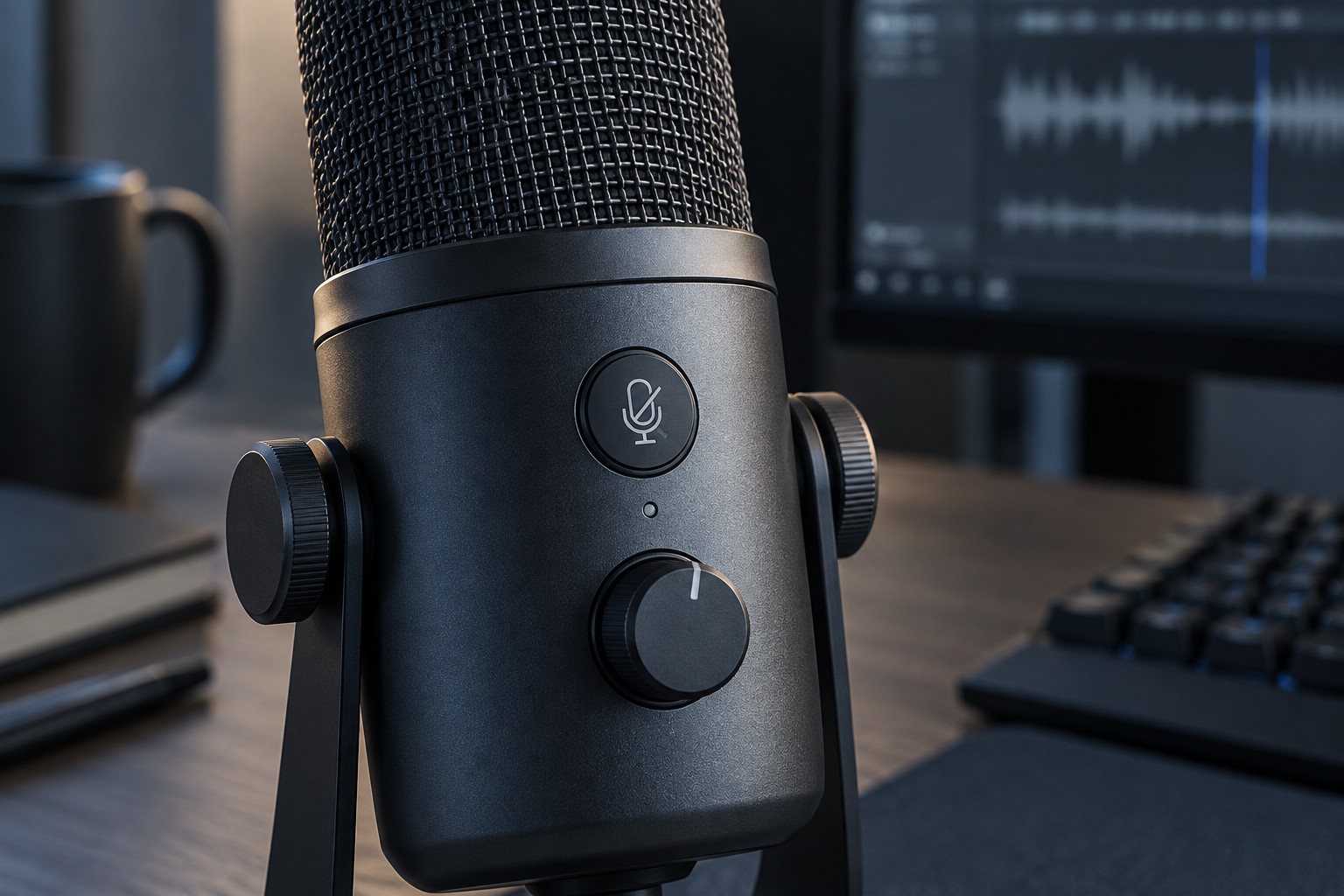
A button may mute the microphone at the device, in an application or through a software command. These are not necessarily the same scope. Muting one chat application does not guarantee that another application has stopped receiving input. Read the device's description and test the intended behavior instead of relying only on a crossed-out microphone symbol.
Some headset booms mute when raised, while others simply move out of the way. A detachable microphone may leave another built-in microphone active on a different device. Check the selected input and make a recording to confirm what actually reaches the computer after using the control.
Check reach and feedback
Sit normally with your hands on the controls and reach for mute without looking. Notice whether it is easy to distinguish from volume, power or a mode switch. An inline cable button can slide out of reach, while a button behind a desk microphone may require reaching across the keyboard.
Look for feedback you can perceive in the normal position: an indicator light, an audible prompt or a clear on-screen status. Check whether the light means muted or active; different products can use opposite conventions. A control with no obvious state may invite repeated toggling that leaves you unsure of the result.
If a touch control is used, test whether ordinary handling triggers it accidentally. A physical button can also transmit a click or desk vibration into a microphone. These are reasons to evaluate the complete placement, not reasons that one control style is universally better.
Keep shortcuts predictable
For software mute, choose a shortcut that does not overlap with a frequent game command. Check whether the shortcut works when the game has focus and whether it is a toggle or a hold action. Save the original binding so that another profile does not silently replace it.
Avoid building a chain of several mute switches unless you have a clear reason. If a hardware switch, operating-system control and application button are all used interchangeably, troubleshooting silence becomes harder. Pick a primary everyday control and know where the other states can be checked.
Before an important group session, make a brief test with the actual application. Speak, mute, speak again and confirm the difference through its test recording or with another participant. A visible icon is useful feedback, but a test of the audio path establishes that the control works where you need it.