Decide which hand does each job
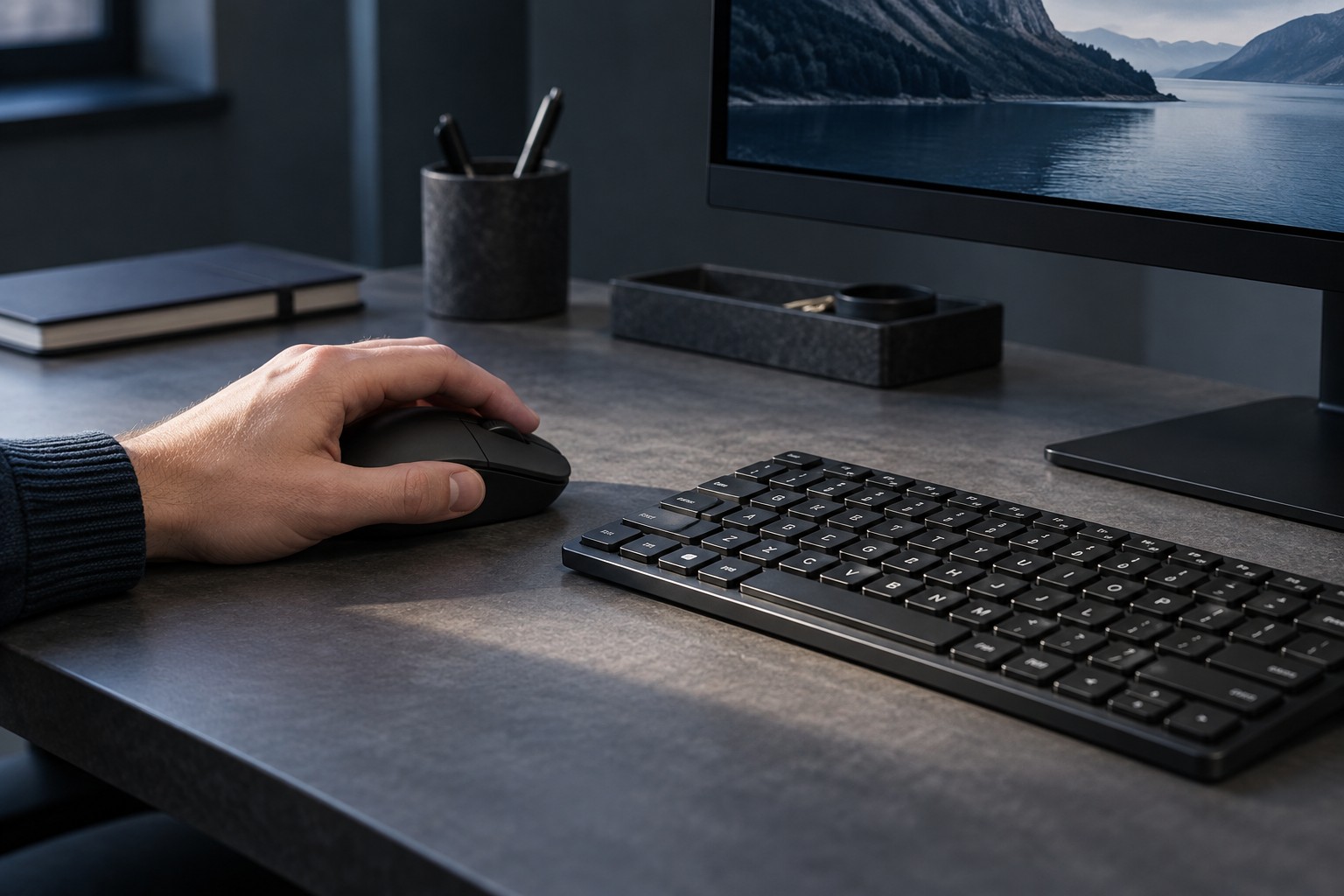
Some left-handed players prefer a conventional right-handed arrangement, while others move the mouse to the left. Start with the arrangement you want to use rather than assuming a handedness label determines it. Place the keyboard and mouse accordingly and check whether the desk leaves enough clear movement space.
A symmetrical mouse shape does not necessarily have usable side buttons on both sides. Inspect the actual button placement and whether unused buttons can be disabled or removed as designed. A shell may feel comfortable in the left hand while its thumb controls remain inaccessible.
Rebuild the keyboard cluster carefully
If the right hand takes movement controls, choose a cluster with enough nearby keys for the game's repeated actions. Arrow keys can be familiar but may leave fewer adjacent options than another cluster. Test modifiers, interaction and menu access together rather than mapping movement alone.
Check whether the game allows every required action to be reassigned. Some menus or prompts may retain fixed controls. A system-level remap can affect other applications, so prefer a game-specific arrangement when it meets the need. Record the original settings and keep a restore path.
Mouse primary-button swapping is a separate setting from game bindings. Confirm how the operating system and the game each interpret the buttons. A change that helps desktop use may not automatically produce the same result in every title, particularly when the game handles input directly.
Make the layout usable beyond one game
Keep common actions in similar relative positions where possible, but do not force identical bindings when games use different control systems. A small reference note for unusual commands can reduce confusion. If the keyboard or mouse stores profiles, label them by game and verify that the correct one activates.
Check shared-desk handover. Another user may expect the mouse on the right and the usual primary button. A clear profile switch or separate user setting can avoid repeated unexplained changes. The physical cable route should work in both positions without stretching across the keyboard.
Evaluate the complete setup during ordinary play and desktop tasks. Reachable buttons, clear prompts and sufficient mouse area are more useful than buying products solely because they carry an ambidextrous label. Keep the arrangement adjustable as you discover which actions deserve a better position.