Look at the complete position
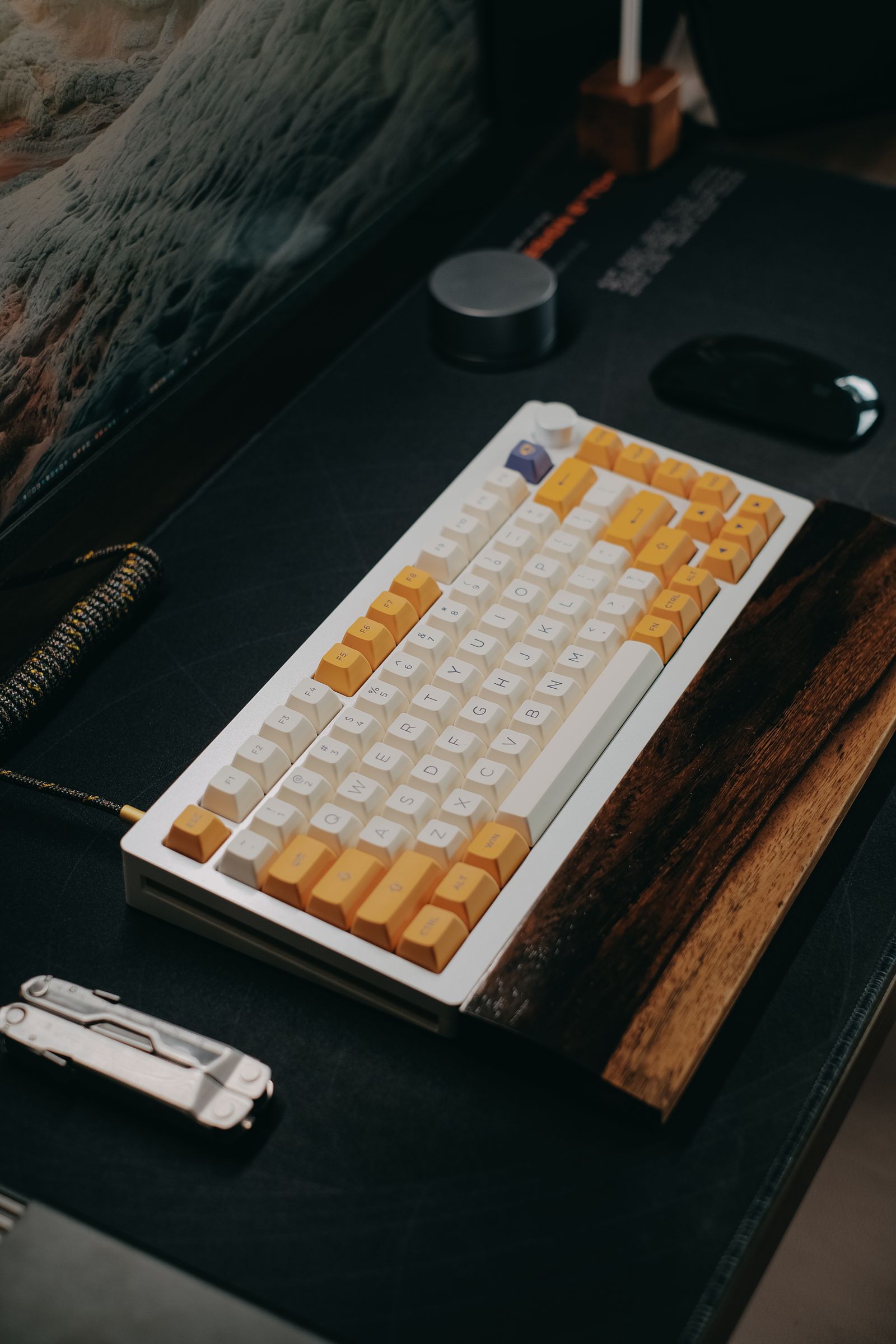
Place the keyboard where your hands naturally reach it while seated at the desk. Notice whether the front edge is already high and whether extending the rear feet makes you bend your wrists farther upward. A keyboard's built-in slope remains even when its feet are folded, so compare the actual key surface rather than only the foot position.
Move the keyboard closer or farther away in small increments before buying a support accessory. If the board sits behind a large desk item, reaching over that item may be the more obvious problem. Keep enough space to use the mouse without moving the keyboard into an awkward position.
Compare a few stable arrangements
Try the available manufacturer-provided angles during ordinary typing and a familiar game. Keep the chair and desk arrangement unchanged during each short comparison. Notice whether you rest heavily on the front edge, lift your hands frequently or feel that certain rows require an exaggerated reach.
Do not prop a keyboard on loose objects to create a steep angle. An unstable support can shift during a key press and make the board rock. If a different angle is needed, use a product designed to support the keyboard's size and weight, and make sure it does not block cables or switches.
A wrist or palm support should fit the keyboard's front height and your use pattern. A thick support placed before an already tall board may change the position in an unhelpful way. Compare it with and without the accessory rather than assuming that matching colors mean the two pieces fit well together.
Let the arrangement stay adjustable
Different tasks may involve different reaches. A game centered on one key cluster is not the same as typing across the whole board, and a number-heavy task may move the hand to a separate pad. Keep the setup easy to adjust so that one activity does not determine every other position.
Take breaks from a fixed posture and respond to discomfort rather than treating an angle as a medical solution. Persistent pain or numbness deserves appropriate professional advice; a product's ergonomic label does not diagnose the cause. This guide is about comparing desk arrangements, not prescribing a treatment.
When choosing a new keyboard, note its front height, available tilt positions and total depth. Those physical details can be more useful than a dramatic side photograph. The aim is an arrangement that lets you reach the keys without forcing a position and remains stable throughout normal use.