Test the vertical and horizontal axes
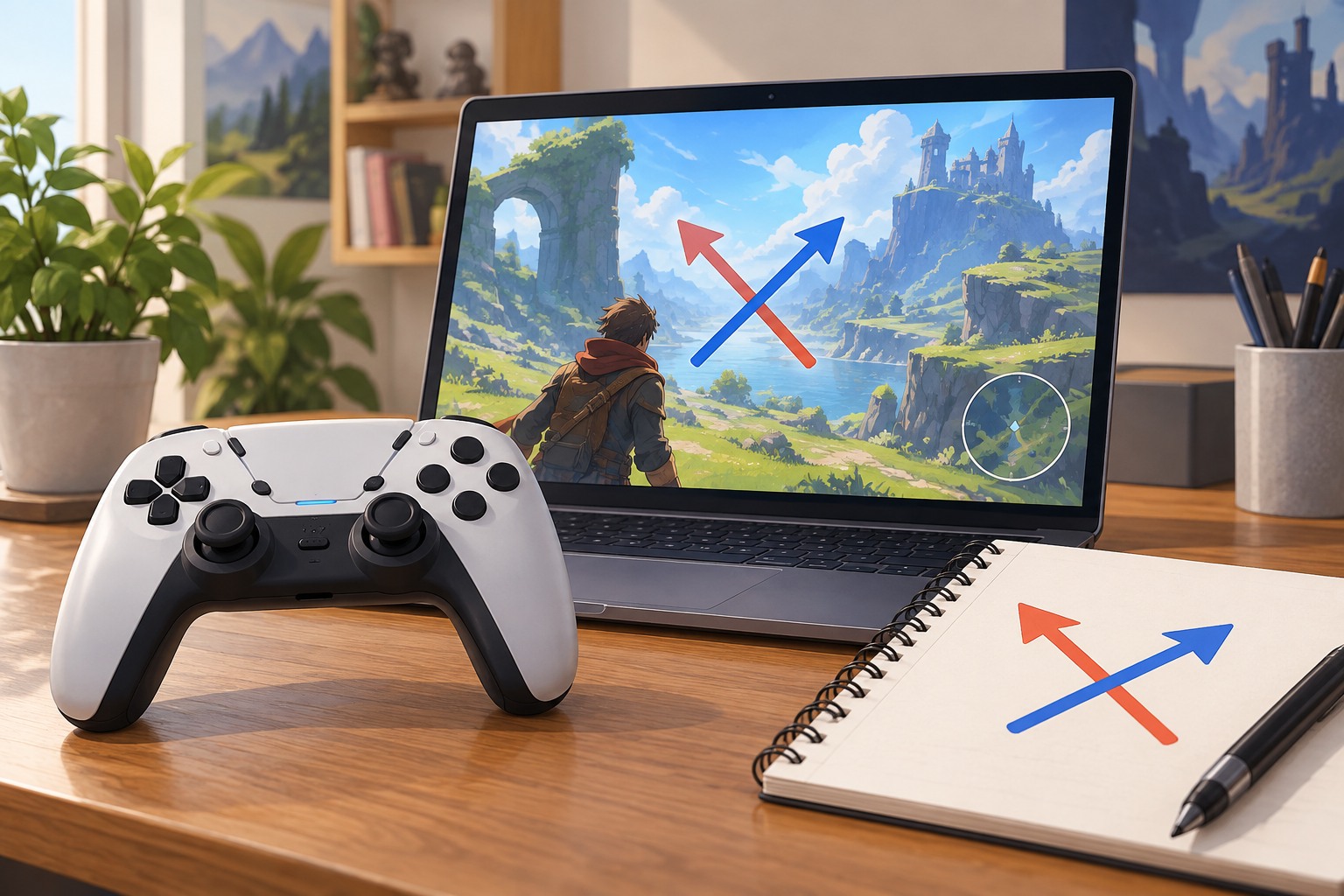
Start in a safe area and move only the vertical input. Observe whether pushing forward or upward makes the camera look up or down, then select the behavior that matches your expectation. Test the horizontal axis separately if the game allows it. Changing both at once can make an unfamiliar camera harder to diagnose.
The preference is about how you expect the camera to respond, not about a universally correct control scheme. A person comfortable with inverted vertical flight controls may prefer non-inverted on-foot controls. Games sometimes offer separate settings for those modes, so inspect the full control menu instead of assuming the first invert option governs everything.
Check transitions and special views
Enter a vehicle, use an aiming view and try any inspection or map camera that appears during normal play. A game can treat those as separate systems. If one mode feels wrong while the others are comfortable, change only its relevant setting where available. Do not compensate for an inverted axis by moving sensitivity to an extreme; those controls solve different problems.
Consider whether the game distinguishes mouse and controller preferences. A shared setting can be inconvenient when switching devices, while separate options need to be checked independently. If two people share a profile, note the preferred arrangement before changing it. A personal profile or supported preset may be a better way to preserve different preferences.
Give the chosen mapping a short trial
Repeat a simple route with a few turns, looking above and below the character. Keep sensitivity and acceleration unchanged during this trial. If the camera still feels unpredictable, identify whether the issue is direction, speed or acceleration before making another change. A clear description such as vertical direction is reversed is more useful than the controls feel strange.
Save the setting and recheck it after restarting the game. If a launcher, controller utility or system remapping layer also alters axes, simplify the setup so only the intended layer controls the behavior. Document the final choice with the rest of your input preferences. That makes it easier to restore familiar controls after a reset or when moving to another device.