Sketch the working arrangement
Decide whether the stick will sit beside the keyboard, in front of you or on a dedicated mount. Include a separate throttle if one is planned. Move your hand through the full control range and check that the base, cable and your arm do not collide with the desk edge or chair.
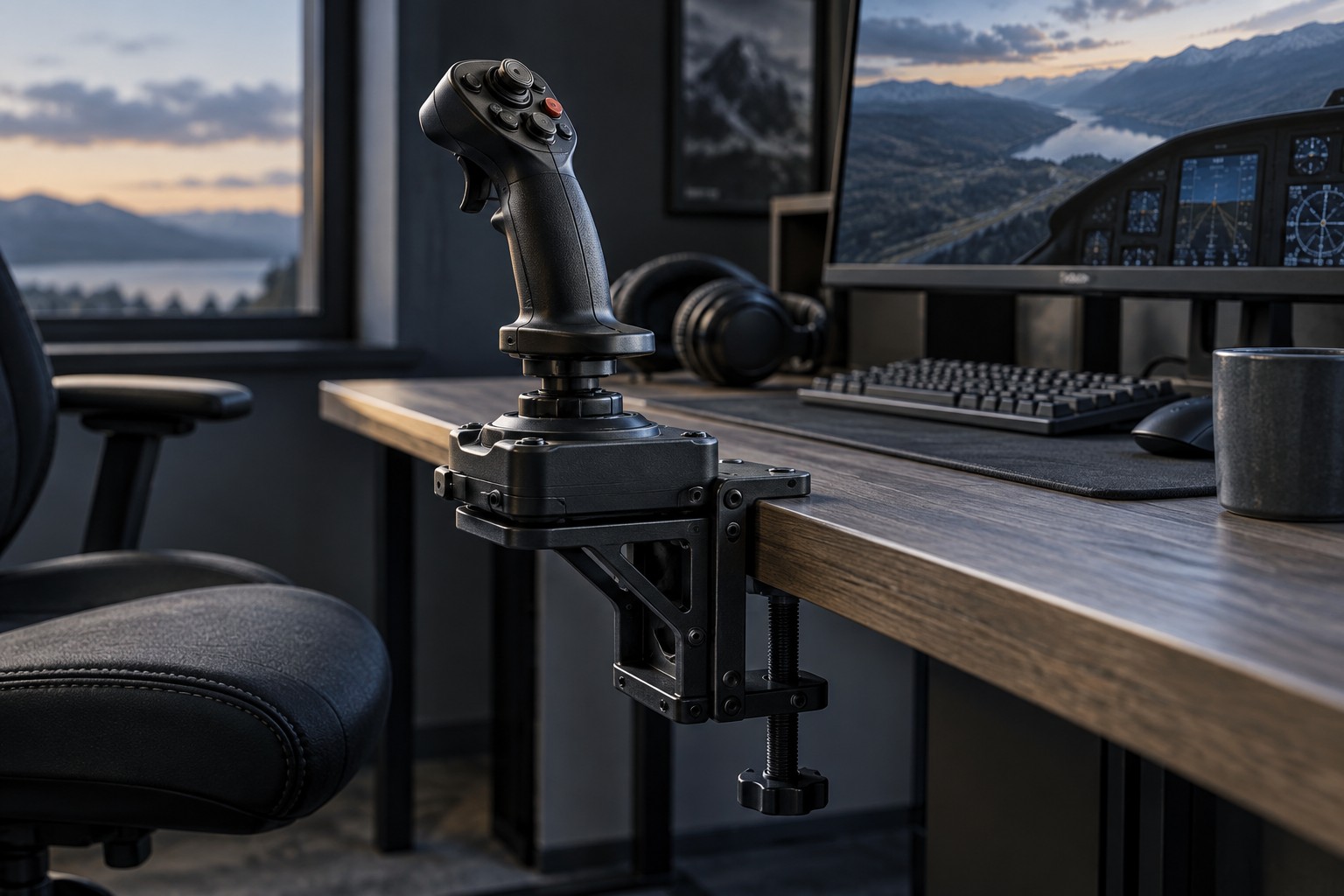
A large base can be stable but consume useful surface area. A compact base may need a clamp or mounting plate for vigorous movement. Check the manufacturer's mounting pattern and supported accessories rather than assuming a universal plate will fit. The size of the stick itself does not describe the space needed by the mount.
Check what the desk can support
Measure the desk thickness and inspect the underside where a clamp would sit. Drawers, support rails and cable trays can obstruct a clamp even when the top looks clear. Follow the desk and mount makers' material and load restrictions, particularly for glass, thin panels or hollow constructions.
A clamp needs a secure flat contact area and enough clearance for adjustment. Do not compensate for an incompatible desk with a loose stack of improvised spacers. If a mount specifies a backing plate or protective pad, use the intended components and check that the arrangement does not damage the surface.
For a removable setup, consider where the mount goes between sessions. A heavy assembly that is awkward to attach may discourage ordinary use. Measure the storage space and cable reach before deciding that a dedicated mount is more convenient than a simpler desktop base.
Test input after mounting
Connect the stick through the supported interface and use the game's calibration or control display as directed. Check full movement, twist input if present and every button you plan to use. Mounting should not place tension on the cable or obstruct a control at the edge of its travel.
Keep keyboard access available for commands the stick does not cover. A flight setup can become harder to use if the main keyboard is pushed beyond comfortable reach. Start with the essential controls and add accessories only when a real command or placement problem remains.
Recheck the mount periodically according to its instructions, especially after moving it. If the base shifts during play, stop and address the support rather than tightening beyond the stated limits. A stable predictable position is the foundation for learning the controls; extra buttons cannot compensate for a moving base.