Read the camera, not just the number
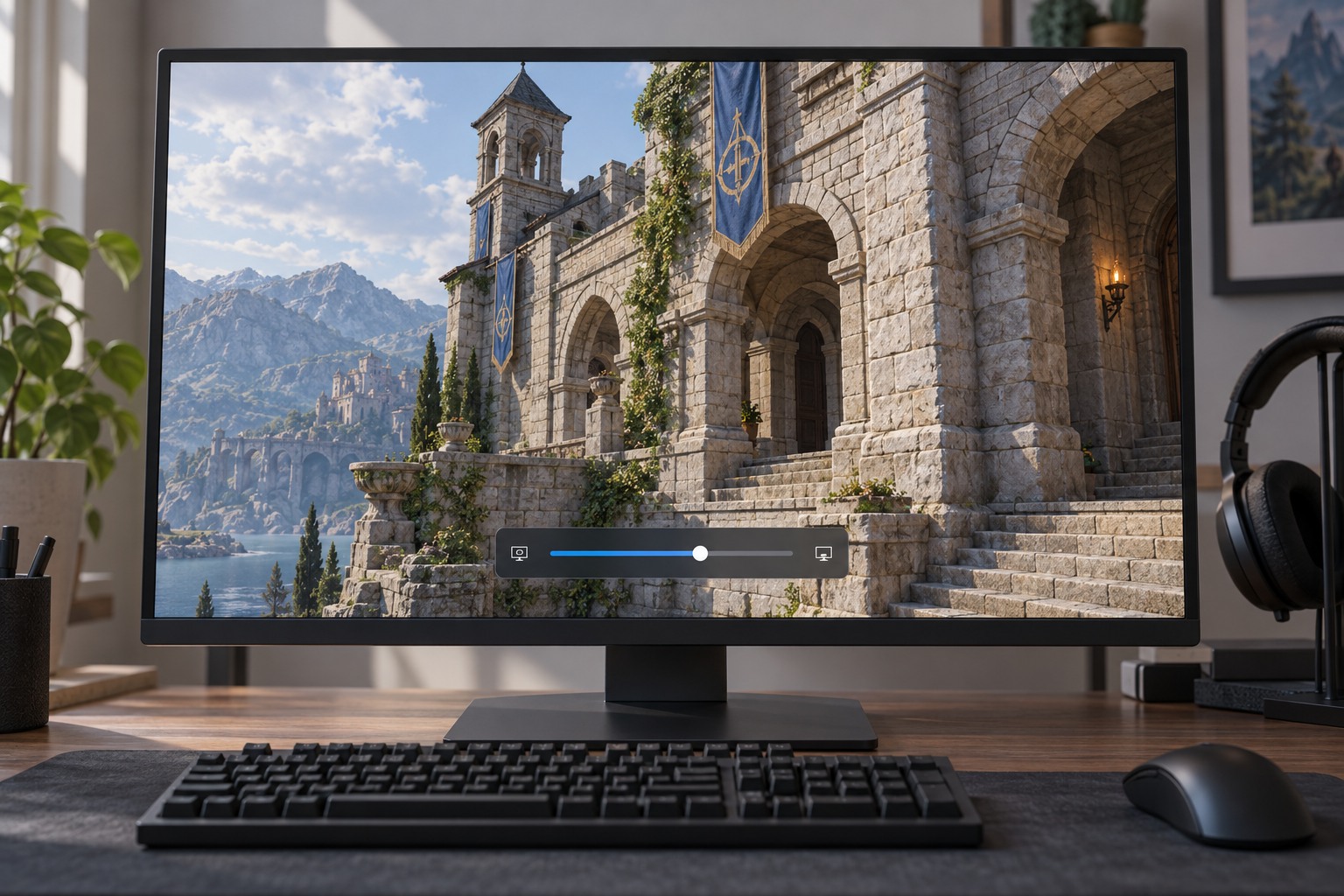
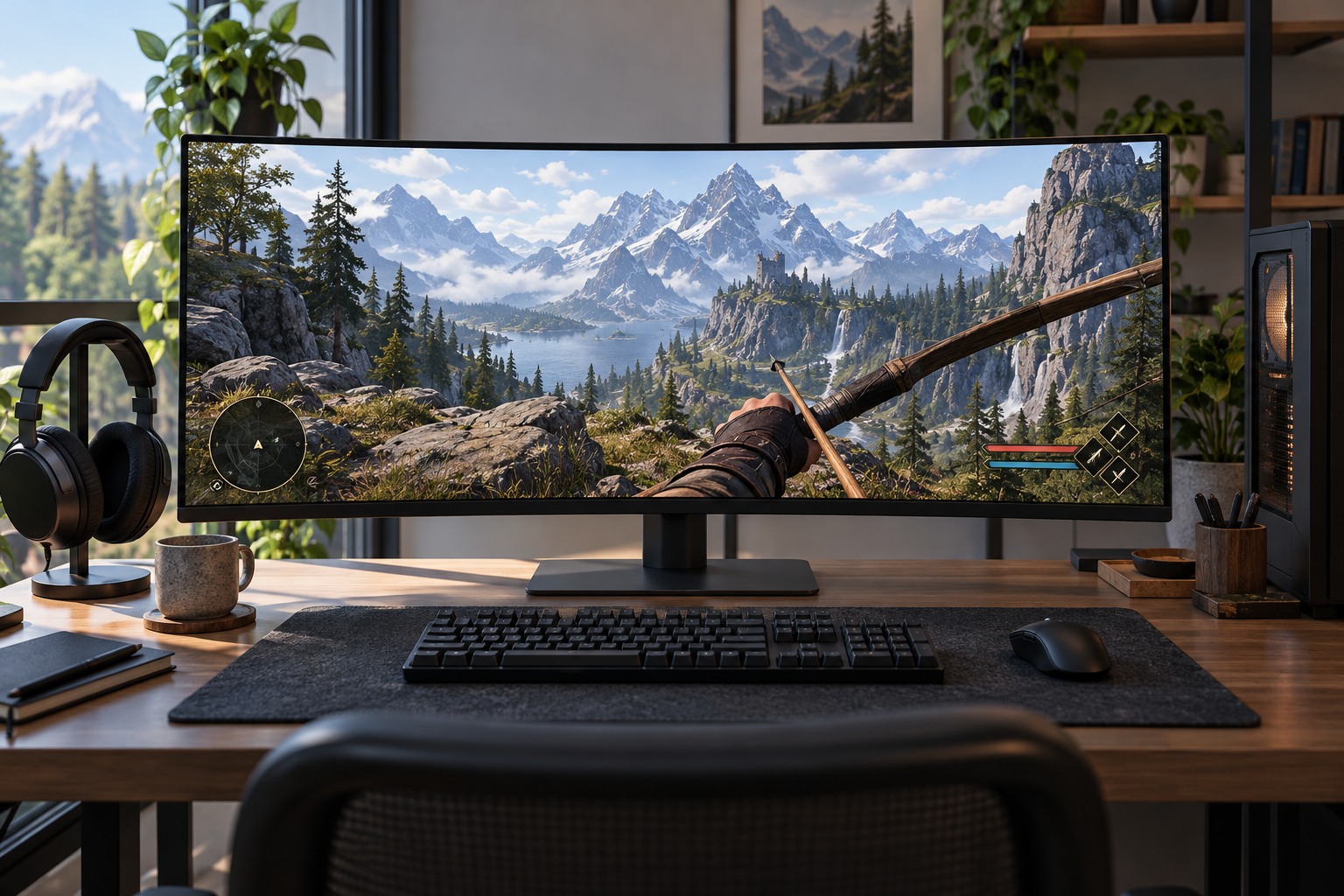
A wider field of view shows more of the surrounding scene, but objects near the center can appear smaller and edges may look more stretched. A narrower view enlarges the central area while showing less to the sides. Compare a familiar location with objects at several distances. Notice both what becomes visible and what becomes harder to identify.
Games may express field of view horizontally, vertically or through a less explicit slider. Screen aspect ratio can therefore change the relationship between a displayed number and the actual view. Copying a value from another game or another monitor shape may not reproduce the same camera. Use the game's explanation where available and judge the result on your own display.
Check whether aiming, vehicles or special camera modes have separate controls. A comfortable walking view may change when you aim or enter a cockpit. Some games deliberately narrow the view for particular actions, while others offer a setting to influence that behavior. Test those transitions before deciding that the main slider is the only relevant control.
Match the view to the way you sit
Your screen size and seating distance affect how the image occupies your vision. Adjust in small steps while sitting where you normally play. A setting that looks impressive from a desk may be difficult to read from a sofa. There is no universal competitive value that overrides whether you can comfortably recognize objects and follow the camera.
Keep sensitivity constant during the first comparison. A changed field of view can alter the perceived speed of movement even when the underlying input setting has not changed. Once you choose the view, revisit sensitivity only if needed and record both decisions separately. Otherwise you can end up chasing a moving target by changing the camera and controls together.
Try a short route with turns, stairs and nearby walls, then stop if the view feels unpleasant. Inspect any unusual edge distortion and the size of interface elements. Wider visibility is only useful when the scene remains interpretable. If the game locks field of view, look for supported camera or accessibility options rather than assuming the same adjustment is available in every title.