Measure the occupied desk
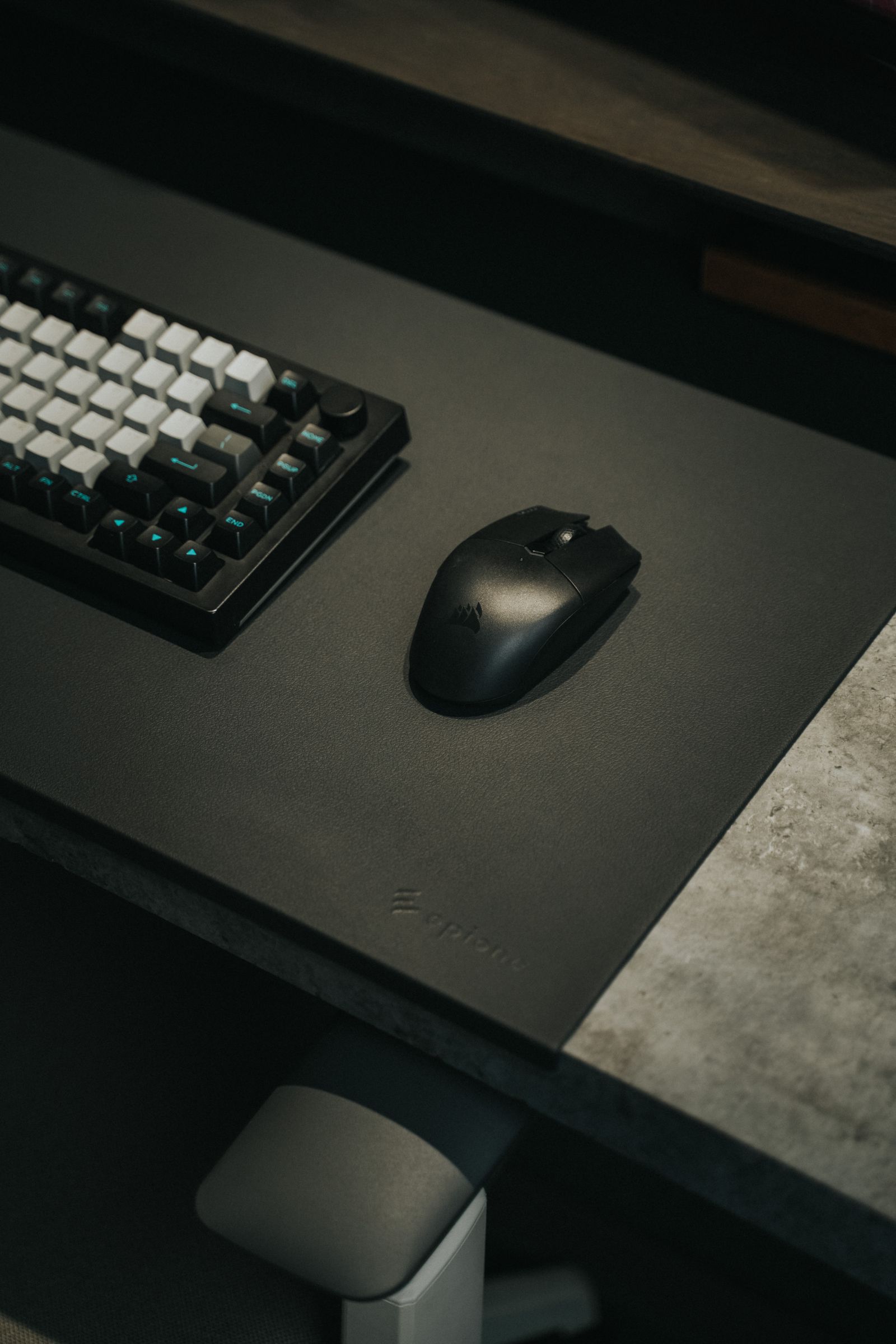
Set the keyboard where you normally type and play, including any angle you use. Mark the furthest comfortable mouse movement on each side. Then measure the space between those limits and the desk edges. This gives you a useful target for the mat's mouse area rather than simply matching a product to the desk's full width.
Account for the monitor stand, speakers and a microphone base. A mat can run underneath these items, but that section is no longer available for mouse travel. Leave a regular place for a drink or notebook outside the movement area so that the usable space does not shrink as soon as a session begins.
Check depth as well as width
An extended mat may be wide enough for the keyboard and mouse yet too shallow for your forward movement. Compare its depth with the distance from your resting mouse position to the monitor stand. If your forearm rests on the mat, check how the front edge aligns with the desk and whether the edge finish will sit under your arm.
Thickness changes how the keyboard and other items sit. A keyboard partly on a mat and partly on the bare desk may rock, while a small stand foot on a raised edge may become unstable. Either place an item fully on a suitable level surface or choose a mat shape that avoids that awkward transition.
If the desk has a curved front or a cable opening, make a paper outline of the candidate dimensions. This quickly reveals whether a corner will hang over or cover access you use frequently. Do not buy a mat that needs an improvised cut unless its manufacturer specifically supports trimming.
Plan for cleaning and shared use
A large mat is more cumbersome to clean and dry than a small pad. Read the care instructions and consider where you could lay it flat if washing is allowed. Electronics, edge lighting and coatings can change the permitted method. Choose a surface you can maintain without losing access to the desk for longer than expected.
For a shared desk, check both users' keyboard and mouse positions. A mat that works for a right-handed layout may not leave enough clear area when the mouse moves to the left. A central uncluttered arrangement can be more flexible than a tightly packed layout built around one person's equipment.
After placing the mat, test a full session's movements before arranging decorative items around it. If the mouse repeatedly reaches the keyboard or a stand, move the obstruction first. More material beneath an obstruction does not create more usable control space.