Identify the feedback you are changing
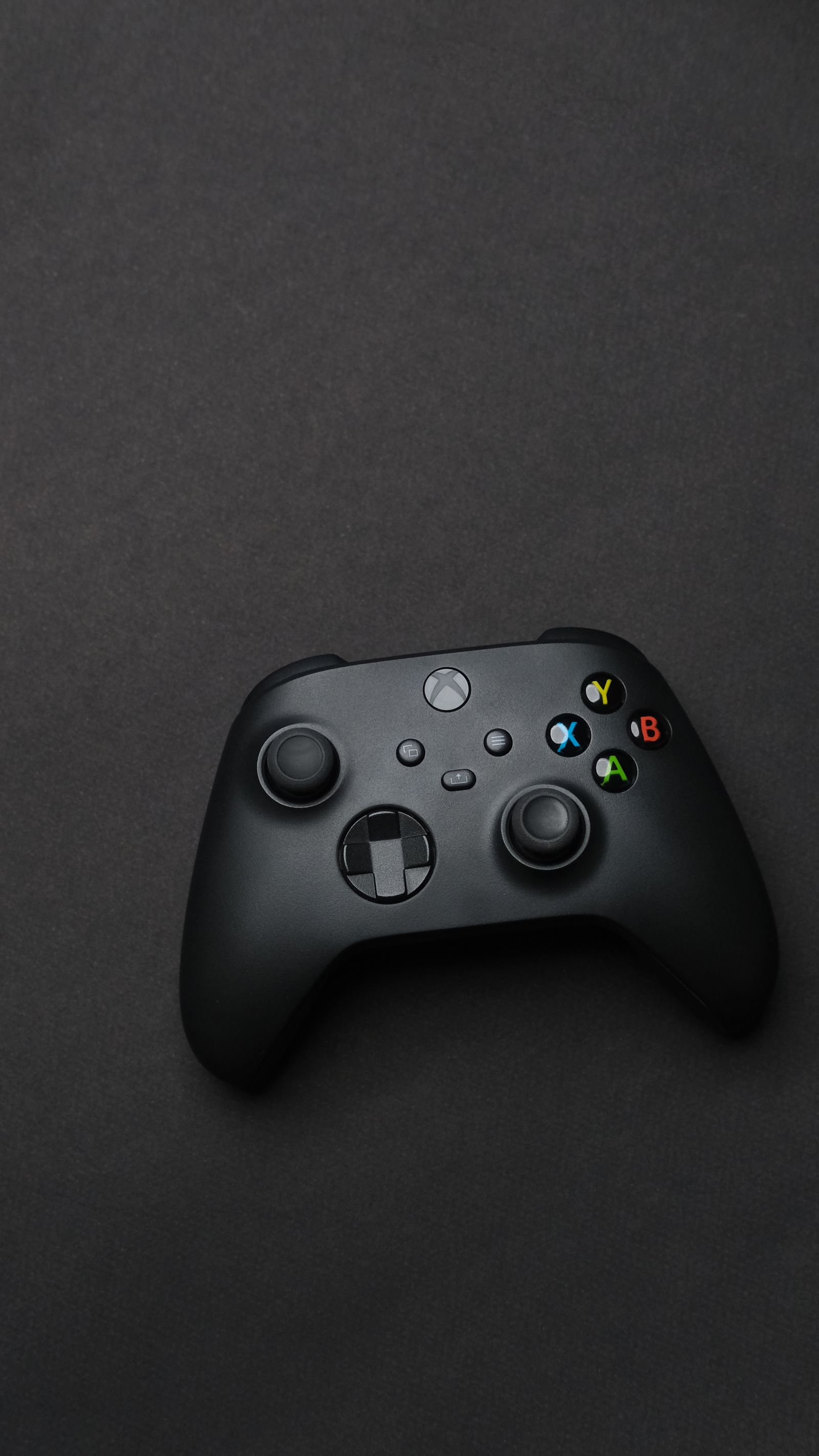
A game may provide a general vibration switch, separate intensity controls or additional trigger effects on supported hardware. These features are not interchangeable, and availability can depend on the controller, connection and game. Read the setting description and test an event that clearly triggers the effect, such as driving over a rough surface or receiving a warning.
Change one control at a time. Turning off vibration and altering trigger behavior together makes it harder to tell which change affected comfort or control. If the game offers only a single switch, compare a short session with it on and off rather than assuming an intensity adjustment exists elsewhere. A system-level preference may also influence the result.
Pay attention to whether the feedback conveys information that is otherwise easy to miss. Some games pair it with sound or a visual indicator; others use it more subtly. If reducing feedback removes a cue you rely on, look for an alternative visual or audio option. The aim is to preserve useful information in a form you can comfortably use.
Test during the actions you repeat
A dramatic one-time effect is less important than the feedback produced throughout an ordinary session. Try movement, repeated interactions and the game's most common action. Notice whether the controller remains comfortable and whether effects distract from precise inputs. Preferences can differ between a racing game, a puzzle game and a quiet story, so a single global choice need not fit everything.
If the controller behaves unexpectedly, verify support for the exact model and connection before assuming it is defective. Some features may require a particular supported route or game integration. Avoid installing unofficial utilities solely because another platform version has an effect your version lacks. Check the developer's or controller maker's documentation first.
Keep a note of per-game settings when they matter to you. If another household member uses the same controller, confirm whether preferences follow the profile or remain shared in the game. After a reset, revisit the options if the feel suddenly changes. The useful setting is the one that supports the session, whether that means a subtle effect, full feedback or none.