Observe the stick at rest
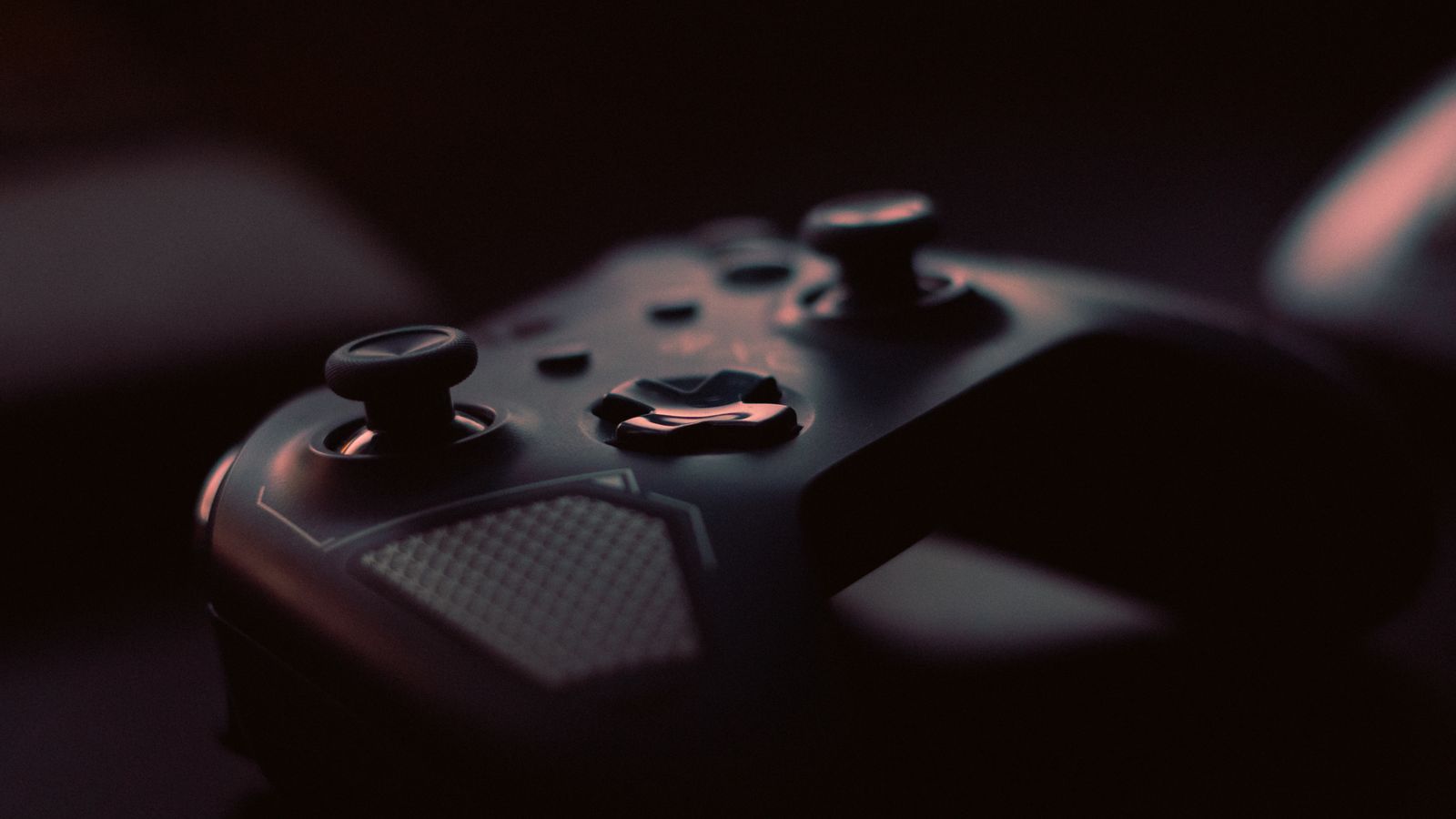
Open a game's training area or a supported controller input display and leave the stick untouched. If the camera or character moves, note which axis is affected and whether it happens in other games. A dead-zone setting can suppress small unintended input, but it does not physically repair a worn or damaged stick.
Check that the controller is clean, unobstructed and using the manufacturer's normal calibration arrangement. Remove an interfering accessory if the instructions permit it. Avoid opening the controller or applying cleaner inside the stick mechanism simply because a small drift appears; follow the manufacturer's service guidance.
Change the center threshold gradually
Record the current inner dead-zone value before adjusting it. Raise it in small steps if unintended centered movement is the problem, then test whether deliberate small movements still register as you expect. An unnecessarily large center area can make the first part of stick travel feel unresponsive.
If there is no drift and the controls feel slow to begin moving, a smaller dead zone may be worth testing. Do not reduce it blindly to zero because another player recommends that value. The controller, game and your preferred fine control all affect what feels usable.
Some games expose an outer dead zone or maximum-input threshold as well. That concerns how the game reaches full input near the edge, which is different from ignoring movement at the center. Read the game's explanation so that changing one does not accidentally alter the other problem you are investigating.
Keep other controls stable
Sensitivity and response curves change how input is translated after it is recognized. Adjusting them at the same time as the dead zone makes the result difficult to interpret. Start with a single setting, repeat the same small camera movement or steering action, and compare it with the original.
Check both sticks separately if the game allows it. Movement and camera controls may need different behavior, and one stick can show a fault while the other does not. Save the working values with the game's name rather than assuming they should be copied unchanged into every title.
If a growing dead zone is needed to hide increasingly obvious drift, consider repair or replacement through the maker's support options. A software setting can be a temporary accommodation, but it should not obscure a hardware problem when deciding whether a controller is still suitable for use.