Identify the permitted method
Find the care instructions for the exact mouse model before using a chemical cleaner. Manufacturers may permit particular alcohol concentrations or cloth treatments for selected products. Microsoft's mouse and keyboard guidance is one example of model-family cleaning advice; it should not be treated as blanket permission for every mouse with a similar plastic shell.
Disconnect a wired mouse and turn off a wireless one. Remove user-replaceable batteries if the manual calls for it. Move the mouse away from the computer and the edge of the desk, then prepare a clean soft cloth. Keeping the work area simple makes it easier to notice a loose foot or damaged coating before cleaning hides the original condition.
Work from loose dust to the surface
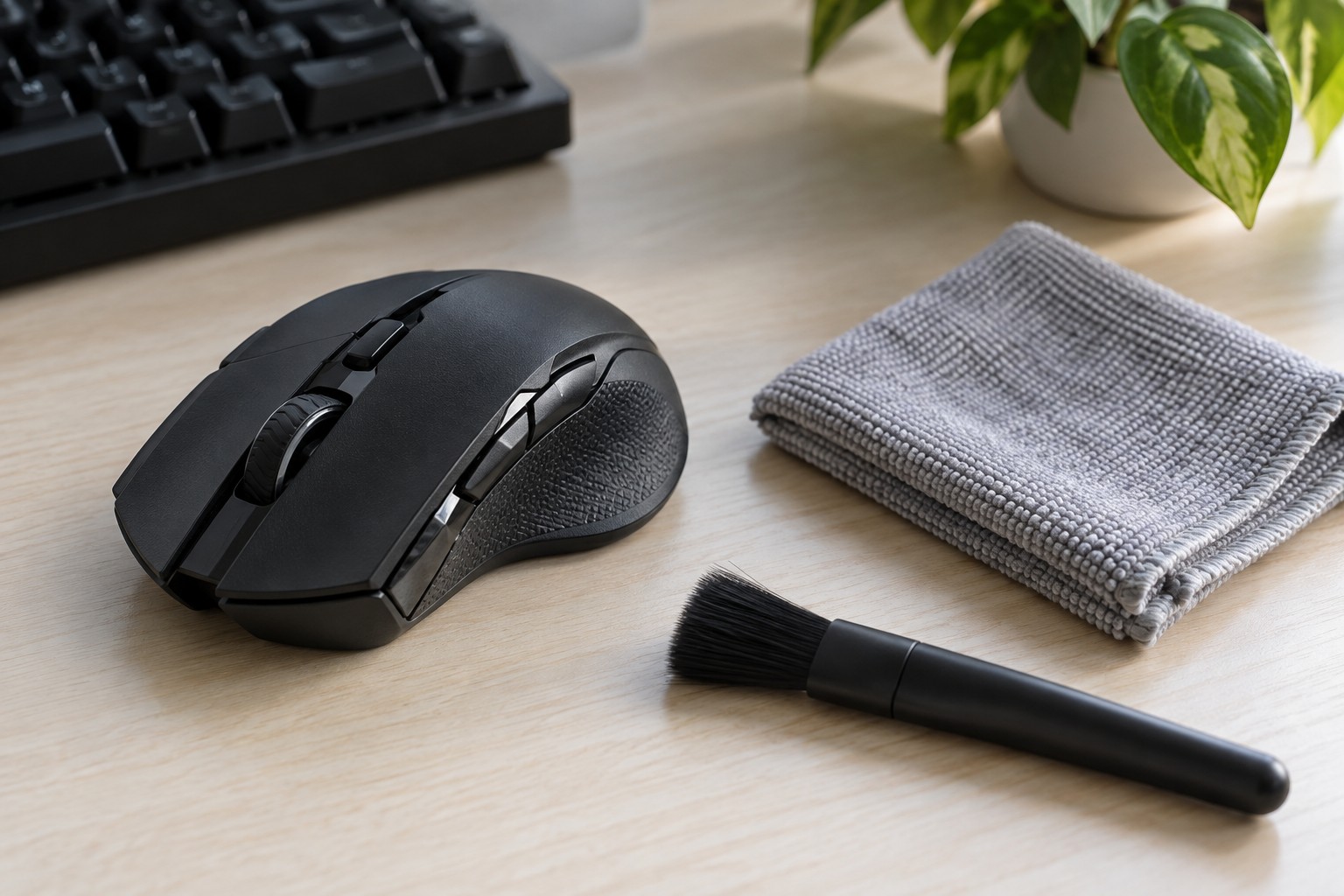
Remove loose debris gently before wiping, because dragging grit across a glossy area can leave marks. Use only a brush or cloth appropriate to the manufacturer's instructions. Do not push a sharp tool into the gaps around buttons or the wheel. Those openings are not invitations to scrape inside the mechanism.
Apply any approved moisture to the cloth rather than spraying the mouse directly. The cloth should not drip. Wipe the exterior with light pressure and keep fluid away from openings, connectors and the sensor area. If residue does not lift easily, pause and recheck the guidance instead of escalating to a stronger solvent.
Treat rubber grips, painted logos and soft-touch coatings as separate materials. A sticky or peeling finish may be deteriorating rather than merely dirty. Aggressive rubbing can remove more of the surface without fixing the cause. Photograph the condition and ask the manufacturer about repair or replacement options if the coating is breaking down.
Inspect before reconnecting
Allow the mouse to dry fully as instructed, then check the wheel, button edges and cable entry for remaining moisture or debris. Clean the pad separately according to its own care instructions so that the mouse does not immediately collect the same dirt again. Do not use heat to speed drying unless the manufacturer specifically permits it.
Reconnect and test ordinary pointer movement and clicks before starting a game. If a button has become unreliable after a spill, exterior wiping may not address the internal damage. Stop repeated attempts to power a wet device and follow the maker's spill or service guidance instead.
A short regular wipe of permitted exterior surfaces is easier to manage than scraping away a thick buildup. Keep food and drinks away from the movement area where possible, and store the approved cloth separately from cloths used with furniture polish or other household cleaners.