Observe a slow movement and a fast one
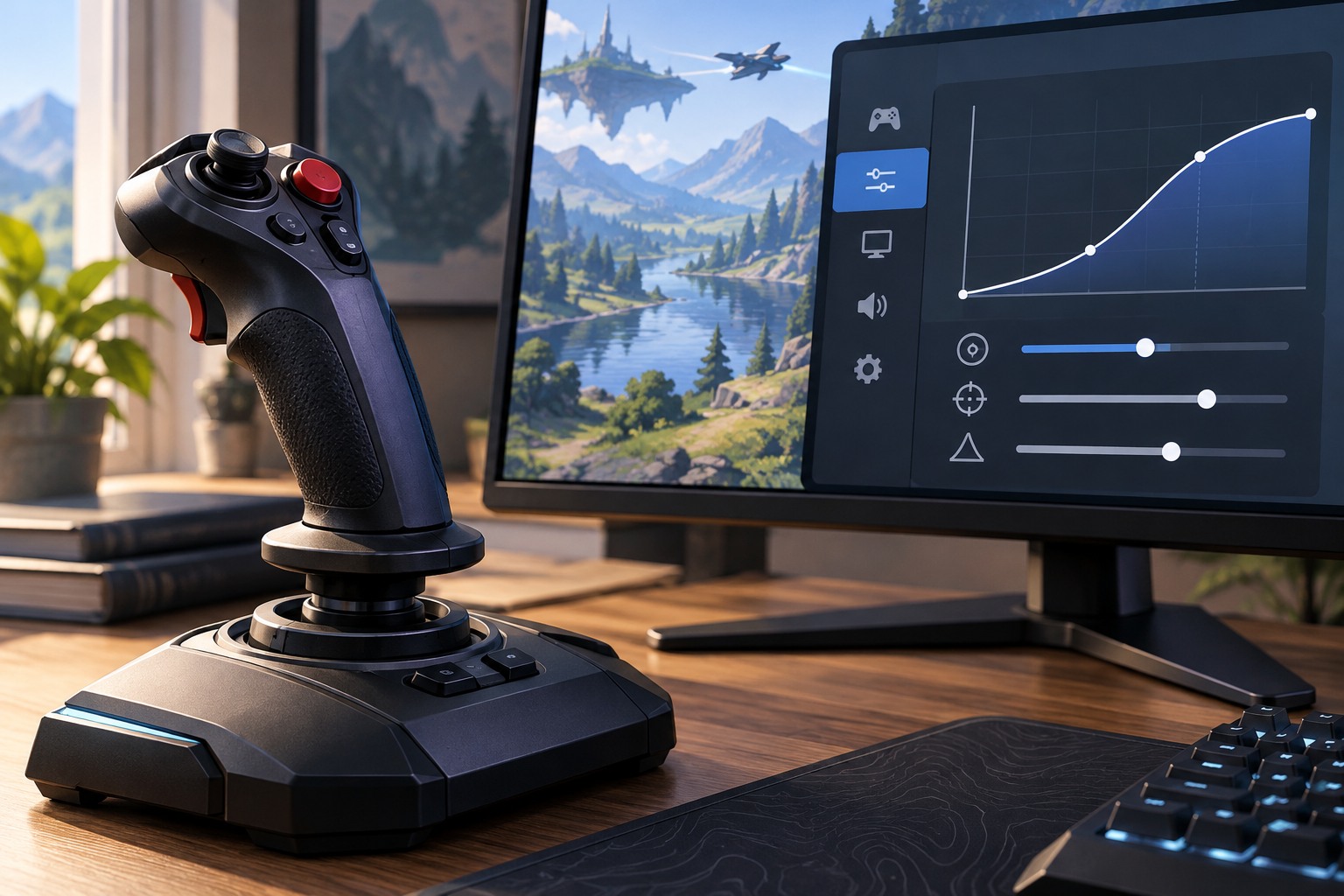
In a safe practice area, make a small controlled input, then a faster or larger one. Watch whether camera speed builds over time or changes disproportionately. Games use different labels for acceleration, response curves and smoothing, so read the available descriptions. A control that changes the response near the center of a stick is not necessarily doing the same job as one that ramps speed during a held input.
Keep the base sensitivity unchanged while comparing the option. If you alter sensitivity at the same time, you may mistake a general speed increase for a different response shape. Repeat a simple action, such as turning to a nearby object and making a final correction. Notice whether the camera stops where you expect or continues to feel difficult to settle.
Mouse and controller implementations can differ. Do not assume that a setting with the same name affects both devices or that an operating-system pointer option necessarily controls raw in-game input. Consult the game's documentation where it explains the input path. Focus on the behavior you can reproduce rather than assigning a technical cause from the label alone.
Choose predictability for your task
Some players prefer a direct response; others find a shaped curve helpful for combining small corrections with large turns. Test the action the game demands most often. A vehicle camera, an aiming view and a free exploration camera may have separate settings and need not share one preference. Use a short comparison rather than changing the entire control profile after one awkward moment.
If the camera moves without intentional input, check dead-zone and hardware behavior separately. Acceleration is not a reliable explanation for drift at rest. Likewise, delayed-feeling response can involve display or rendering behavior, so avoid assuming the response curve is responsible for every input complaint. Describe the symptom precisely before choosing the next control to test.
Save the combination of sensitivity and response settings once it feels predictable. A screenshot is useful when a reset or another household player changes the profile. If you later change controller model or mouse settings, repeat the basic comparison. The goal is a camera you can start, guide and stop reliably, not a particular curve name or a value claimed to suit everyone.