Understand why the sound can change
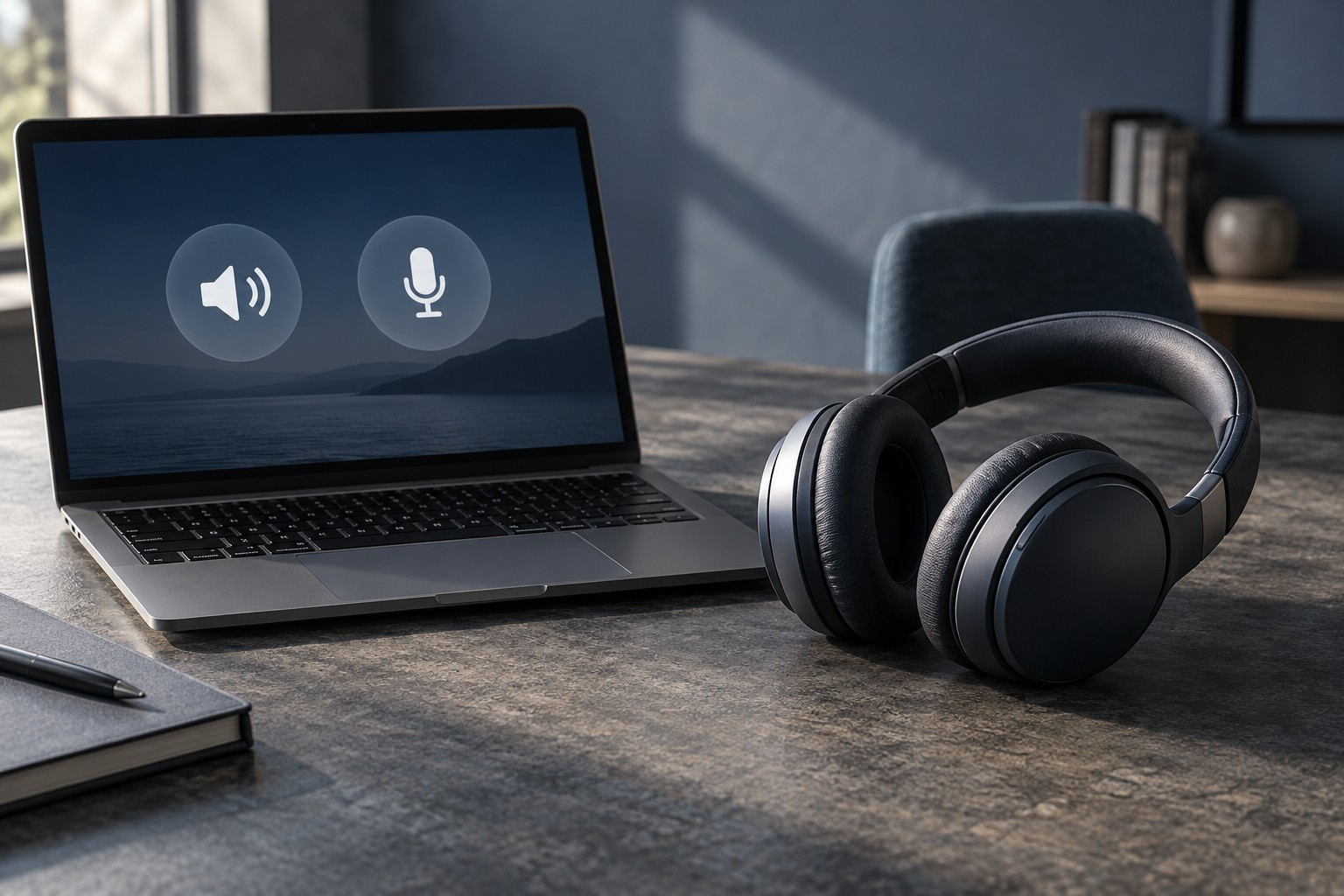
Microsoft documents separate Bluetooth Classic paths: A2DP for stereo playback and HFP for microphone use with mono playback. That explains why some headphones sound different when a chat application activates their microphone. The change is not necessarily a broken driver or a damaged headphone; it may reflect the audio mode being used.
Newer Bluetooth LE Audio arrangements can support stereo while the microphone is active on compatible Windows systems. Microsoft's guidance makes this conditional on supported hardware, drivers, operating-system updates and an LE Audio device. A Bluetooth version number on a box is not enough to establish that the complete arrangement supports the feature.
Test the actual call configuration
Play familiar game audio with the chat application closed, then join its microphone test or a private call. Notice whether the playback changes when the microphone becomes active. Check which recording device the application selected. A laptop microphone, headset microphone and USB microphone are separate choices even if all are present at the same desk.
If the system offers an LE Audio setting, follow its support documentation rather than forcing an option that does not appear. Missing controls can indicate unsupported hardware or drivers. Obtain updates from the computer or accessory manufacturer, and avoid unofficial driver packages promising to unlock a feature without confirming compatibility.
Also test timing in the game you play. A connection that sounds clear during music may feel different during an action that must align closely with audio. Codec names and marketing descriptions do not replace a test of the complete computer and headset combination.
Compare alternatives by the problem they solve
A separate microphone can allow headphones to remain on a listening-only path in some configurations, but confirm the selected input in every chat application. A headset with a dedicated wireless receiver may offer another arrangement, though its platform support and features still need checking. A wired connection can be useful when supported by the model and device.
Do not buy an adapter solely because it advertises a newer Bluetooth version. Check explicit support for the audio feature you need, the operating system and the headset. The simplest purchase may be a different connection method rather than a chain of uncertain adapters.
Save a note of the working input and output devices after setup. If an application update changes the defaults, that record makes it easier to restore the arrangement. Judge the result with the microphone active, because that is the situation the headset must handle during a game with friends.