Choose an action with a clear reason
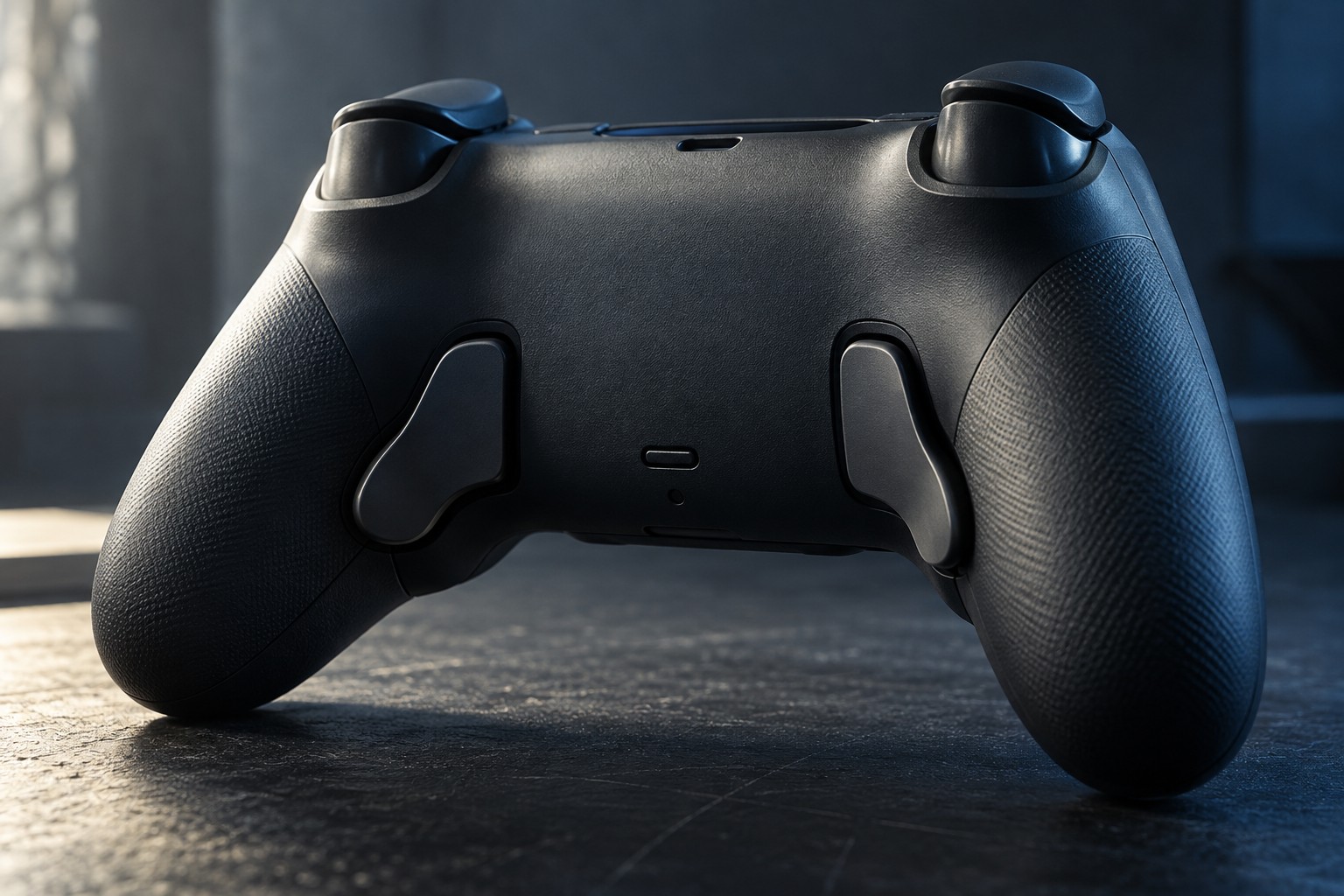
Start with a command that makes you move a thumb away from a stick at an inconvenient moment. Mapping that command to a rear button may let you keep the original hand position. An occasional menu action has a different priority from one used repeatedly while moving, so make a short list before configuring every available button.
Check whether the rear controls duplicate existing buttons or act as separate inputs on the intended platform. Many products map them to existing commands rather than adding entirely new game actions. Read the exact controller's documentation so the purchase matches the function you expect.
Reach matters more than quantity
Hold the controller normally and press each rear control without tightening the whole grip. Notice whether a resting finger triggers a button accidentally. Removable paddles can sometimes be used selectively; leaving an awkward one unused may produce a better arrangement than filling every position.
Consider the sequence around the mapped action. If you need to hold a trigger while pressing the rear control, test both together. A button that is easy in isolation may be difficult when another finger is already occupied. The best location can differ between hands and between games.
For someone adapting controls to a particular reach preference, keep the change reversible and evaluate it in a low-pressure scene. A rear button is one option among remapping, toggle settings and alternative devices. It should solve the actual action requirement rather than be treated as a universal accessibility solution.
Save and verify the profile
Find out whether the mapping is stored on the controller, in a console utility or in computer software. Check how profiles are selected and whether their names or indicators are clear. A profile that changes unexpectedly can make a familiar rear press perform the wrong action.
Keep the original face-button binding available when possible while learning the new position. Add one mapping at a time and test ordinary play before adding more. This makes mistakes easier to diagnose and reduces the amount you need to remember at once.
Before using the controller on another device, confirm that the profile and features transfer. A hardware button remains present even when its software mapping does not. Keep a small record of the intended layout and restore procedure so a firmware update or reset does not turn the setup into guesswork.