Open the options before the opening scene
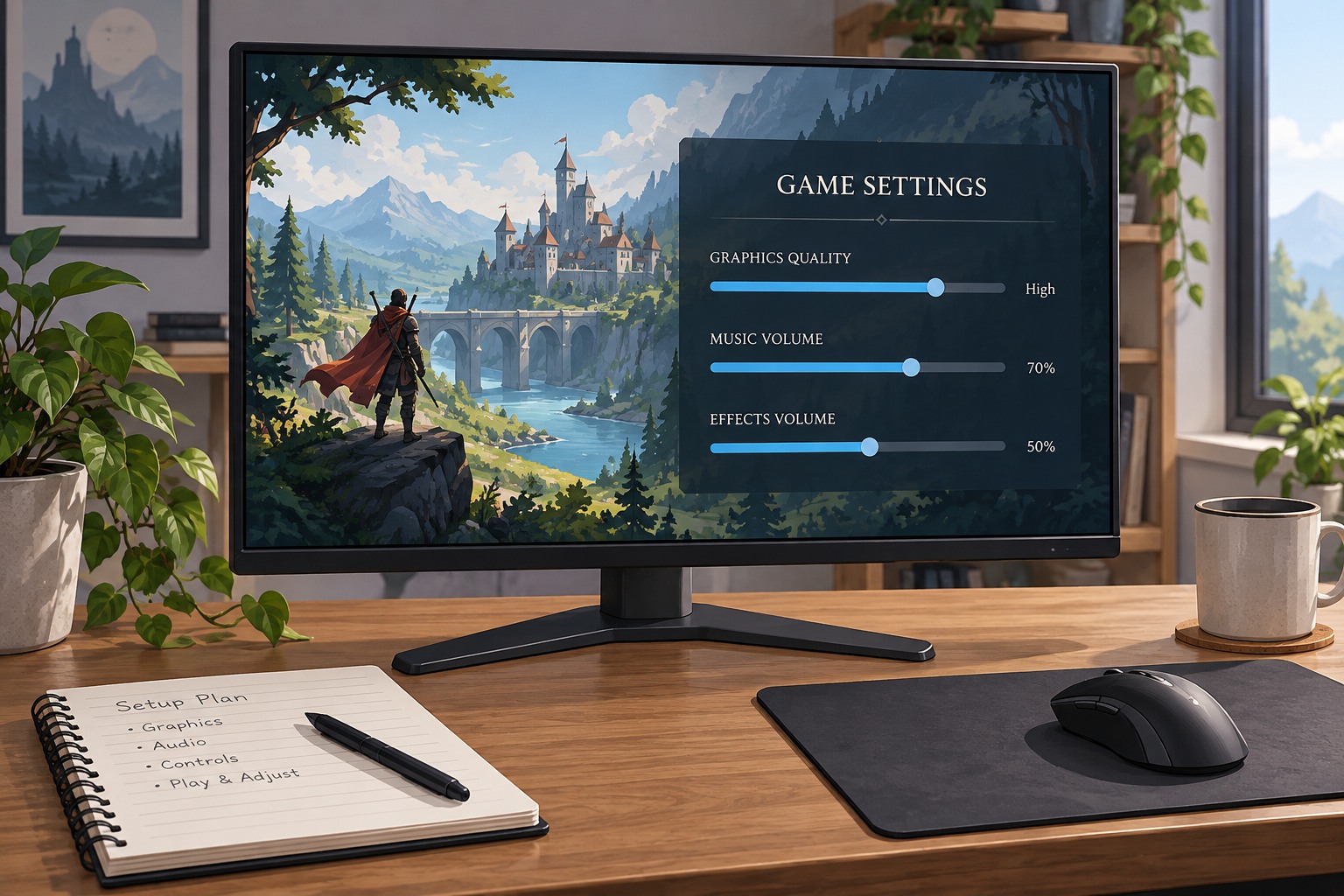
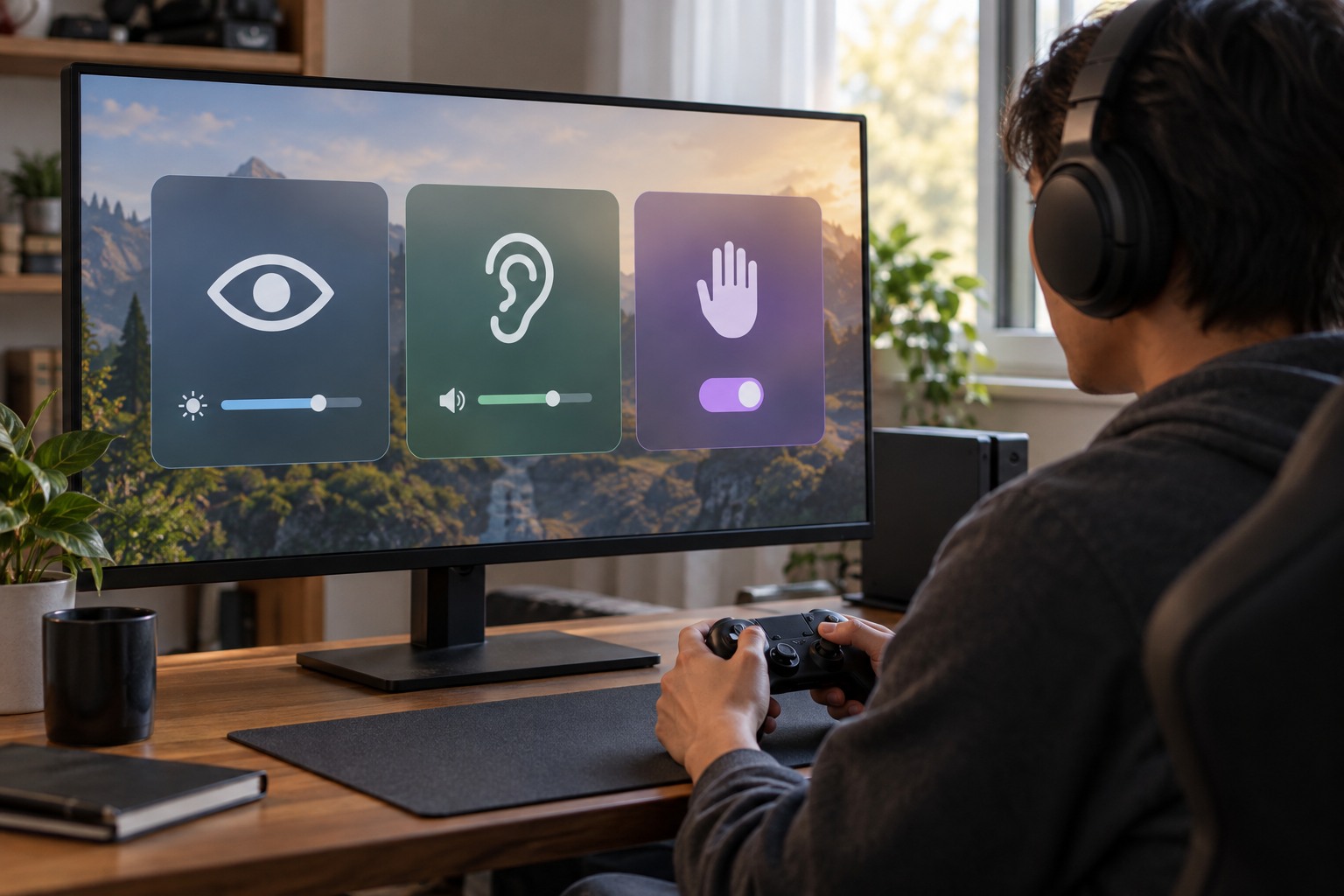
Look for text, audio, input and visual settings before starting the campaign. Some games offer an accessibility setup at first launch; others place the controls in several menus. Enable the features needed to follow instructions and dialogue early, particularly if the opening sequence cannot easily be replayed. Do not wait until the first difficult task to discover that the text is too small.
Read the preset's description and any list of affected options. A preset intended for one broad need may also change settings you would prefer to keep. Microsoft describes accessibility metadata in terms of specific feature criteria, which is a helpful way to evaluate a game: look for the actual capability rather than treating an accessibility label as a guarantee that every barrier is addressed.
Review the bundle in a short test
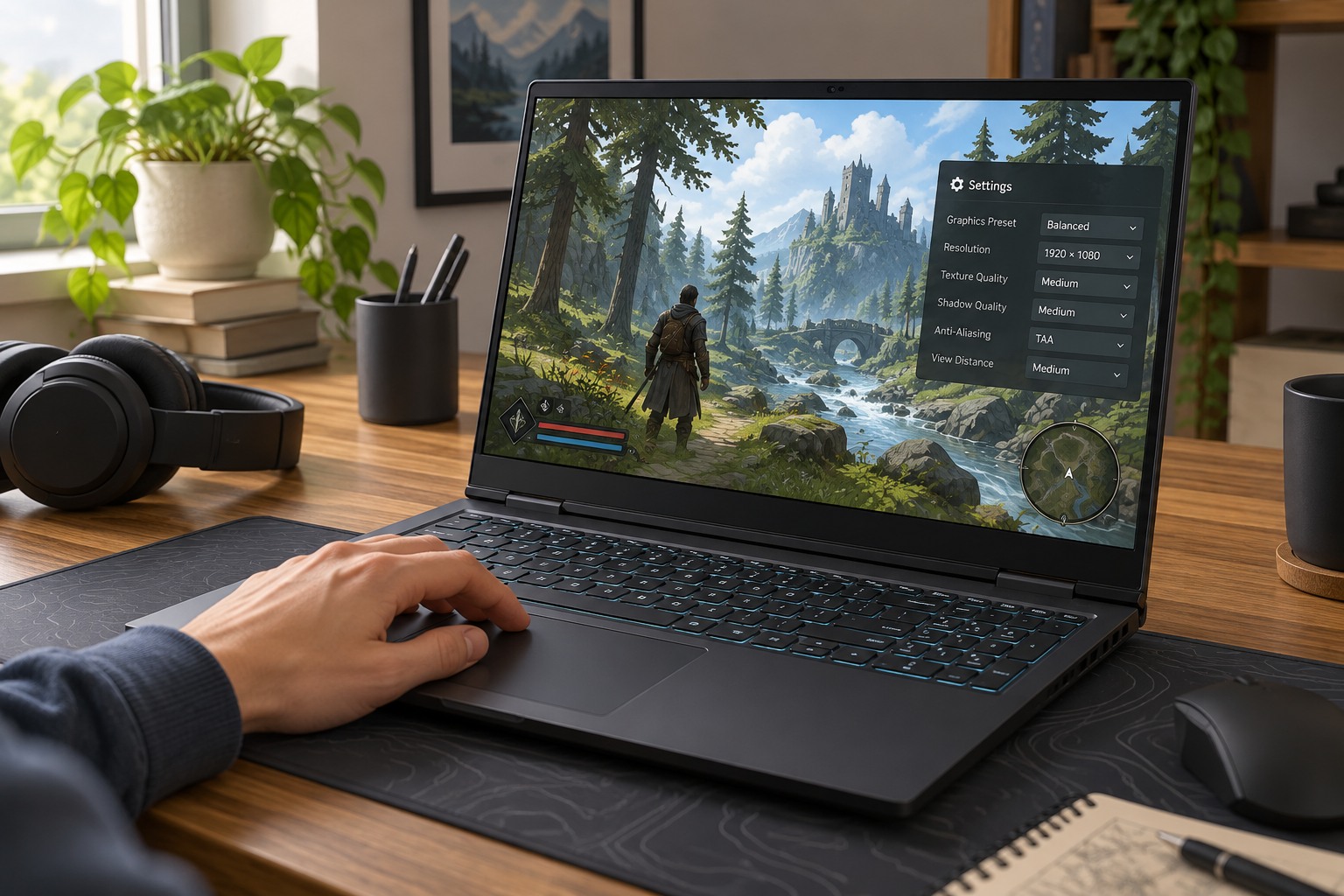
Use a tutorial or safe starting area to check movement, menus, dialogue and important signals. Test the input method you plan to use, not only the default controller shown in promotional material. If a preset enables a toggle, narration or a camera adjustment, make sure you understand how it behaves. Change individual options where the game allows it instead of abandoning the entire preset after one unwanted effect.
Pay attention to information conveyed through more than one channel. A sound cue accompanied by a visible marker may work differently from dialogue subtitles alone. A larger font may help menus while leaving small world labels unchanged. Note the remaining difficulty in concrete terms so you can search the game's support material for the relevant feature.
Check whether the settings apply to the whole profile, one save or only the current device. This matters when a household shares the game or when you move between a computer and a handheld. Preserve the working configuration with screenshots or an exported profile if supported. Avoid assuming cloud saves include every accessibility preference.
Adjust difficulty separately when needed
Input accessibility, readable information and challenge level are related but distinct. A lower difficulty setting may not solve a small-text problem, while larger subtitles do not change combat timing. Use the controls that address the actual barrier. If a game offers granular assists, compare them individually so the parts you enjoy remain intact.
When describing the game to another player, mention the features you confirmed, such as remappable controls or adjustable subtitle backgrounds. Be clear about features you have not checked. A useful recommendation helps someone assess their own needs rather than promising that one preset will work for everyone. Keep the first session short enough to revise the setup before a long commitment.