Choose the intended distance and size
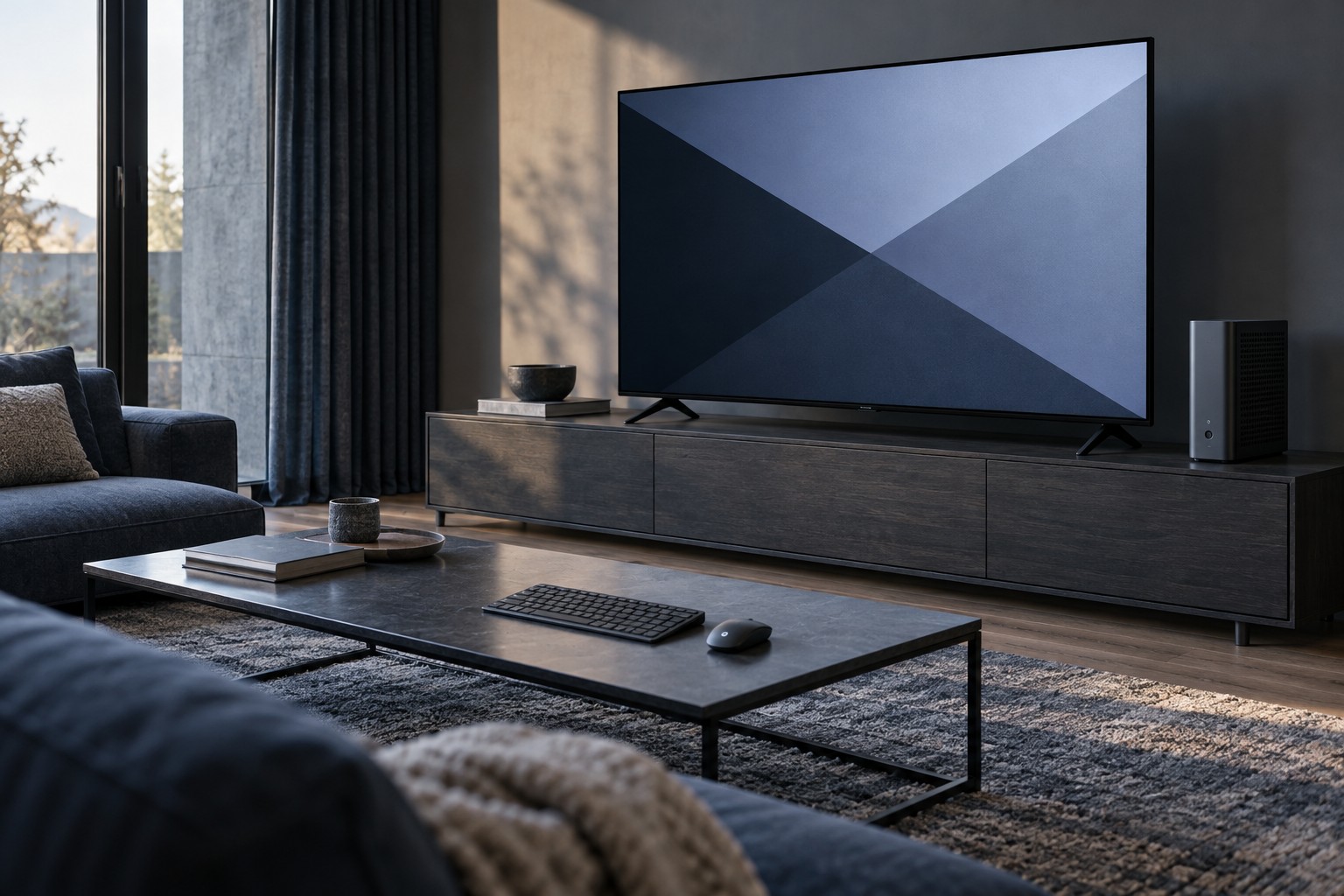
Measure where you will sit and how the television will be supported. A screen designed for viewing across a room can be overwhelming on a shallow desk. Make sure menus and corner interface elements remain manageable without constant head movement, and include the stand's footprint in the plan.
If the television is wall-mounted, use a mount suitable for its weight and pattern and follow the wall and mount requirements. Consider access to ports and power after installation. A display that looks well positioned can still be difficult to connect or service if the sockets are trapped against the wall.
Check PC-specific picture behavior
Read the television manual for PC or game modes and the supported signal formats on each input. Some picture processing can add delay or alter text presentation. A supported PC mode may handle desktop content differently from a movie preset, so begin with the maker's guidance rather than a visually dramatic store mode.
Check whether the full desktop fits without overscan and whether small text is clear. Use the native resolution and suitable scaling where possible. If text appears colored or soft, inspect the documented output and input settings before assuming that more sharpness processing will help.
Confirm the desired refresh rate, HDR and variable-refresh support for the exact HDMI port. A television's ports may not all provide identical capabilities. The graphics output and cable must also support the intended combination, including any adapter in the path.
Plan controls, audio and startup
Decide where the keyboard and mouse will be used. A lap arrangement needs a stable surface, while a desk arrangement needs sufficient reach to the computer. Check wireless reliability from the actual seating position and keep charging or spare-battery arrangements convenient.
Choose the audio output explicitly. Sound may travel through HDMI to the television or remain on headphones or speakers connected to the computer. Test the default behavior after waking or changing inputs so a session does not unexpectedly start at a loud television volume.
During a trial, include desktop work, game menus and ordinary play. Check how the television behaves when the PC sleeps and wakes, and whether the intended input is easy to select. The successful setup is one that handles the whole routine, not just a game trailer on a large screen.