Start with the workload
List the games and the activities that run beside them, such as voice chat, recording or a browser. Intel's CPU guidance notes that additional cores can matter for workloads beyond the game itself. That does not mean every extra core produces a proportional increase in a particular game's frame rate. The way the software uses the processor matters.
Core designs also differ. Some processors combine different kinds of cores, and architecture changes between generations. A simple total can hide those distinctions. Clock speed is similarly incomplete across unrelated designs: a larger GHz number is not a universal ranking of how much useful game work a processor completes.
Read performance comparisons in context
Look for results that identify the exact game, settings, graphics card and memory configuration. A test designed to expose processor differences at a low resolution may not describe your experience at a higher resolution with a different graphics workload. It can still be informative, but its purpose should be clear.
Compare consistent frame delivery as well as average frame rate where trustworthy measurements are available. Averages alone can hide uneven moments. Avoid combining numbers from unrelated reviews as though they used one common test setup, and do not treat a manufacturer's best-case demonstration as a forecast for every title.
Consider your target refresh rate. If your existing system already meets the experience you want, a CPU upgrade may offer less practical value than addressing storage, noise or display needs. Identify the limitation before choosing the component to replace.
Include the platform cost
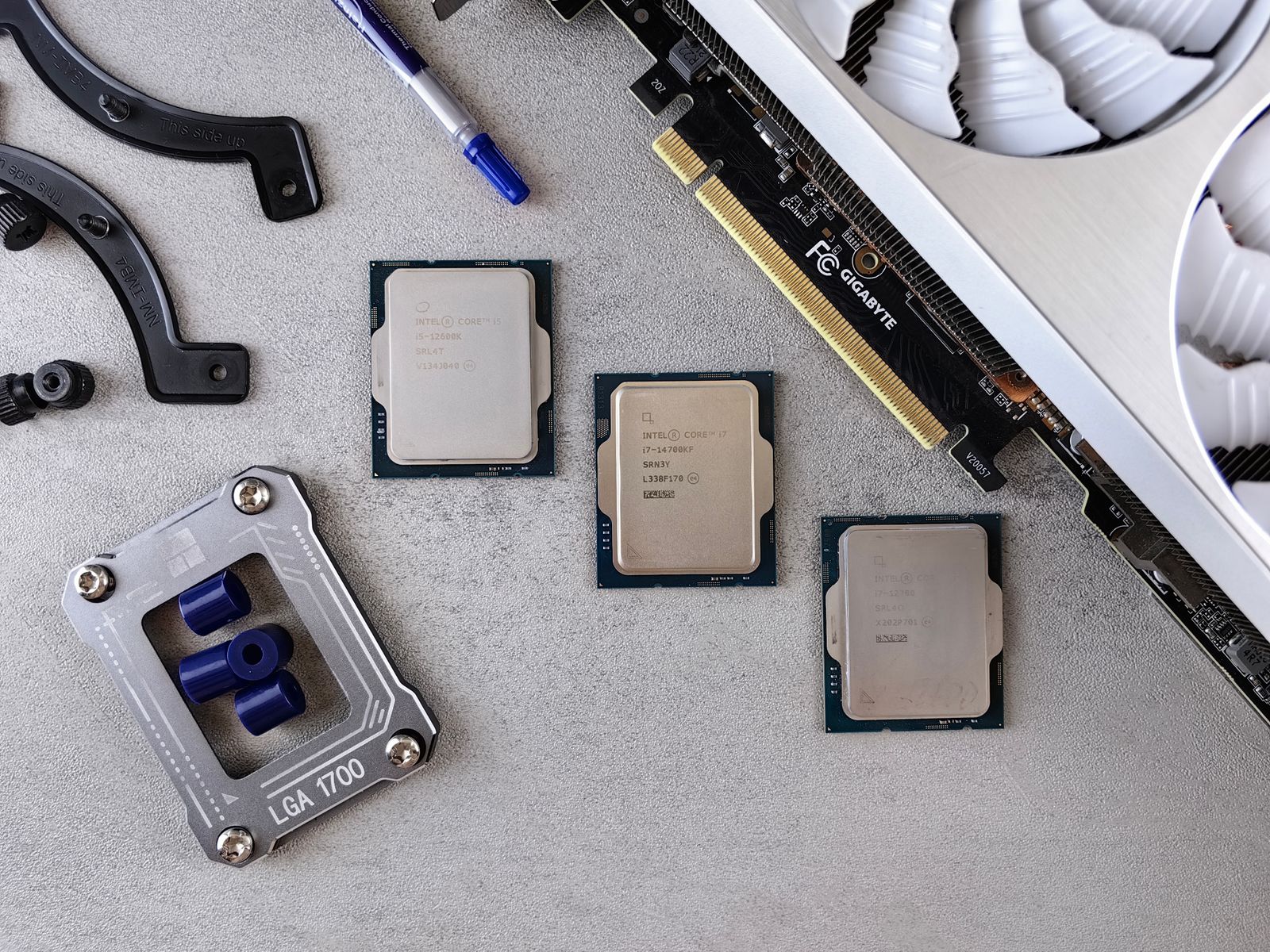
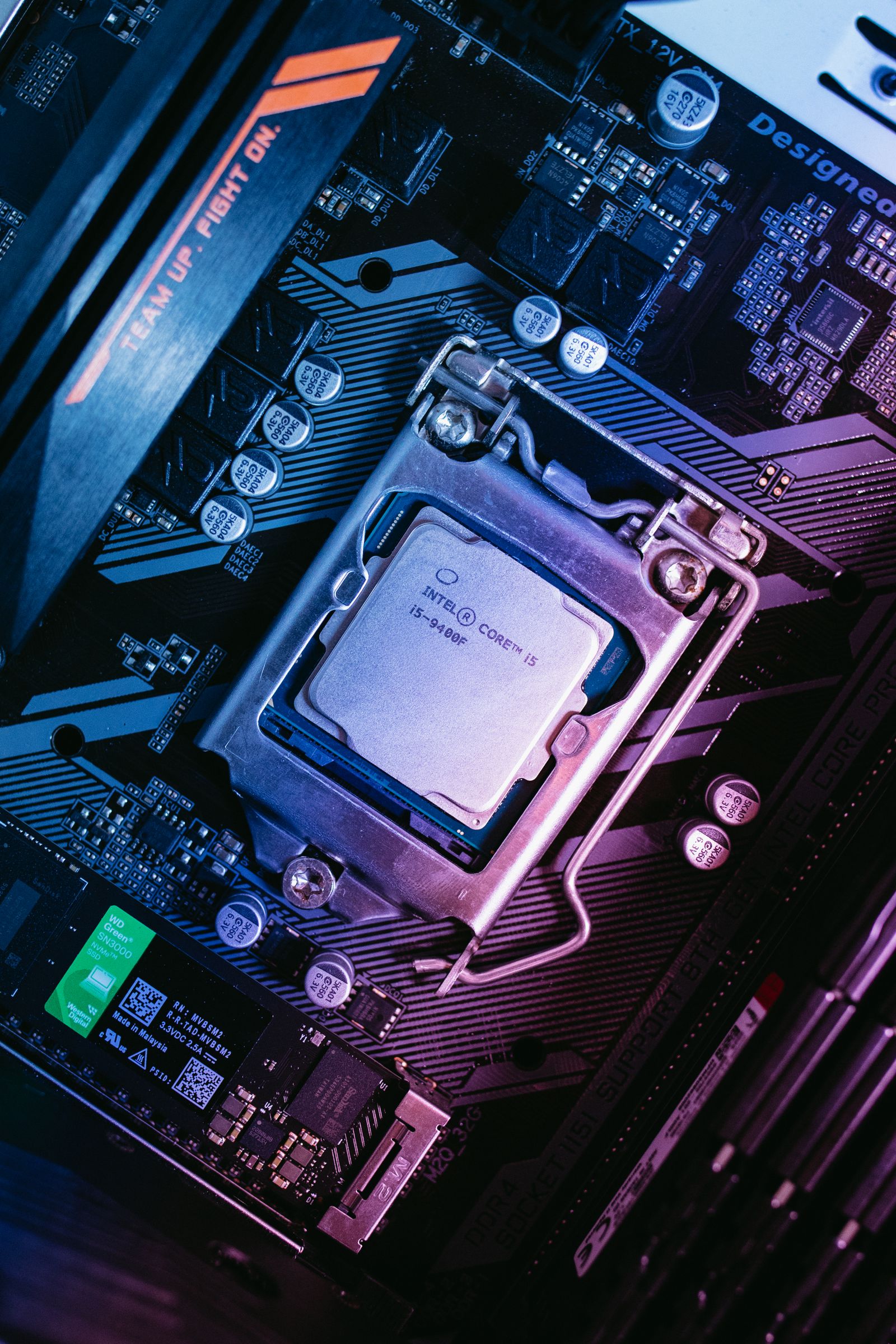
Check the required motherboard socket, supported chipset and firmware version. A physically compatible socket may still need a particular firmware release for a newer processor. If an update is required before the CPU is recognized, establish how it will be performed with the equipment available.
Include memory and cooler compatibility in the price. Changing platforms can require new RAM, mounting hardware or a different cooler. Check whether the CPU package includes a cooler and whether the chosen cooling arrangement fits the case. The processor's sticker price is only part of the upgrade cost.
Integrated graphics can be useful for a system without a separate graphics card or for certain troubleshooting arrangements, but availability varies by exact model. Confirm the feature rather than inferring it from the product family. Also check the motherboard's video outputs and the intended connection path.
Choose for a realistic ownership period
Avoid buying the highest core count solely as a vague form of future-proofing. Instead, decide what additional tasks you realistically expect during the computer's life. A balanced configuration with enough budget for cooling, memory and storage may serve those plans better than an expensive CPU surrounded by compromises.
Keep the exact processor model and motherboard support page in the build notes. That record makes later firmware, cooling and memory questions easier to answer. The choice should be justified by the games, tasks and complete platform you need, not by one number that is easy to print in a product title.