Inventory the devices
List the mouse, keyboard, receiver, controller, microphone and storage devices you want to connect. Note which need a particular data rate, charging capability or direct connection according to their manuals. A hub suited to simple input devices may not be the right arrangement for several fast drives and other demanding equipment.
Check the computer-side port as well as the hub's sockets. A faster hub cannot create capabilities missing from its upstream connection. USB-A and USB-C describe connector forms, so read the actual data and power specifications rather than selecting by shape alone.
Distinguish powered and bus-powered arrangements
A hub powered only through the computer shares the available power from that connection among attached devices. A hub with its own adapter has a different arrangement, but its total and per-port limits still matter. Read the supplied adapter requirements and do not replace it with an unknown unit merely because the plug fits.
Charging labels can be separate from data support. Confirm which ports do what, especially if a controller or headset needs both functions. A port intended for charging alone should not be expected to carry an input device's data.
Avoid connecting hubs in an unnecessary chain. Each added device complicates the path and can make a fault harder to isolate. If a peripheral's maker recommends a direct port for firmware updates or troubleshooting, keep one available rather than permanently filling every computer socket.
Place and test the hub
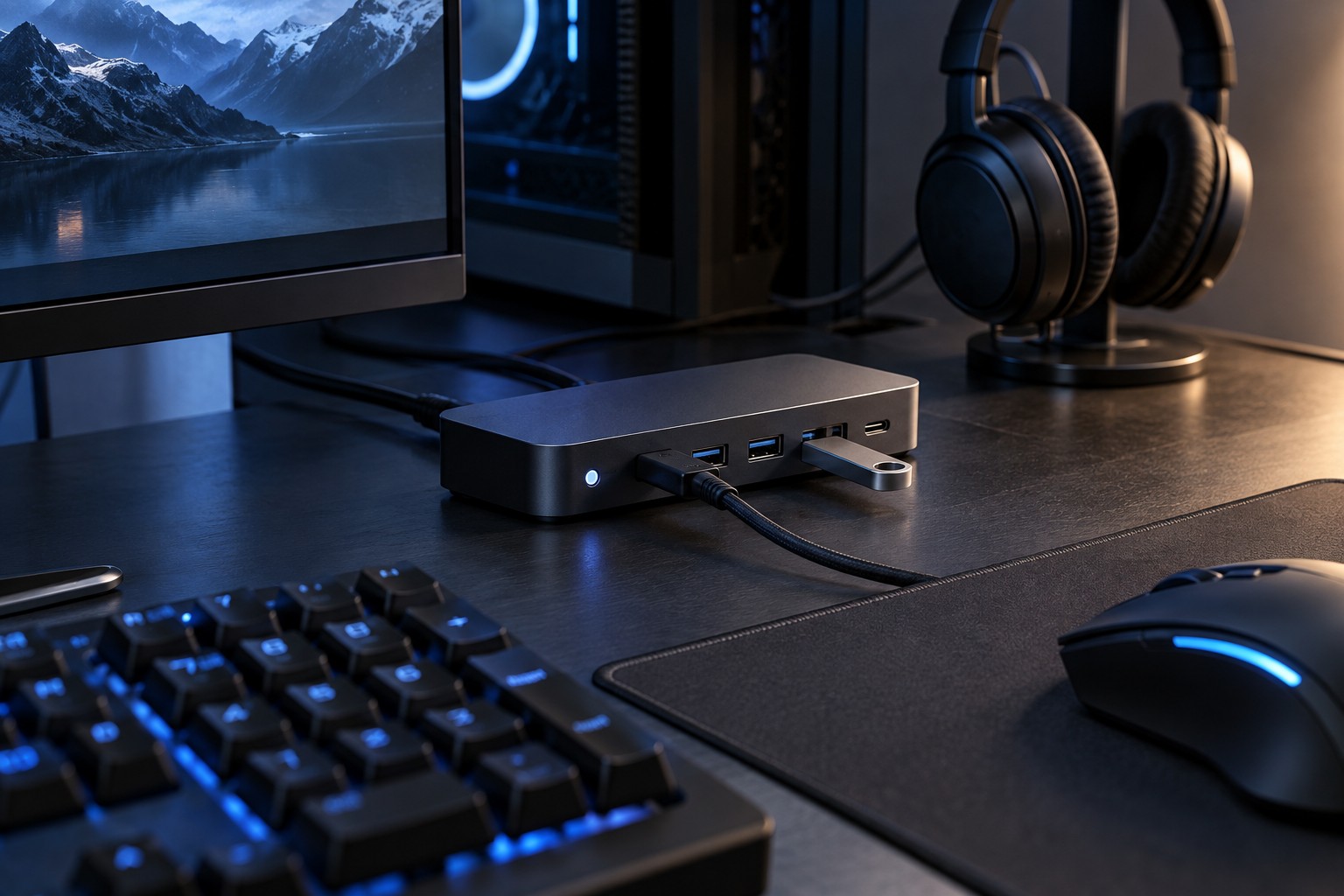
Choose a position where cables can reach without pulling the hub off the desk. A short upstream lead can limit placement more than the hub's size suggests. Keep the hub clear of spills and leave access to any power or status indicator.
Test all intended devices together, including a game session and any file transfer normally performed at the same time. A device that works alone may reveal a power or shared-connection issue only when the full arrangement is active. If a problem occurs, reconnect one device at a time to identify the condition.
Wireless receivers can be sensitive to placement near other electronics or cables, so follow their manufacturer's guidance if input becomes erratic. Keep the final port arrangement documented when several similar connectors are involved. A useful hub simplifies the desk without hiding the requirements of the devices connected to it.