Pair resolution with size
At the same resolution, a larger screen spreads the pixels over a wider area. At the same size, a higher resolution places more pixels in that area. Your viewing distance then affects how those differences appear. Compare the exact combination rather than assuming a resolution label alone guarantees comfortable text.
Use the display's native resolution as the starting point. Selecting a lower resolution can make everything larger but may introduce scaling softness. Operating-system scaling is a separate control intended to adjust the size of text and interface elements while retaining the display resolution.
Test the applications you keep open
Microsoft's display guidance provides separate resolution and scale settings. Choose a suitable scale for each monitor, then inspect your browser, chat application and any work software. Some applications handle scaling differently, so one sharp system menu does not establish that every program will look the same.
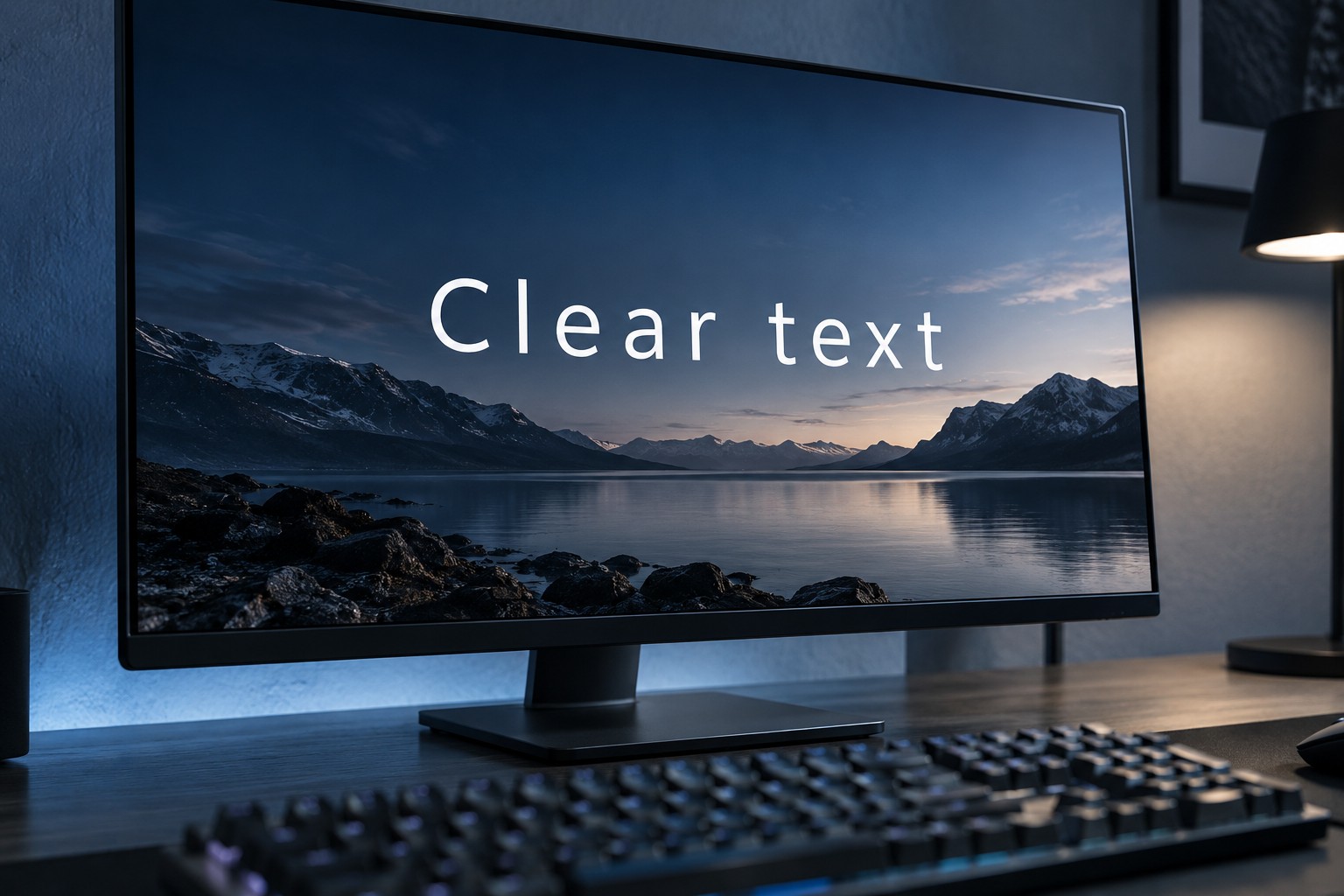
Look at small dark text on a light background and light text on a dark background. Check edges and colored fringes from your normal seat. Panel structure and text rendering can affect the result, so a model-specific trial is more informative than assuming every monitor of one technology has identical text behavior.
Avoid assessing text only from a photograph of the screen. Camera focus, processing and the interaction between camera pixels and the panel can distort what a person sees. Use direct viewing when possible or carefully interpreted model-specific analysis.
Keep clarity separate from artificial sharpness
A monitor sharpness control can add outlines or other processing. Start from the manufacturer's recommended neutral setting and compare carefully before increasing it. Stronger edges are not necessarily more accurate or easier to read for a long period.
If the display is a television used with a PC, check its supported PC mode and signal settings. Overscan or color-processing arrangements can affect desktop presentation. Follow the television and graphics-device guidance rather than changing every picture option without a reference.
During the return period, spend time on ordinary tasks as well as games. Check chat windows at the side of the screen, browser tabs and setup menus. A monitor that excels in a full-screen game but makes your daily text work inconvenient may be the wrong balance for a mixed-use desk.