Count the active library
List the games you regularly return to and their current installed sizes on your own system or official store information. Include optional content you actually use. Installation sizes can change after updates, so avoid building a budget from an old screenshot or a compressed download size that differs from the installed footprint.
Separate always-installed games from titles you are happy to remove after finishing. This can reduce the capacity you need without pretending that the entire account library fits at once. Also include the operating system, applications, captures, screenshots and personal files if they share the drive.
Leave working room
Updates can need temporary space beyond the final installed size, depending on the game and launcher. Keep a reasonable reserve rather than filling the drive to its displayed limit. The exact amount varies with the workload, so monitor the games you use instead of relying on one universal percentage.
Advertised capacity and the capacity shown by an operating system can use different units, and formatting also affects what is available. This is not automatically a defective drive. Compare capacity using consistent units and leave enough margin that the distinction does not decide whether the final game fits.
Think about download access as well. Someone with a slow or limited connection may value keeping more games installed, while someone comfortable reinstalling can manage a smaller active library. That is a convenience tradeoff rather than a claim that every gaming computer needs the same drive size.
Check the expansion path
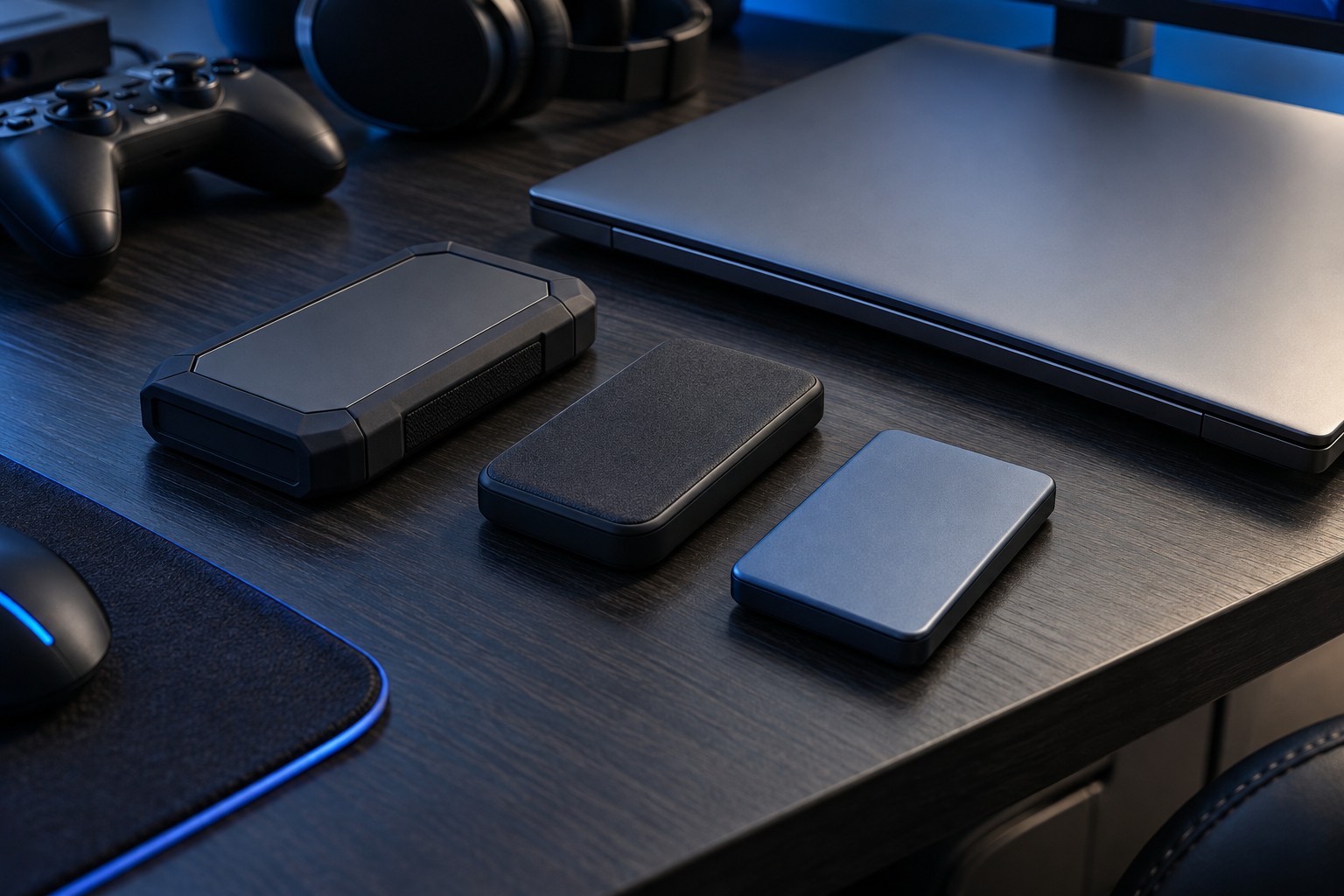
Before paying for a larger drive, inspect the computer's supported storage slots and interfaces. A free slot can make a later addition straightforward, while a laptop with one occupied slot may require replacing and migrating the existing drive. Include that future work in the decision.
A second drive can hold games without moving the operating system, provided the launcher and system support the arrangement. Check whether the selected drive's physical format and interface fit. Capacity does not establish compatibility, and a larger M.2 drive is not useful if the system only accepts a different interface or size.
Keep saves and irreplaceable files backed up separately according to the game's and platform's support options. A larger SSD is not a backup. After installation, organize libraries clearly and review unused games periodically. A capacity plan works best when it reflects a manageable rotation of games rather than an expectation that storage never needs attention.