Map the television's ports
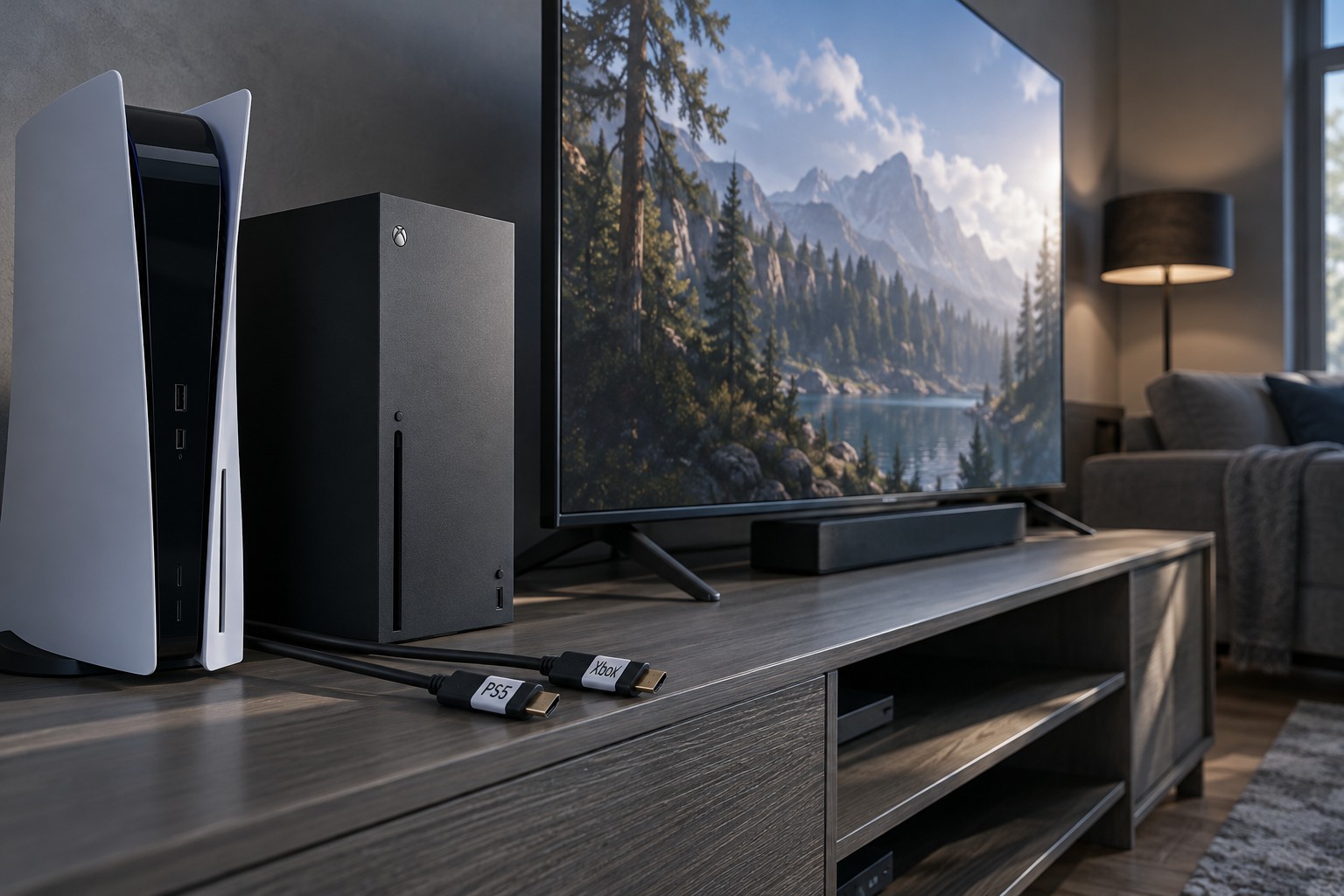
Read the television manual for each HDMI input's supported modes and features. Ports can differ in refresh-rate support, variable refresh or audio-return functions. Assign the console that needs a particular capability to a suitable port, then reserve any sound-system connection as required.
Label the inputs in the television menu if supported. Use console names rather than vague labels such as HDMI one when several people share the setup. A simple port map also helps if a cable is disconnected during cleaning.
Add a switch only with a clear requirement
If the television has too few suitable inputs, compare an HDMI switch against the exact resolution, refresh rate, HDR and other features needed. A switch that displays a picture may still limit one of those features. Read its simultaneous-device and power requirements rather than selecting only by the number of sockets.
Check the direction of the device: a switch selects among sources for a display, while a splitter serves a different purpose. Product titles can be vague. Confirm the intended signal route and avoid assuming that a box with several HDMI connectors performs both jobs.
Keep all cables suitable for the required mode, including the cable from the switch to the television. One weak or incompatible part can limit the whole path. Use the source and display makers' guidance and certified cable information where applicable.
Test switching and sound
Power on one console at a time and verify the selected input, picture mode and audio output. Automatic device-control features can cause a television to switch when a console wakes, so check whether that behavior suits the household. Configure it through the documented settings rather than assuming every unexpected switch is a faulty cable.
If a soundbar or receiver is involved, test the complete route for every console. Audio formats and return-channel arrangements can add compatibility conditions. A working picture through the television does not prove that the intended sound mode reaches the audio system.
Leave enough access to identify and reseat cables without moving heavy equipment unnecessarily. Keep power and signal leads organized but not tightly bent. A shared television works best when each source has a known supported path and anyone using it can select the correct input without trial and error.