Confirm the intended screen version
Check the exact handheld model and screen dimensions. Similar devices can have different bezel shapes, sensor openings or coatings. Use a protector explicitly intended for the version you own, and read whether the device maker gives restrictions for its screen surface.
Do not assume a factory-applied layer should be removed. Some visible layers are part of the screen assembly or intended protection rather than disposable shipping film. Follow the device's instructions and identify the layer before pulling at an edge.
Prepare before exposing the adhesive
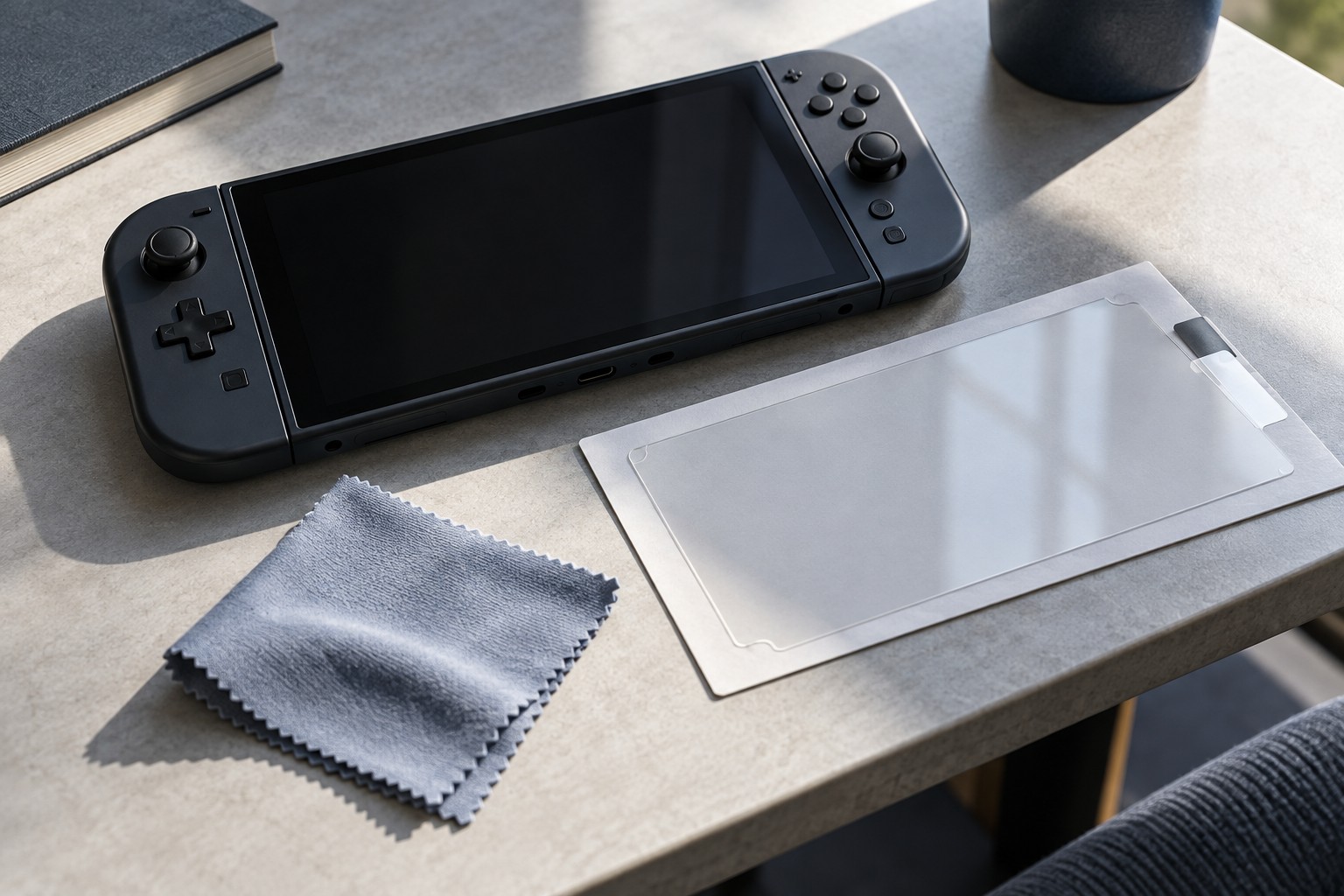
Choose a clean stable surface with enough light to see dust. Wash and dry your hands, then lay out the supplied alignment tools and cleaning materials. Keep pets, food and loose fabric away from the immediate area. The objective is to reduce contamination while the adhesive is exposed, not to improvise a complex installation environment.
Power down the device as recommended and clean the screen only with permitted materials. A wipe supplied for one protector should still be appropriate for the device's surface. Let the screen dry and inspect it from several angles before removing the adhesive backing.
Practice the alignment with the backing still attached. Check speaker, camera or sensor cutouts where present and identify which side faces the screen. A supplied frame can simplify placement, but confirm that it fits the exact device and is seated correctly.
Follow the product's installation sequence
Apply the protector using the maker's method, including any directions for releasing trapped air. Do not press hard on a small area of the display or use a sharp object to chase a bubble. If dust is trapped underneath, use only the documented lifting or replacement process; repeated improvised peeling can introduce more debris.
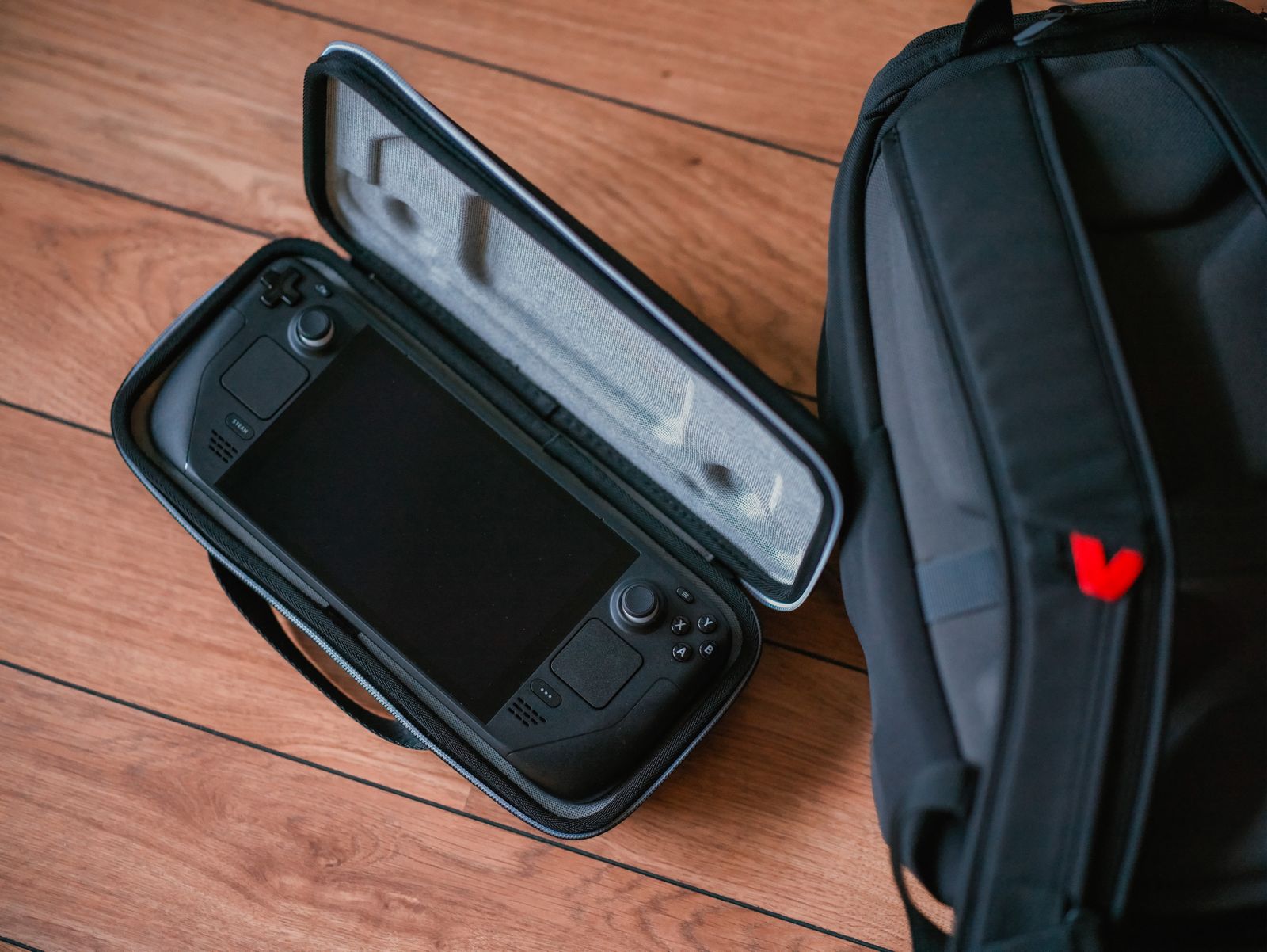
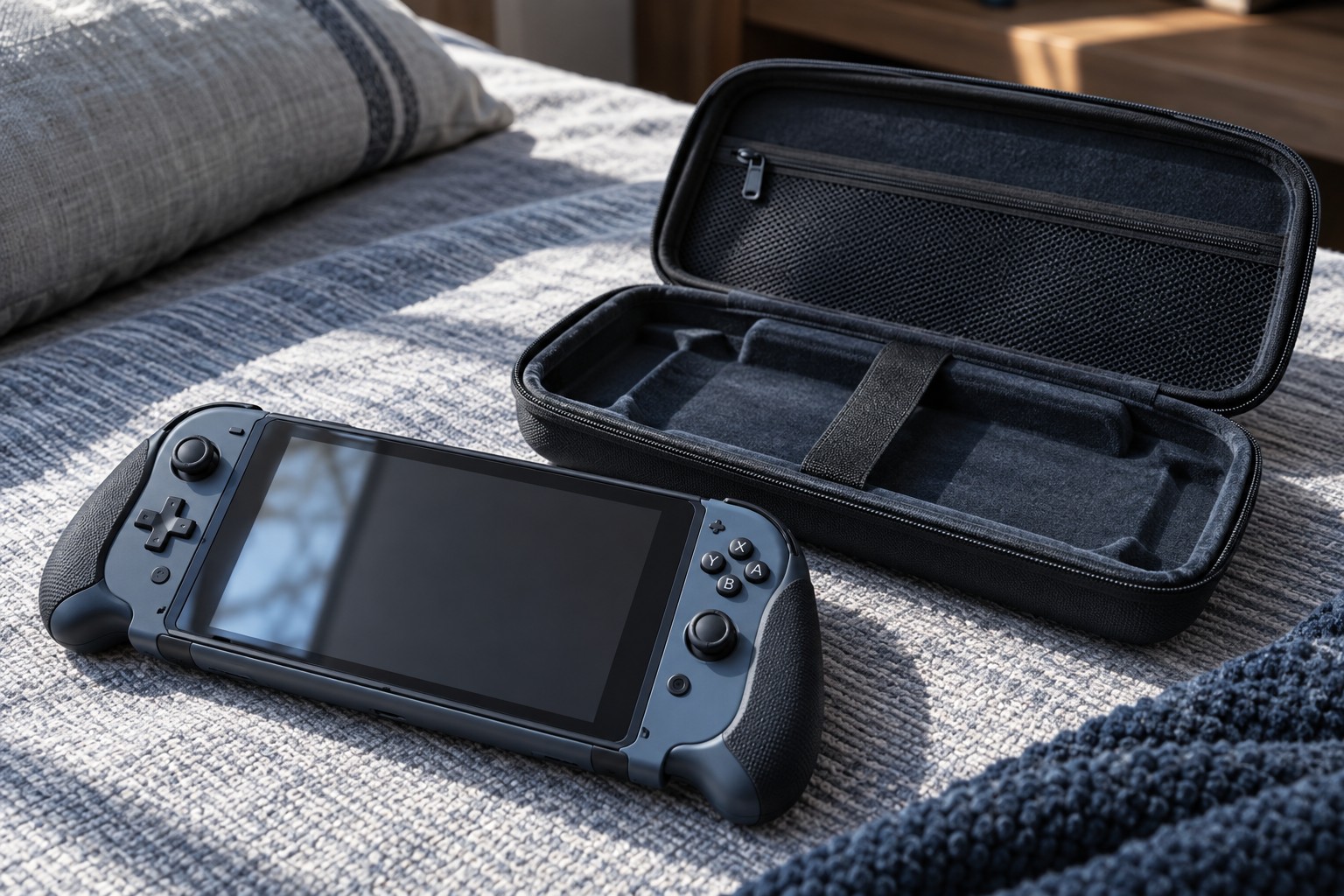
Check touch response, visible edges and case clearance after installation. A protective shell can lift an edge if the combination is too tight. Test the actual accessories together before assuming that each fits independently.
Keep the installation instructions until the result is settled. If a protector is cracked or has a damaged edge, replace it using the maker's removal guidance rather than continuing to handle loose fragments. A successful fit is aligned, secure and compatible with normal touch and storage, without pressure or obstruction around the screen.