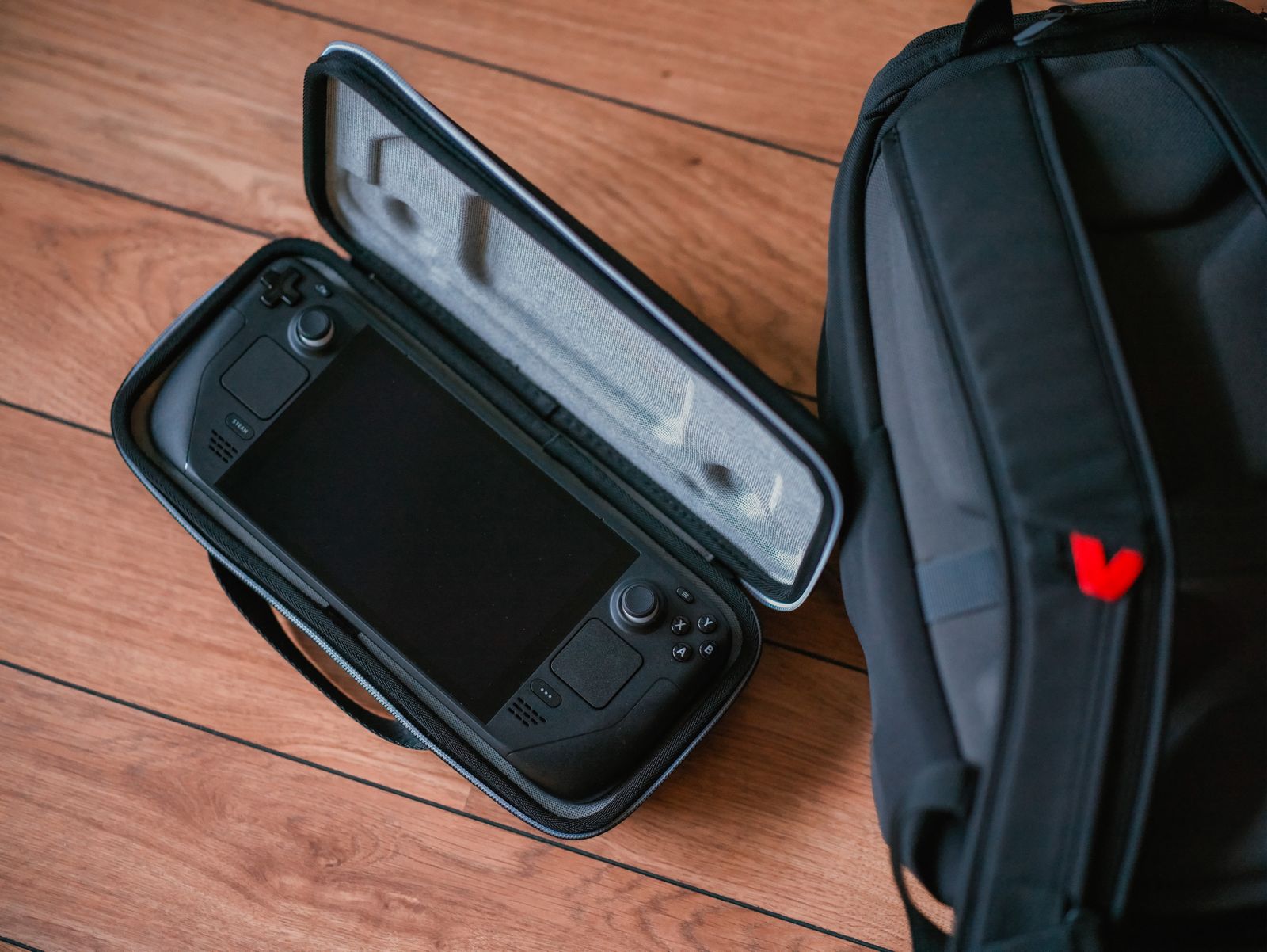
Draw the path the stream takes
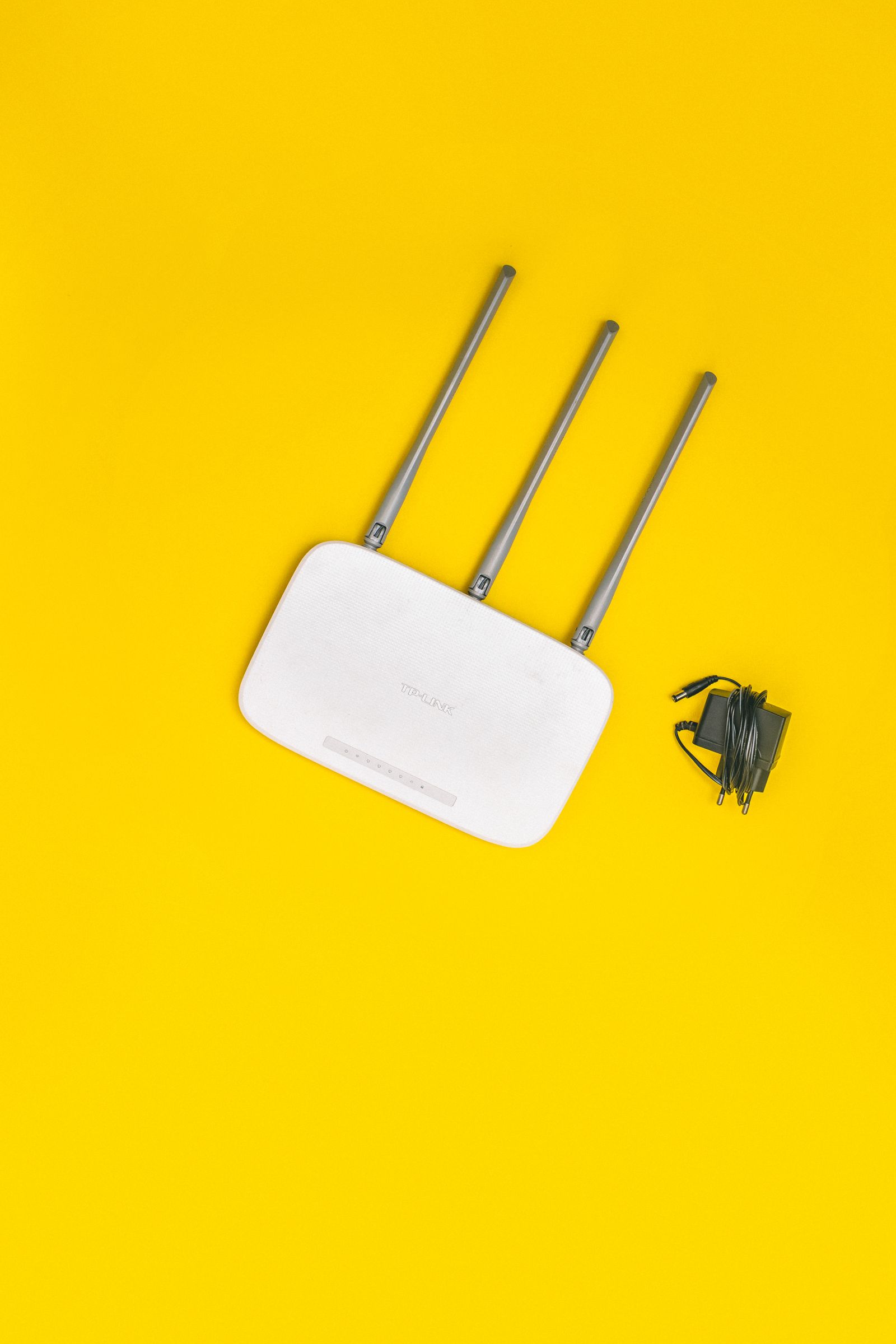
Identify the host running the game and the client showing it. A console streaming to a laptop in the same house has a different route from a console streaming to a phone across town. For an at-home setup, Wi-Fi coverage, congestion and the host's connection can matter even when an internet speed test looks excellent. Away from home, both locations and the connection between them become relevant.
Use the remote-play provider's requirements for supported devices, accounts and network conditions. PlayStation publishes minimum and recommended connection guidance for its Remote Play products, but meeting a bandwidth number alone does not guarantee consistent response. A connection can transfer a large file quickly while still suffering interruptions that make an interactive stream unpleasant.
Test the simplest arrangement first
Start near the router with the host connected by Ethernet when a supported wired connection is available. Keep the client in one place and try a familiar game. This creates a baseline before you blame a distant room or purchase another access point. Note whether the problem is soft video, broken audio, delayed controls or complete disconnection; those observations are more useful than saying the stream is bad.
Then move to the intended room without changing every other setting. Walls, floors and neighboring activity can change wireless conditions. Compare a quieter time with a busy household evening. If the issue appears only during large downloads, pause them as a test and discuss scheduling. Do not disable network security or expose the console broadly to the internet as a first troubleshooting step.
Choose settings around the session
Where the application offers quality controls, lower one setting at a time and repeat the same short scene. A smaller or less demanding stream may be easier to deliver consistently, but the tradeoff should be judged on the client screen. Text-heavy games need readable menus; fast movement makes interruptions and input delay more apparent. There is no single setting that suits every title and network.
Check the controller connection independently. A supported wired or wireless controller must be recognized by the client application, and unfamiliar button prompts can create confusion even when the video is smooth. Test audio output and microphone behavior before joining a group. Finally, verify how to end the remote session and what happens to the host afterward so that a successful evening does not leave the console running unexpectedly.