Read the exact system requirements
Find the manufacturer's current support page for the device and its software. Check the operating-system version, architecture and any required connection mode. A product family may have older and newer revisions with different software support, so use the exact model number.
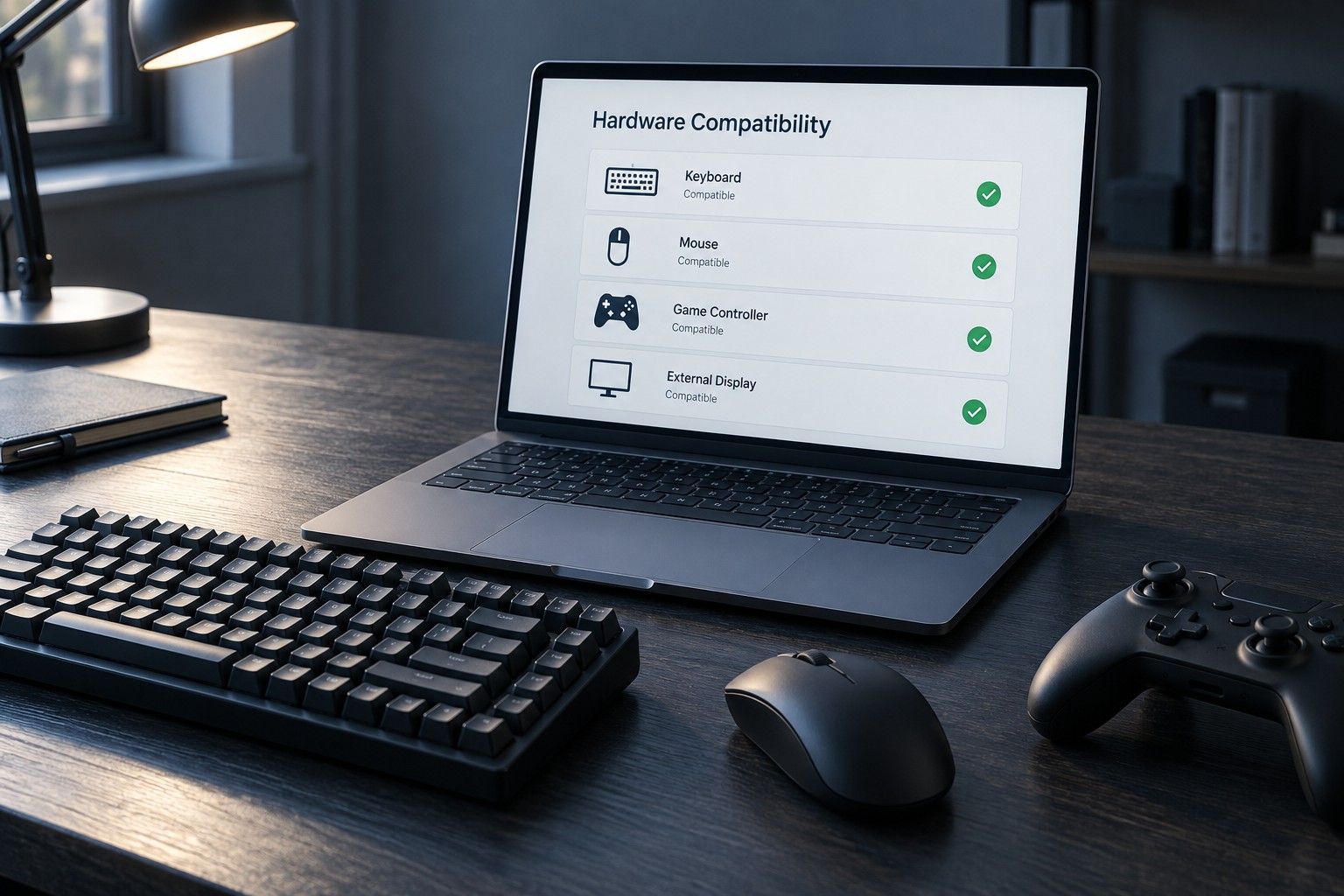
Separate basic operation from configuration. A mouse may move the pointer while its remapping utility is unavailable, or a keyboard may type while lighting profiles cannot be edited. Decide which features are essential before interpreting a general compatible label as complete support.
Check where settings are stored
Onboard memory can preserve some settings without software running, but the supported functions vary. A profile may retain button mappings while leaving other effects dependent on an application. Read the manufacturer's list rather than assuming every setting transfers with the device.
If you use a restricted work computer or a shared system, confirm whether installation is permitted. A device requiring an administrator-level utility for the feature you need may not fit that environment. Do not plan to bypass the computer owner's restrictions as part of the setup.
For multiple operating systems, check each one separately. A utility available on one platform does not establish an equivalent on another. Community tools may exist, but they should not be presented as manufacturer support or assumed suitable for every firmware revision.
Consider ongoing access
Use official download sources and keep the device's support link with its model information. Avoid generic driver-update programs promising to configure every accessory. If the manufacturer has ended support, understand what still works and whether future system updates could affect the arrangement.
Check whether an account or internet connection is required for initial configuration. That can matter on a travel computer or a system kept offline. Decide whether the requirement suits your use rather than discovering it after the return period.
Test the essential features on the actual computer promptly: remapping, audio input and output, profile switching or any other reason for the purchase. Keep a simple default profile and a restore procedure. A peripheral is suitable when the features you bought it for work in the operating environment you will actually use.