Identify what is moving
Check whether the operation moves installed games, saved data, captures or a complete system arrangement. These categories can have different supported destinations. A game appearing on the new drive does not prove that its save has moved, and a cloud save does not contain the full game installation.
Read the official guidance for the exact console or launcher and the source and destination storage types. Some transfers move data, while others copy it or require a reinstall. Know which behavior applies before deciding when the original can be removed.
Prepare the destination
Confirm that the destination meets the platform's compatibility requirements and has enough free space. Include updates and any temporary space the process needs. If formatting is required, verify the drive identity and preserve existing files before accepting the operation.
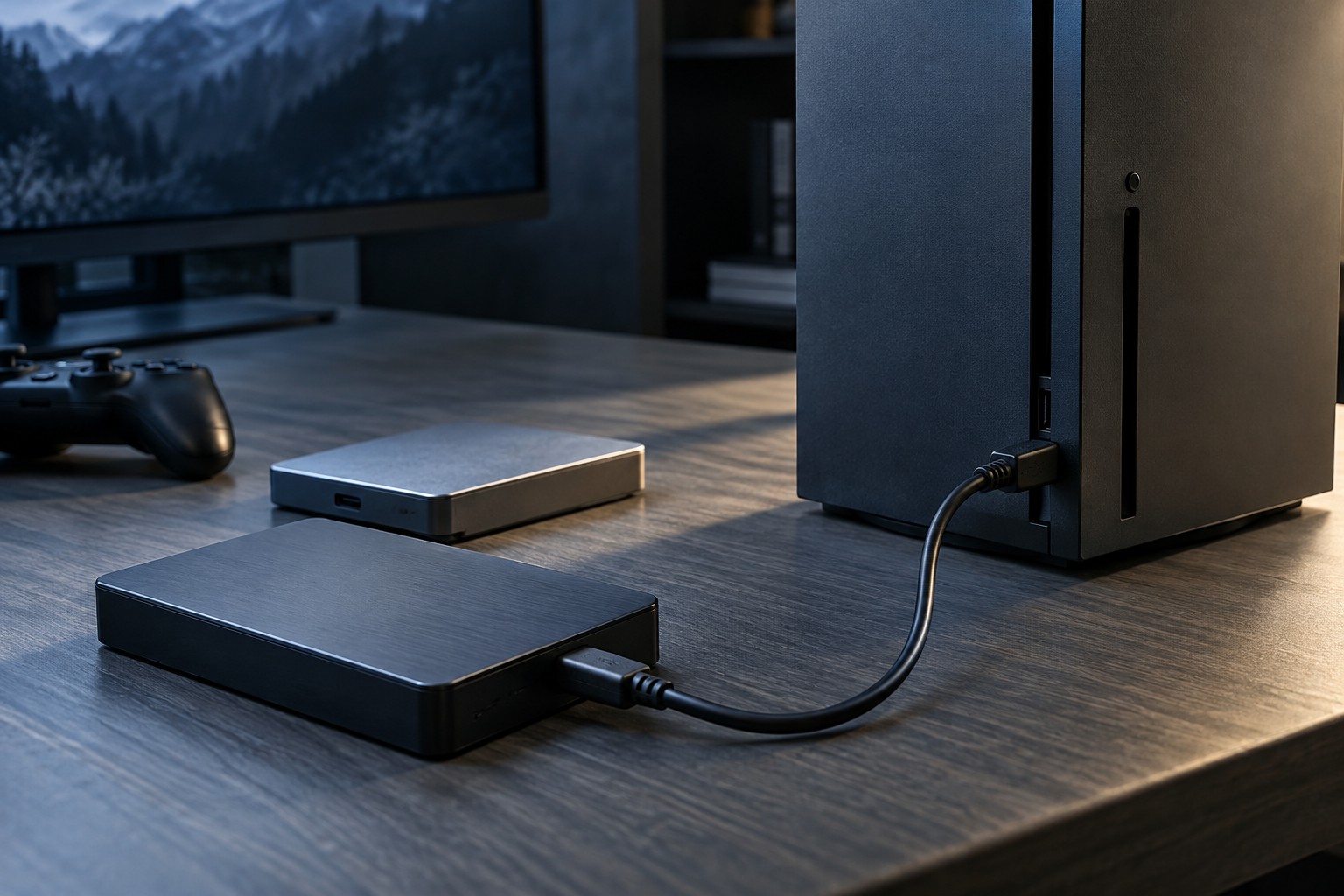
Keep the device and both drives connected through the supported arrangement. An external drive should sit securely rather than hanging from its cable. Avoid starting a large transfer when the system is likely to lose power or when you need to disconnect the equipment immediately afterward.
Begin with a small game when practical. This gives you a chance to confirm the process and destination without waiting for the entire library. Do not manually rearrange managed folders while the console or launcher is performing its own operation.
Verify before clearing the original
Launch the transferred game from the intended location and check updates, downloadable content and saved progress. If the platform requires moving certain games back to internal storage before play, test that path too. Storage capacity and direct-play capability remain separate questions.
Check account access and any license requirements on a second device. Possessing installation files does not automatically grant another account permission to use the game. Use the platform's documented sharing or sign-in arrangements rather than assuming a copied library is independent of its licenses.
Only remove the original files through the supported process once the new arrangement is confirmed and any necessary backups are in place. Keep a note of which drive contains the active library. Clear labels and a short verification step are more useful than a hurried move followed by uncertainty about where the working copy lives.