Measure the position you need
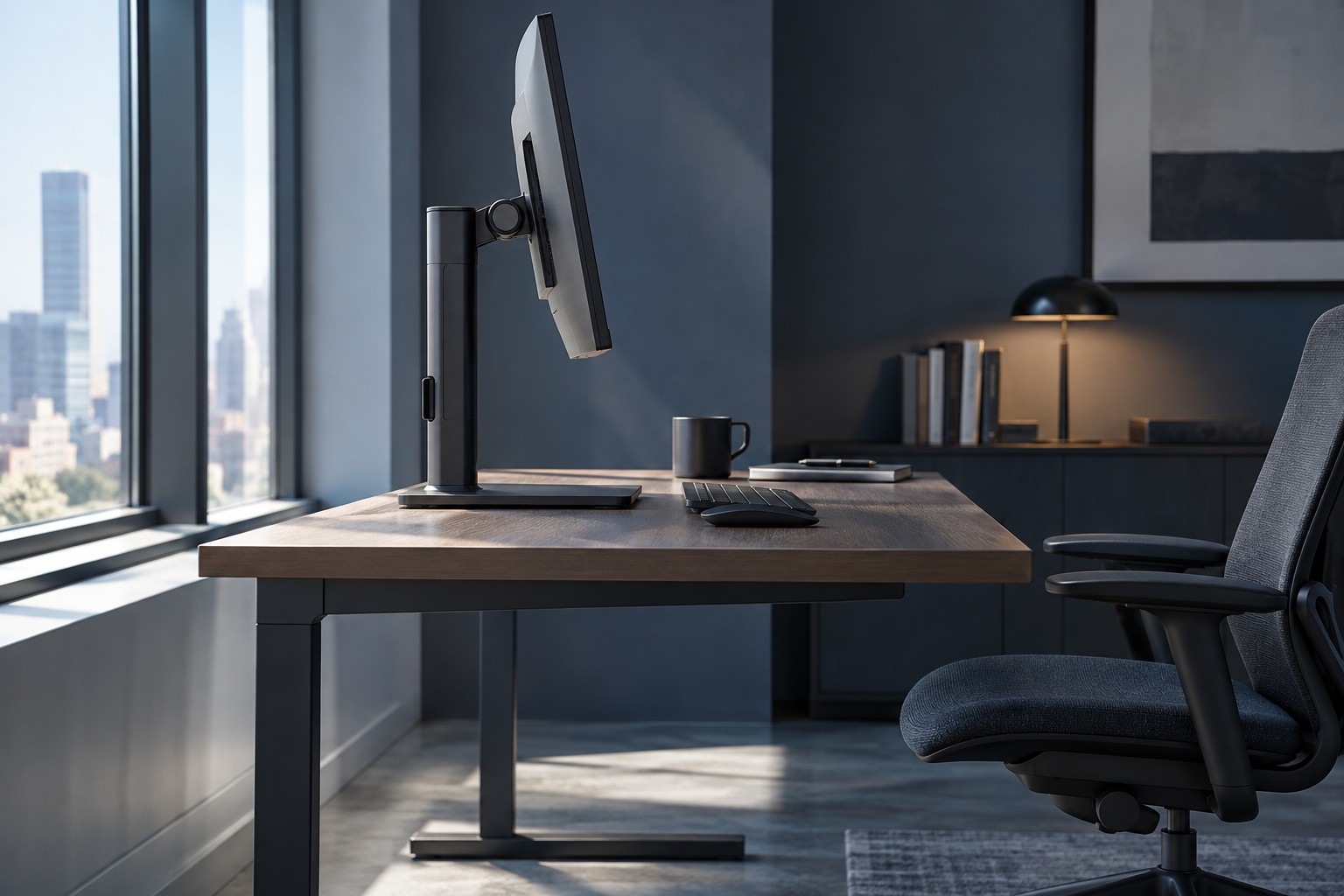
Place the keyboard and mouse normally, then estimate the screen position that works from your seat. Compare that with the stand's minimum and maximum height, tilt and swivel range. A large adjustment range is useful only if it includes the position you need on your particular desk.
Read the monitor's dimensions with the stand attached. Wide feet can extend into the mouse area even when the display panel is narrow. A deep base can prevent the screen from moving back. Use a paper footprint to see how it interacts with speakers, a microphone or a laptop.
Check stable adjustment
Follow the stand's instructions for lifting, lowering and any transport lock. Do not force a stiff mechanism without checking how it is intended to move. Keep cables loose enough that changing height does not pull against the sockets.
If the monitor rotates into portrait orientation, verify that there is enough clearance to turn it without striking the desk. The operating system's orientation setting is separate from physically rotating the panel. Check cable reach in both positions and keep the base stable throughout the movement.
A riser can add height but does not provide the same flexibility as an adjustable stand. Check its load limit, surface size and stability. Avoid a stack of books or loose boxes when it leaves the monitor unsteady or obstructs access to controls.
Compare an arm only when it solves a need
A monitor arm can recover desk area and provide different positioning, but it must match the monitor's mounting pattern, weight and any compatibility limits. The desk must also support the clamp or grommet arrangement. A compatible screen mount does not guarantee a compatible desk.
Include the arm's movement envelope behind and beside the desk. Some arrangements need space from a wall, and some arms struggle to place a light or heavy monitor as intended if it falls outside the supported range. Read the exact limits rather than selecting by screen diagonal alone.
Test the final position during normal use and leave access to the monitor's buttons and ports. The most useful support is the one that holds the screen securely where you need it, with enough desk space for the controls. Extra joints or a dramatic appearance are secondary to that function.