Make a source-to-input map
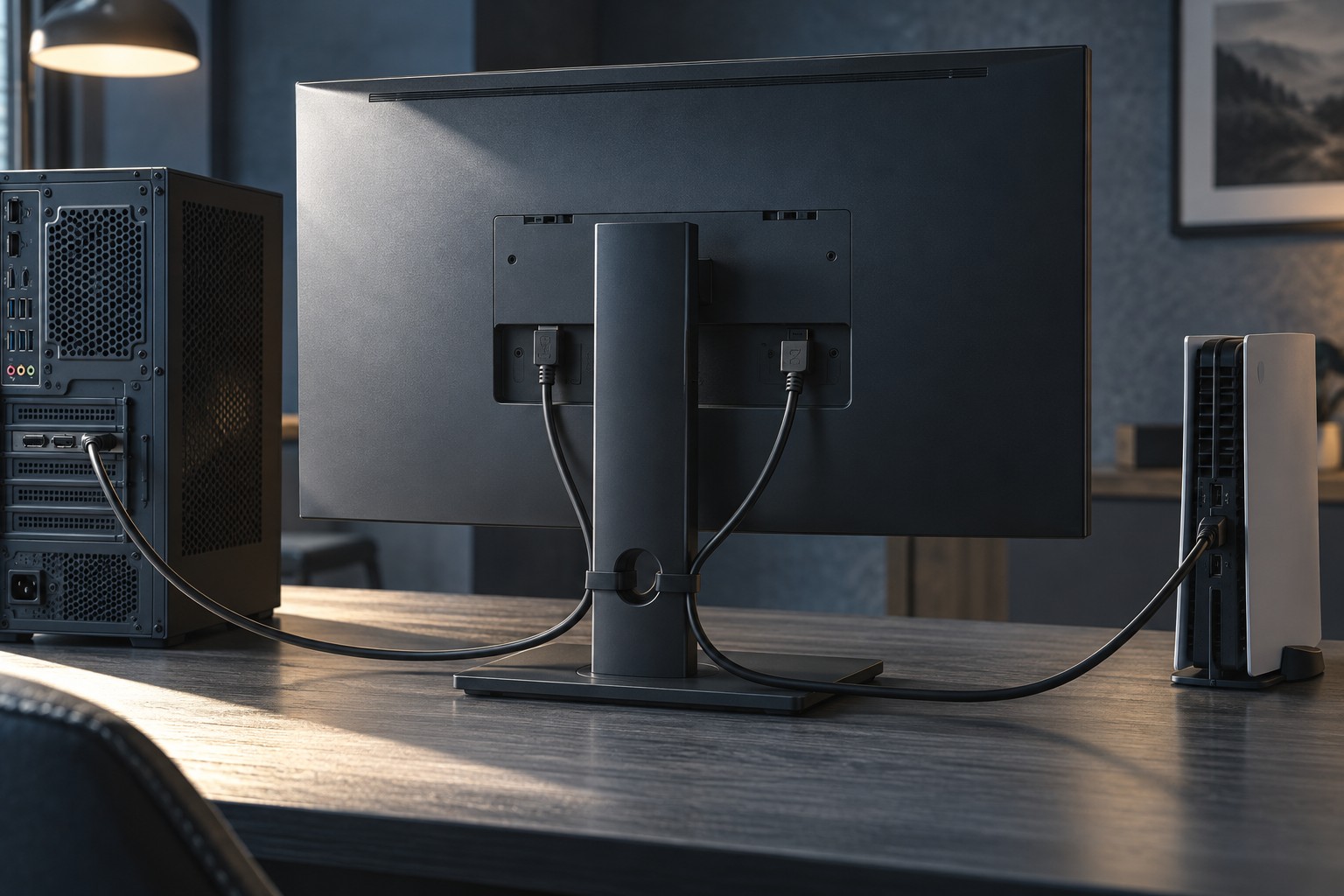
Write down the PC output, console output and the monitor input each will use. Check the resolution, refresh rate and features supported on those exact ports. A monitor's best PC mode may use a connection the console does not provide, so evaluate the console's supported modes independently.
Leave room for any other source you actually use, such as a work laptop. Do not assume that an unused USB-C socket accepts video; check its documented function. If there are too few inputs, a suitable switch may help, but it introduces its own mode and feature limits.
Plan audio alongside the picture
Decide whether sound comes through monitor speakers, an audio output, headphones connected to each source or a separate system. A monitor can switch video while audio remains tied to another device. Test the actual routing instead of assuming that input selection automatically handles every part of the desk.
If a headset moves between PC and console, verify its supported connections and microphone behavior on both. A monitor headphone socket may provide listening audio without microphone input. The place where sound is heard is not necessarily a complete headset connection.
Check where volume and input controls are located. A small rear joystick may be manageable for occasional switching but inconvenient several times a day. A remote or accessible control can matter more in this setup than an extra picture preset.
Check how each source is displayed
Confirm that the console's aspect ratio is handled as intended, especially on an ultrawide monitor. Read whether the display offers correct scaling or letterboxing rather than stretching the picture. A wide panel does not make a console produce an ultrawide game image.
Save separate picture settings by input if the monitor supports that behavior. A PC desktop and console game may use different output configurations. Keep changes understandable and avoid assuming a setting stored on one input automatically applies to another.
During the return period, test both sources from startup through ordinary play, including input switching and audio. Verify the selected mode in each device's settings. The purchase should support two complete usable paths, not merely have two sockets that can show a picture.