Identify the light that reaches the screen
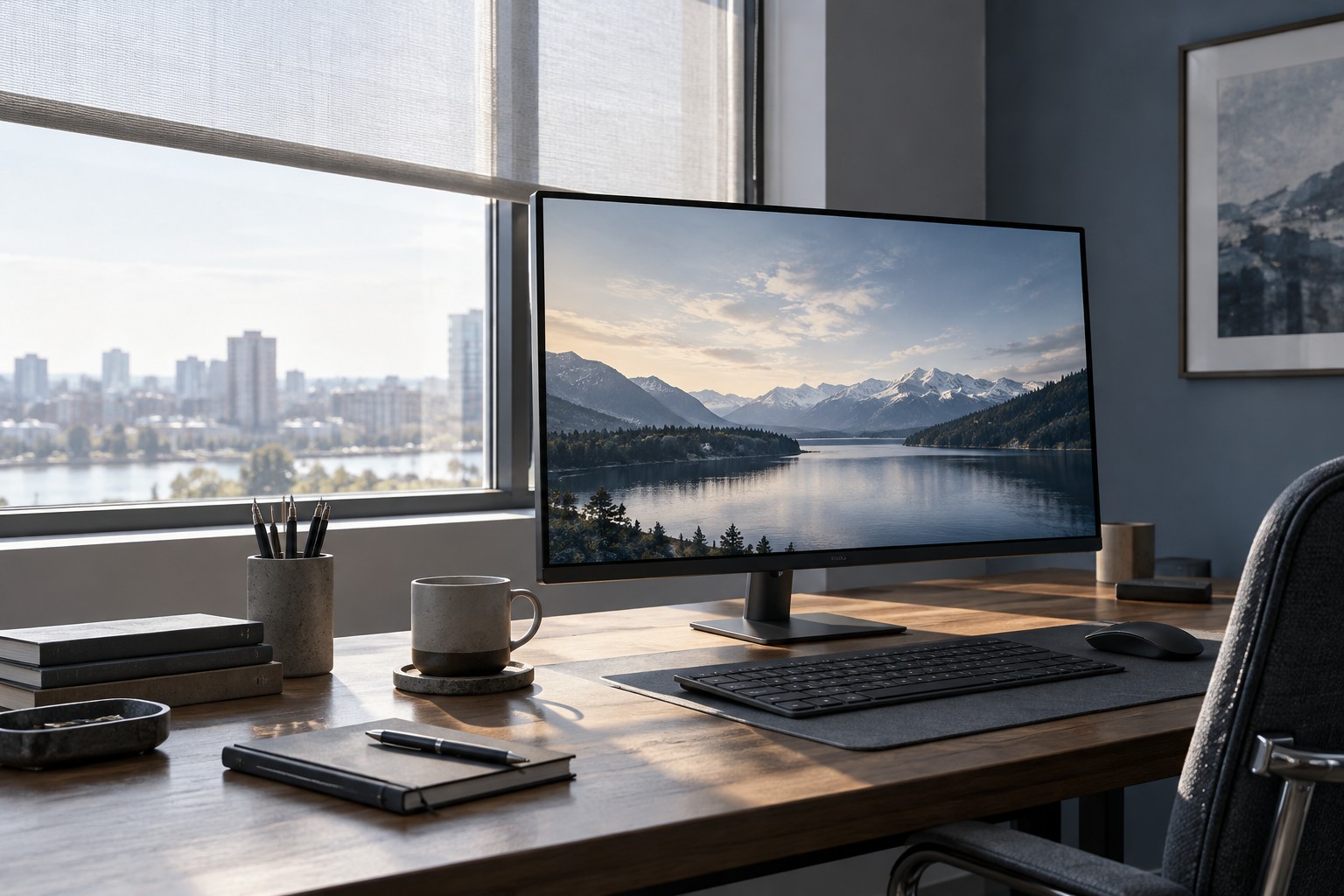
Look at the monitor from the seated position with daytime light and evening lamps in their usual states. Note direct reflections and broad washed-out areas. A window behind you can create a different problem from one beside the screen. Move a lamp or adjust a blind where possible before deciding that the monitor needs a higher output.
Check whether the display can be repositioned without disrupting the keyboard and mouse. A small change in angle may alter a reflection, but do not create an awkward viewing position just to avoid it. The desk arrangement should remain usable for the whole session.
Read brightness specifications in context
A peak HDR figure may describe a small bright area or a limited condition rather than a full bright desktop. Compare measurements that correspond to the content you use. A number without its test condition is not a reliable forecast of how a white page or bright game scene will look.
Screen coatings also affect the appearance of reflections. Product labels such as matte and glossy cover different implementations. Inspect the actual model where possible, and avoid assuming that one coating eliminates every kind of glare.
Check whether the monitor changes brightness automatically through an ambient sensor or content-related feature. Those controls can be useful, but they can also explain why a setting seems to change between scenes. Read the manual before disabling or adjusting them so you understand their purpose.
Set a manageable everyday level
Adjust the screen for comfortable viewing in the normal room rather than leaving it at maximum by default. Recheck after the room becomes darker in the evening. A daytime setting can feel excessive later, so a simple accessible brightness control or saved preset may be helpful.
Use familiar text and game content during the adjustment. The goal is to see detail without a distracting mismatch between the screen and its surroundings. Do not judge a purchase only from a vivid store mode under lighting unlike your desk.
If the room remains difficult, consider light control or a different screen location as part of the budget. A brighter monitor may help in some conditions, but it cannot remove a direct reflection by specification alone. Choose a display and room arrangement that work together rather than asking one brightness number to solve the entire problem.