Read the device's current storage guidance
Identify the exact console or handheld model before choosing a card. Nintendo's compatibility guidance states that Nintendo Switch 2 uses microSD Express for game storage, while the original Switch uses a different supported arrangement. A card bought for one generation should not be assumed suitable for another simply because it fits the slot.
Check capacity limits, required system updates and supported card markings in the official guide. A seller's gaming label is not a technical standard. Compare the actual card specification with the device requirement rather than choosing only by a familiar character printed on the packaging.
Buy capacity for the intended library
Estimate the games and content you want installed at once, leaving room for updates. Physical game ownership does not necessarily eliminate storage needs, since updates or additional downloads can still be required. Check the official information for the titles you use rather than assuming every game card contains everything needed.
Choose a reliable seller and inspect packaging and markings on arrival. Unusually low prices for very large capacities deserve scrutiny. Use the device's supported formatting and setup process, and test a small installation before relying on the card for a large library.
Do not assume that the card stores saved progress in the same way as game installation files. Platforms manage saves differently. Read the device's official storage and backup guidance so that removing or formatting a card does not create a false sense that progress is protected elsewhere.
Handle setup and replacement deliberately
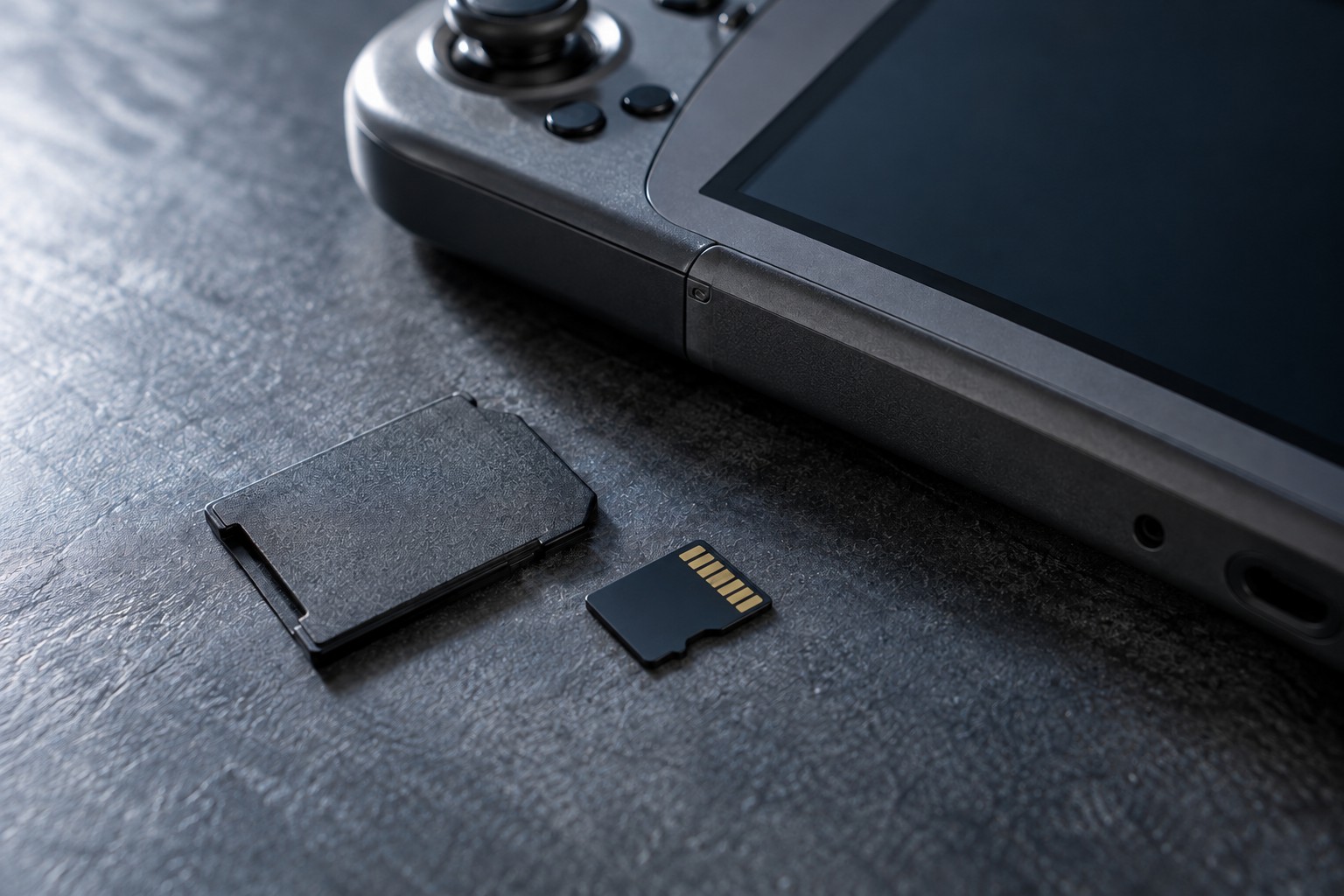
Follow the handheld's shutdown or removal procedure before inserting or taking out the card. The slot and card are small, so use the intended orientation and avoid forcing a card that does not seat normally. Keep loose cards in a suitable case rather than a pocket with metal objects.
Before formatting, verify that no files you need remain on the card. Formatting can remove existing data, and a card used by another device may require a different setup. Use the platform's documented transfer method when replacing a card instead of assuming that a simple file copy is always sufficient.
Keep the card's model and purchase record with the device notes. If the handheld repeatedly reports errors, follow the manufacturer's diagnostic guidance and preserve recoverable data before further changes. A supported genuine card with a clear setup process is more useful than a larger unknown card whose only advantage is its advertised capacity.