Find the exact configuration
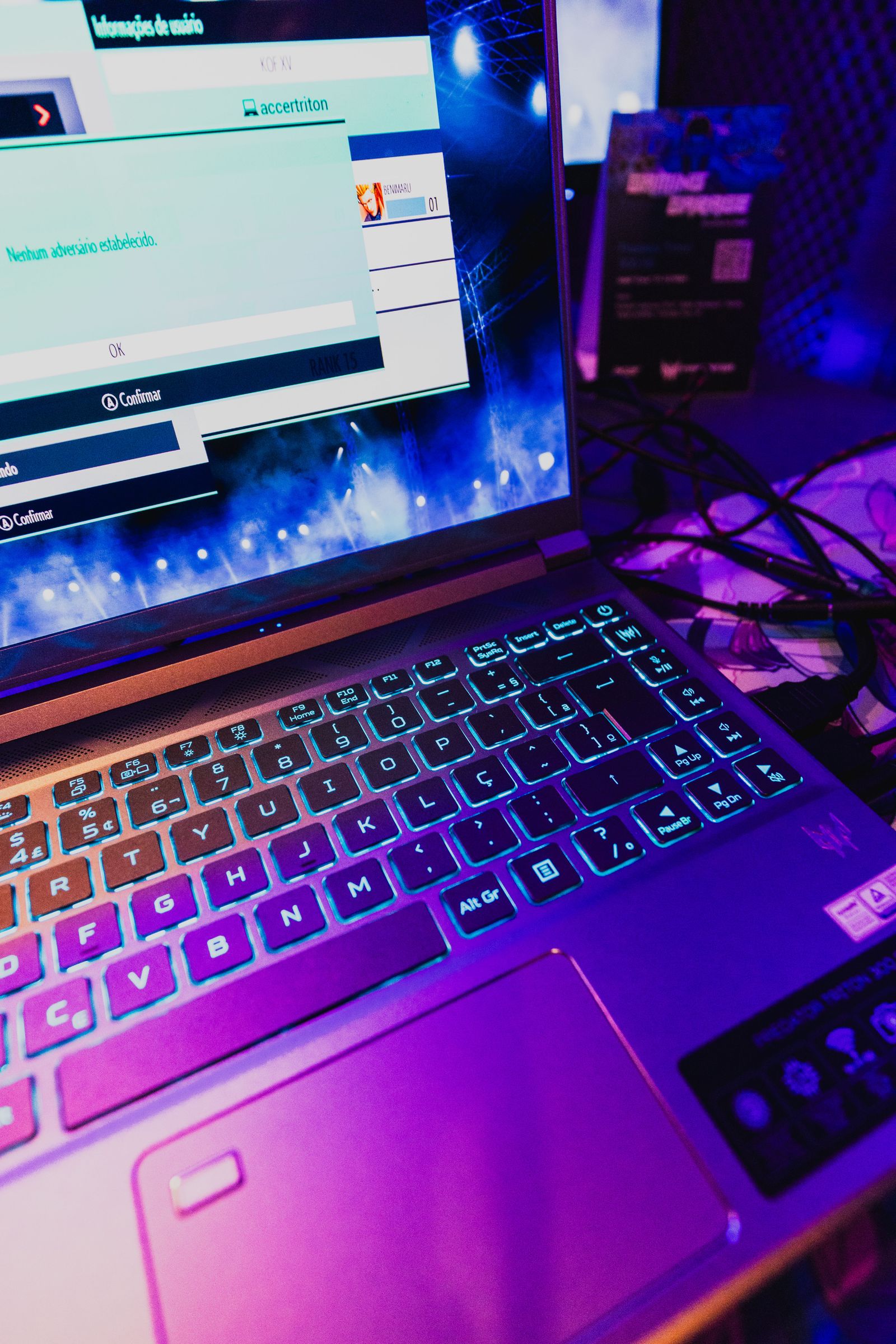
Record the laptop's full model or configuration code. Retail families can include several screens, processors, memory arrangements and graphics options. A review of one configuration may not describe the unit in a discounted listing, even when the front of the product name matches.
NVIDIA's laptop specifications publish power ranges for GPU families, illustrating why the name alone does not define one fixed implementation. The laptop manufacturer chooses a supported arrangement within its design. Look for the maker's graphics-power specification and the conditions attached to it rather than using a desktop card with a similar name as a substitute.
Read power figures carefully
A listed maximum may include a dynamic allocation feature or be tied to a particular performance mode. Check whether the figure describes base graphics power, an additional boost allowance or a combined advertised maximum. Do not add figures together unless the manufacturer explains that calculation.
Power is also not a complete ranking. Cooling, processor behavior, memory and the game workload affect the result. A higher stated limit can provide capacity for a different operating arrangement, but it does not guarantee a proportional frame-rate increase over another laptop.
Compare performance results from the exact model in a documented plugged-in mode. Note the game settings, resolution and whether upscaling or frame generation is used. A battery-mode result and a maximum-performance charger-connected result answer different questions.
Include noise and portability
The mode that reaches a laptop's highest performance may have a different fan-noise level from a quieter mode. Decide which one you expect to use in the actual room. A machine that meets your target in a manageable mode can be more suitable than one whose headline result depends on a mode you rarely want to run.
Include the supplied charger in size and weight comparisons. A thin laptop can still need a substantial power adapter for full gaming operation. A smaller USB-C charger may support charging or lighter use without supporting the same performance, depending on the model. Read that distinction explicitly.
Check external-display routing and supported ports if the laptop will spend time at a desk. The selected output and system configuration can affect available features. Keep these details alongside the GPU specification so the purchase represents a complete portable and desktop arrangement.
Use a shortlist with exact evidence
Compare two or three exact configurations with their manufacturer specifications and suitable performance evidence. If a seller omits the graphics-power information, ask for the model-specific specification rather than filling the gap with a figure from another machine.
Choose the laptop whose complete behavior fits your games, display, noise tolerance and carrying routine. The GPU name is a useful starting filter, but the final decision belongs to the entire computer and the operating mode you will actually use.