Identify the host connection
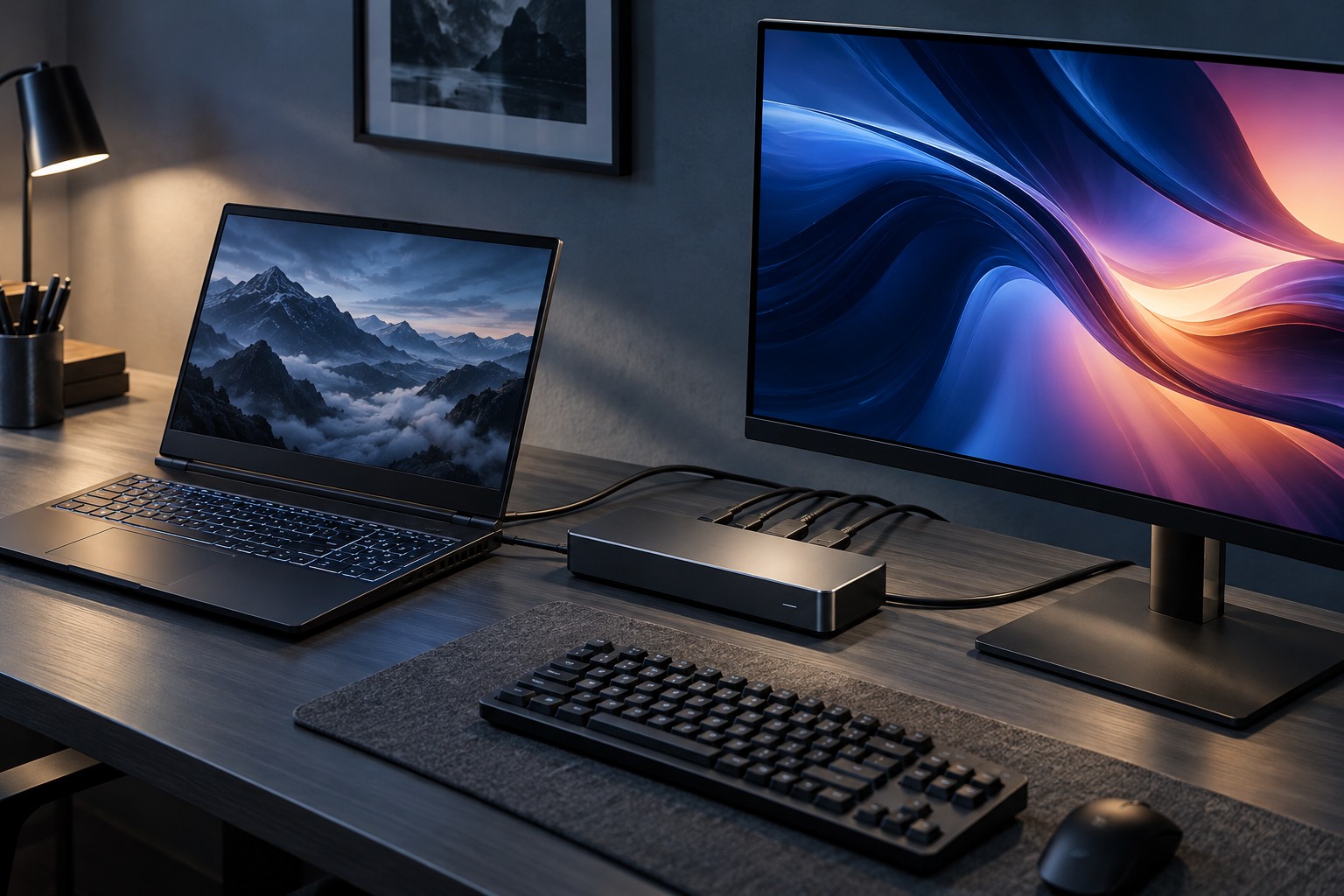
Read the laptop's exact port specification and the dock's supported host requirements. USB-C is a connector shape, while the video and data capabilities behind it vary. A dock designed for one alternate-mode, USB4 or Thunderbolt arrangement may have different behavior on another host.
Check the laptop's supported number of external displays and any restrictions when the internal panel remains active. A dock with several video sockets cannot override every limit of the host. Find the manufacturer's compatibility table rather than inferring capability from the number of ports.
Read the simultaneous-display table
A dock may support a high resolution on one screen but lower modes when two or three outputs are used together. Refresh rate, color depth and compression conditions can also matter. Compare the exact proposed combination instead of assuming each port independently delivers the maximum printed on the box.
For gaming, check adaptive refresh, HDR and other required features explicitly. Basic video output does not establish support for every feature available through a direct graphics connection. If the dock does not document a feature you need, treat it as uncertain until the manufacturer confirms it.
Some display adapters rely on software-based USB graphics rather than the same path as a native video output. Read their requirements and intended use. Do not assume that every device marketed as a dock provides the same latency, compatibility or gaming behavior.
Include charging and peripherals
Confirm the power delivered to the laptop and whether it supports the intended gaming workload. A dock may charge the computer during light use while the original adapter is still required for full performance. Check the laptop maker's guidance rather than comparing only the dock's total power figure.
List the other connected devices, especially storage and network equipment. They share the dock's host connection and power arrangement. Test the complete everyday setup, not just one monitor with every other port empty.
Keep a direct-connection fallback
If the gaming display is the priority, a direct supported video connection plus a simpler peripheral hub may be a more suitable arrangement. This can separate display requirements from the convenience of a single cable. Compare the desk's actual switching routine before insisting on one-cable operation.
During the return period, verify the selected resolution and refresh rate, charging behavior, sleep and wake, and the games you use. Save the working port map. A dock is worthwhile when it simplifies a supported configuration, not when its headline forces the desk into modes you did not intend to use.