Find the intake and exhaust openings
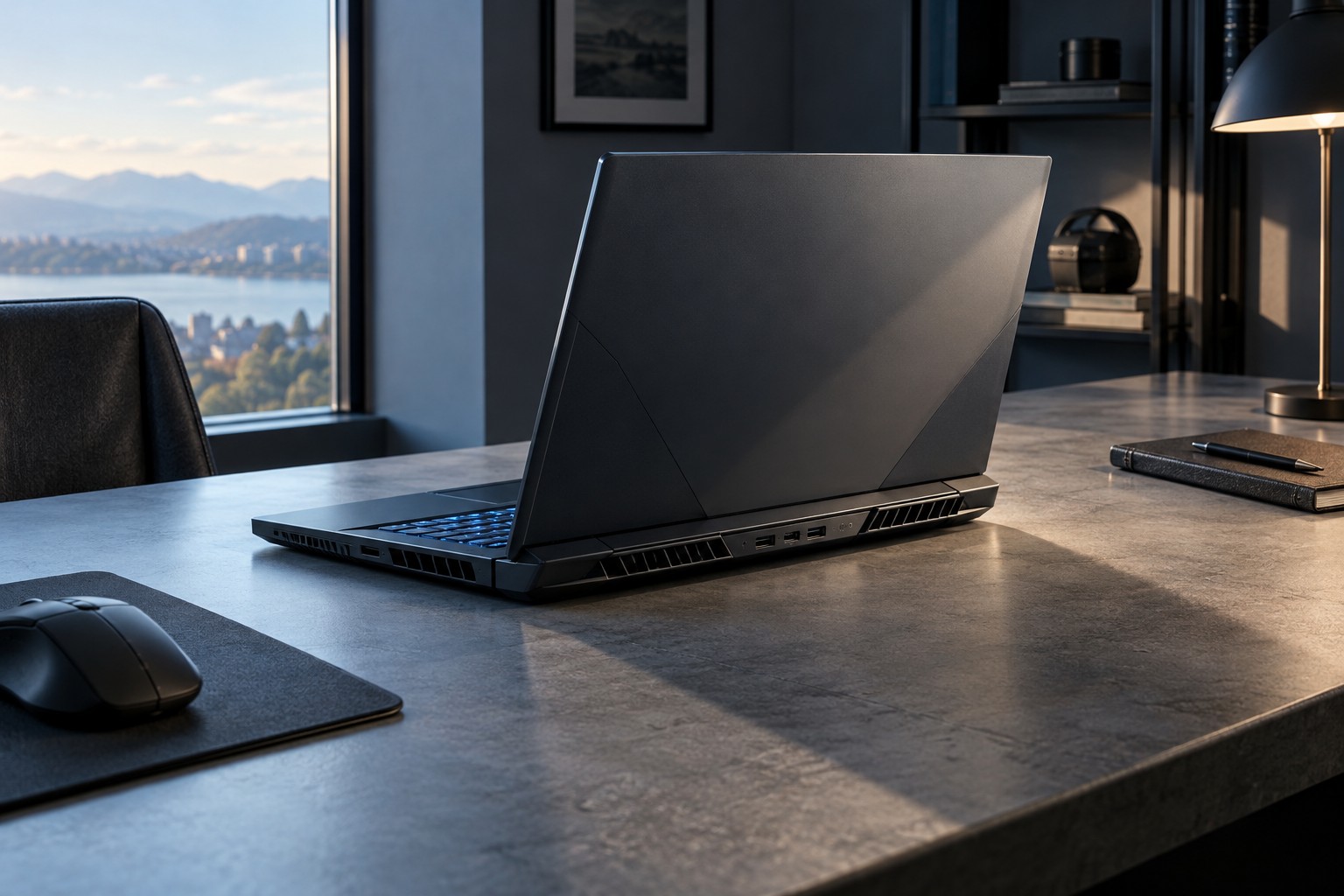
Read the laptop manual and locate its ventilation areas. Bottom, side and rear openings have different roles depending on the design. Dell's fan guidance advises placing laptops on a hard flat surface with vents unobstructed. A soft bed, blanket or cushion can interfere with that arrangement even when the laptop appears level.
Check the area behind the screen and beside the chassis. A cable bundle, wall or desk shelf may sit close to an exhaust. Leave the clearance required by the manufacturer rather than assuming that only the bottom matters. The power adapter should also be placed as its instructions specify, not buried under soft material.
Consider a stand as a placement tool
A stand can raise the screen and change the space beneath the laptop, but it must support the model securely without covering vents. Check the contact points, size and weight limit. If it changes the keyboard angle substantially, an external keyboard and mouse may be more suitable for ordinary use.
Do not assume a powered cooling pad will improve every laptop equally. Its airflow needs to suit the laptop's layout, and it adds noise, a power connection and another surface to clean. Compare the actual arrangement under the same workload instead of relying solely on the pad's fan count.
Avoid improvised supports that can slip or concentrate pressure on a small part of the chassis. A laptop should remain stable when typing and connecting cables. If the stand makes the machine easy to tip, it has not improved the overall setup.
Check behavior under a representative game
Use the laptop maker's supported monitoring and performance controls. Compare temperatures and fan behavior in similar room conditions, with the same power mode and charger. Changing the stand, performance mode and game settings together makes it difficult to identify what affected the result.
A warm chassis or active fan is not by itself a diagnosis. Follow the manufacturer's operating guidance and investigate persistent shutdowns, unusual noises or other faults through support. Do not disable cooling protections to maintain a preferred frame rate.
Keep vents accessible for the cleaning procedure the maker permits. If the laptop requires internal servicing, check the official instructions and warranty terms first. A clear stable desk arrangement is a useful foundation, but it does not replace maintenance or repair when the cooling system has a fault.